Why AI sales tools stall: the 6 data and workflow breakpoints (and how an autonomous operator handles each)
AI sales tools stall on six fixable inputs: identity, required fields, activity capture, enrichment overwrites, stage discipline, and action governance. An autonomous operator that owns the whole outbound motion controls those inputs directly instead of inheriting your CRM's mess.
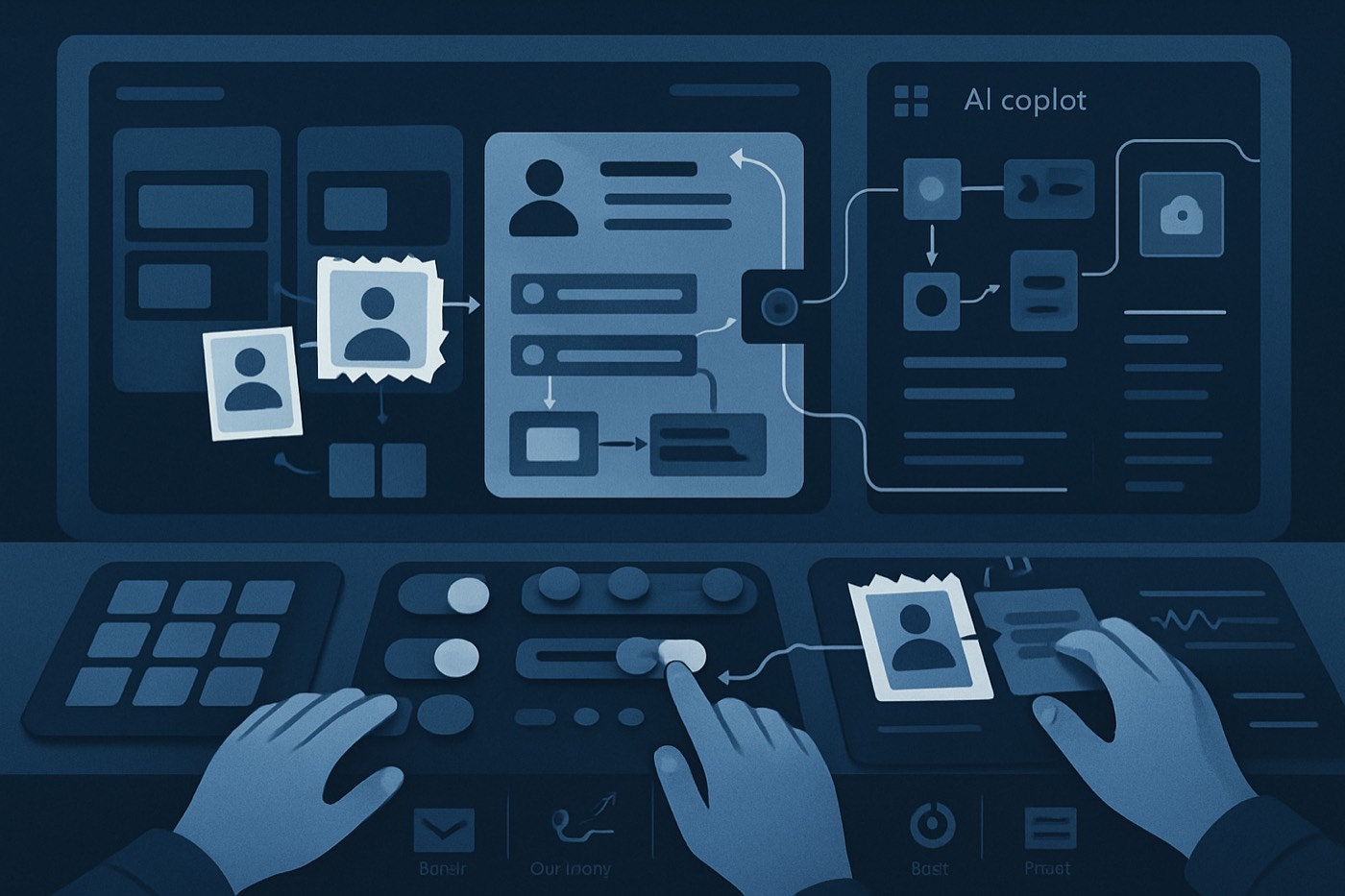
Most B2B teams that buy an AI sales feature do not have an "AI problem." They have an inputs problem. The AI is reading partial, inconsistent, or unsafe data, so its output never stabilizes. You see a "hot" lead score on a record that is half-blank, a personalized email that is generic because there was no context to personalize from, a forecast built on stages that mean different things to different reps.
This is the real wall behind "we tried the AI and it didn't do much." The model is not the bottleneck. The six breakpoints below are. This guide walks through each one, the data discipline that fixes it, and why an autonomous revenue operator (an agent that owns the outbound motion end to end) sidesteps several of them by controlling its own inputs rather than inheriting a CRM's accumulated mess.
It also explains where the line is: some of these are CRM-of-record hygiene problems you own, and some are problems you can hand off entirely.
For context on why this matters, sellers still spend a majority of their week on non-selling work. Cleaning these breakpoints (or handing them to an operator that does it for you) is how you actually get that time back. See Salesforce research on time allocation (salesforce-research.relayto.com) and Salesforce's statistics roundup (salesforce.com).
CRM with an AI feature vs. an autonomous operator
There are two ways to put AI into a revenue motion, and they fail differently.
The bolt-on model. You keep your CRM as the system of record and add AI features on top: a lead scorer, an email writer, a forecasting add-on, maybe an agent. Each feature reads whatever is in the CRM. If the data is fragmented, the feature inherits the fragmentation. You are responsible for every input.
The operator model. You give an agent a revenue goal ("book qualified meetings with companies that look like these") and it runs the motion itself: discovery, enrichment, scoring, deliverability, outreach, reply handling, booking. It maintains its own working data and surfaces only the decisions that need a human. Chronic is built this way. It is not an AI feature bolted onto a CRM, and it is not a CRM with AI in the name. It is an operator that does the work and reports back.
The distinction matters for this list because some breakpoints are about your system of record (you own those no matter what) and some disappear when an operator owns the data it acts on. We will flag which is which.
The 6 breakpoints (and how each is handled)
Breakpoint 1: Identity resolution and dedupe (you cannot score or route what you cannot identify)
Symptoms
- Duplicate leads and contacts (same person, different email variations)
- Accounts split across subsidiaries, aliases, and old domains
- Meetings logged to the wrong contact
- Enrichment creates near-duplicate records instead of updating the right one
Why it breaks AI Scoring, personalization, and forecasting all assume each entity is stable: one person is one contact, one company is one account. When identity is fragmented, signal spreads across duplicates, accuracy drops, and routing misfires.
The fix (CRM of record)
Pick a system of identity truth per object.
- Contact: primary email (plus secondary emails if you support them)
- Account: website domain, normalized, plus legal name
- Lead, if you keep Leads: email plus domain key
Define minimum match keys.
- Contact:
email_lowercase - Account:
domain_root(strip subdomains likeapp.,www.) - Lead:
email_lowercaseplusdomain_root
- Contact:
Set dedupe rules with merge logic, not just detection. If two contacts share an email, auto-merge or block creation. If a lead converts and a contact exists, attach activity to the existing contact. If an account already exists for that
domain_root, do not create a new one unless an exception rule applies (franchises, multi-brand groups).Add a suspected-duplicate queue. Route matches to Ops daily; clear within 24 to 48 hours.
Protect fields during merge that should never be overwritten (see Breakpoint 4).
Operator difference An autonomous operator working a prospecting motion resolves identity at the source: it enriches against a canonical company and person before it ever creates a record, so it does not generate the duplicate trail in the first place. Your CRM still needs its own dedupe rules for inbound and rep-created records, but the operator stops adding to the pile.
Breakpoint 2: Missing required fields (AI cannot infer what you never collected)
Symptoms
- ICP fields blank or inconsistent (industry, size, geo)
- Lifecycle timestamps missing (first touch, last touch, last inbound)
- Opportunities with no next-step date, amount, close date, or primary contact
- Generic AI-written emails, because there was nothing to write from
Why it breaks AI A model can summarize, rewrite, and classify, but it cannot reliably replace structured inputs you never captured. Missing fields also break automation: routing, stage gates, forecasting.
The fix (CRM of record)
Define minimum required fields by object and stage. Keep it minimal; enforce only what you actually use.
- Lead or Contact: email or verified identifier, account domain or company name, source, persona category (dropdown, not free text), country.
- Account:
domain_root, normalized industry, employee or revenue range, ICP fit tier (A/B/C). - Opportunity, at creation: amount or range, close date, stage, primary contact, next-step date, source.
Apply validation progressively. At creation, require only the essentials so reps do not abandon the CRM. At stage progression, require more (stage gates). Example: no move to "Discovery Complete" without a problem statement, a timeline, and at least two stakeholders linked.
Replace free text with controlled vocabularies. Industry as a fixed taxonomy, persona as decision-maker / champion / evaluator / procurement. Use "Other (specify)" sparingly and review monthly.
Make completion visible. A 0-to-100 data-completeness score per object, shown in the list view, tied to routing eligibility and scoring eligibility (lightly, not punitively).
Operator difference For records the operator works, it fills firmographic and persona fields from enrichment before it acts, and it will not run outreach on a record it cannot describe. The fields you collect from inbound forms and rep activity are still yours to enforce.
Breakpoint 3: Activity capture gaps (the behavior signals are missing)
Symptoms
- Calls happen but are not logged
- Emails are sent but not associated to the right record
- Meetings sit on calendars but never reach the opportunity
- "Next steps" live in Slack, not the CRM
Why it breaks AI Activity is ground truth. Scoring needs recency and engagement, forecasting needs cadence and stakeholder count, and any pipeline AI needs next steps and blockers. Salesforce research consistently shows reps lose a large share of their time to admin and data entry, which is exactly why activity capture has to be automated rather than left to discipline (salesforce-research.relayto.com).
The fix (CRM of record)
- Pick your activity sources: Google Workspace or Microsoft 365 (calendar plus email), dialer, video conferencing, web forms.
- Define what counts. Log what changes deal outcomes: meetings scheduled and completed, outbound sent and inbound replies, calls connected, key notes and decisions.
- Enforce association rules. A meeting attaches to the right contact, the right account, and, if the domain matches an open opportunity, that opportunity.
- Create an activity-exceptions queue for unknown contacts, multiple possible matches, and activity on an account with an open opp but no link.
- Add a next-step automation. After a meeting logs as complete, create or update a
Next Steptask and stampLast meaningful activity.
For the outbound it runs, an operator logs its own activity natively. The capture gap that remains is on rep-driven and human meetings, which is where this fix lives. HubSpot-cited research (via TechRadar) found fragmented, siloed data blocks AI readiness, with only a minority trusting their data for reporting and many saying critical information sits outside the CRM (techradar.com). Capturing activity automatically is often the fastest way to pull behavioral data back into the system of record.
Breakpoint 4: Enrichment overwrites (tools "help," then quietly destroy signal)
Symptoms
- Enrichment changes company-name formatting and breaks account matching
- Industry gets overwritten with a broader, less useful category
- Job titles get "standardized" into something vaguer
- Fields drift over time, so scoring and routing change for no clear reason
Why it breaks AI Models learn from your historical data. If enrichment repeatedly overwrites key fields, the dataset becomes non-stationary: last month's "ICP fit" definition no longer matches this month's, routing misfires, segmentation breaks.
The fix (CRM of record)
- Classify every field into three write types.
- Locked, never overwrite: account owner, stage, amount, close date, qualification notes.
- Append-only: technologies used, secondary emails, additional phones, additional locations.
- Enrichable with safeguards: employee range, revenue range, LinkedIn URL, industry (only above a confidence threshold).
- Add confidence thresholds. Only overwrite an enrichable field when provider confidence clears a bar, the existing value is blank or stale, and the new value maps cleanly to your taxonomy.
- Use shadow fields. Instead of overwriting
Industry, writeIndustry (Enriched)andIndustry (User), then choose which one feeds scoring and reporting. - Keep an enrichment diff log: timestamp, provider, fields changed, old value, new value, confidence. This is the backbone of debugging later.
- Stop enrichment from creating duplicates (back to Breakpoint 1): update matched records, do not create new ones unless there is no match.
Operator difference An operator treats enrichment as an input to its own decisions, not a write back into your fields of record. It keeps its working firmographics separate from your canonical data and proposes changes rather than silently mutating them, so it cannot quietly reshape the dataset your reports run on.
Breakpoint 5: Stage and forecast inconsistency (predictions are useless if stages mean different things)
Symptoms
- Reps move stages on vibes
- One stage holds deals at wildly different maturity
- Forecast categories are not enforced
- Close dates slip with no reason code
Why it breaks AI Forecasting is pattern recognition. Inconsistent stages are noise: "Stage 3" means "pricing sent" on one team and "first call done" on another, so win rates by stage stop meaning anything and risk signals do not generalize. Cycles are also lengthening, which raises the cost of weak stage discipline because slippage compounds. Salesforce's roundup notes a majority of sales pros say cycles are getting longer (salesforce.com).
The fix (CRM of record)
- Rewrite stage definitions as entry and exit criteria, each with required fields and required artifacts. Example for mid-market SaaS:
- Discovery. Entry: first meeting held. Exit: problem, impact, and timeline captured, champion identified.
- Evaluation. Entry: demo completed. Exit: stakeholders mapped, security path known, success criteria set.
- Proposal. Entry: pricing shared. Exit: next step scheduled, procurement path confirmed.
- Add stage-gate validation. Block stage changes unless required fields are complete; allow manager override but require a reason code.
- Standardize forecast categories: Pipeline, Best case, Commit, Closed won/lost. Tie the category to stage plus explicit confirmation. "Commit" requires a signed mutual action plan (or checklist), a confirmed close date, and known procurement status.
- Add a slippage workflow. When a close date moves out, require a slip reason, log it, and notify the manager if it slips more than once in 14 days.
- Use AI to coach stage quality, flagging missing stakeholders, no next-step date, long activity gaps, and stage that does not match the artifacts on the deal.
This breakpoint stays yours. An operator that books meetings hands a qualified opportunity into your pipeline, but how the rest of the deal is staged and forecast is a human-run process. Stable stage definitions are what make that handoff legible.
Breakpoint 6: Governance for agent actions (an agent can act, but you have to be able to explain it later)
Symptoms
- An agent sends emails with no guardrails
- It updates fields that trigger automations no one expected
- No audit trail of what it changed and why
- Security and compliance block the rollout
Why it breaks AI An agent is not a feature; it is an operator acting inside your revenue system. If you cannot bound its permissions, trace its actions, and roll back damage, you will never move it past a pilot.
There is a broader governance shift underway: Gartner has predicted growing adoption of zero-trust approaches to data governance as AI usage expands and the need for stricter controls grows (itpro.com).
The fix, and what to demand of any operator
- Scope permissions by object and field. Define what the agent can read, what it can write, which fields are locked, and whether it can send external messages.
- Require approval for high-risk actions: sending to a new domain, changing amount or close date, moving stages, creating or merging records.
- Keep an action change log, non-negotiable: agent name and version, the policy reference behind the action, records touched, action taken, before/after diffs, timestamp, approver if any.
- Implement stop rules. If bounce rate exceeds a threshold in a day, pause outbound. If the agent tries to write a locked field, block and alert. If duplicate creation rises, switch to suggestion-only.
- Run shadow mode before active mode. The agent suggests, humans approve, then it executes within tight bounds, and you widen those bounds only after the safety metrics hold.
Operator difference This is exactly where an operator model should carry its weight. Chronic is built around confident delegation: it surfaces approvals only for the decisions that matter, keeps a record of what it did and why, protects domains and mailboxes with built-in deliverability discipline, and gives you a pause and kill switch within reach. Governance is part of the product, not a compliance bolt-on you assemble yourself.
The starter playbook (checklists you can use today)
Minimum required fields
Contact: email, account, persona category, country, consent status (if applicable).
Account: domain_root, industry taxonomy, employee range, ICP tier (A/B/C).
Opportunity: stage, amount, close date, primary contact, next-step date, forecast category.
Validation rules
- Block stage change unless required fields are present.
- Block opportunity creation without a primary contact.
- Block contact creation without an email, unless a "No Email Reason" is given.
- Block account creation without
domain_root, unless a "No Domain Reason" is given.
Enrichment write policies
- Never overwrite owner, stage, amount, close date.
- Overwrite firmographics only when the existing value is blank or stale.
- Always log diffs.
- Prefer the dual-field pattern:
UservsEnriched.
Routing rules
- Route a lead only when the identity key exists, required fields meet the minimum, and the dedupe check passed.
- Route exceptions to an Ops queue, not to reps.
A 4-week rollout for mid-market teams
Designed for teams that already have AI tools but cannot get consistent outcomes from them.
Week 1: Instrumentation (make reality visible)
Map the systems that create customer data (forms, product, inbox, calendar, dialer). Build baseline dashboards: duplicate rate, required-field completeness, activity-capture rate (meetings logged vs. held), enrichment change volume, stage slippage. Stand up exception queues for suspected duplicates, unassociated activities, and enrichment conflicts.
Week 2: Data policy (decide what "truth" means)
Publish minimum required fields by object and stage. Roll out validation rules gradually. Define the enrichment write policy (locked, append-only, enrichable with thresholds). Define identity match keys and merge rules.
Week 3: Workflow automation (make good behavior the default)
Auto-associate activities to accounts and opps where possible. Auto-create next-step tasks after meetings. Enforce stage gates. Add the slippage workflow. Add the data-completeness score and use it in routing.
Week 4: Turn on the AI, in the right order
Deploy scoring only on identity-clean, complete records. Turn on personalized outreach once enrichment is stable. If you are running an autonomous operator, start it in shadow mode, confirm the action change log and approvals work, and widen scope only after two weeks of stable safety metrics. Turn AI on before the inputs are clean and it will faithfully amplify the mess.
Metrics that prove the integration is improving (not just "busy")
Track weekly:
- Duplicate rate. Trending down.
- Required-field completeness. 90%+ on the fields you actually use.
- Activity-capture coverage. 80%+ of meetings logged and correctly associated.
- Enrichment volatility. Fewer overwrites, more gap-filling.
- Stage hygiene. Fewer backward moves, lower slippage.
- Agent safety. Low override rate, low incident rate, complete audit logs.
Teams already lose most of their week to non-selling work, and the entire point of AI here is to cut that admin while improving outcomes. Salesforce's research consistently shows the majority of selling time going to non-selling tasks, which is what makes data discipline and automation foundational rather than optional (salesforce-research.relayto.com).
FAQ
Why do AI sales tools usually fail?
Bad inputs from workflow gaps: duplicates, missing required fields, unlogged activity, and inconsistent stages. The output becomes unstable because the underlying dataset is not consistent enough to score, route, or forecast reliably. The model is rarely the problem.
Should we fix dedupe or required fields first?
Start with Week 1 instrumentation, then run identity resolution and a minimum-required-fields baseline in parallel. Dedupe stops double-counting and misrouting; required fields are what let automation and scoring run. Doing only one rarely stabilizes outcomes.
How do we stop enrichment tools from ruining our data?
Adopt explicit write policies: lock critical fields (owner, stage, amount, close date), overwrite others only above a confidence threshold, and log every change with before/after diffs. That turns enrichment into a controlled input instead of a silent rewriter.
What is an action change log, and do we really need it?
It is an audit trail of what an agent did: what changed, when, why, and from which inputs. You need it to debug outcomes, pass security review, and roll back mistakes. Without one, agent rollouts get blocked or stall in small pilots.
When should we turn on AI scoring or an autonomous agent?
After the first three layers are stable: identity and dedupe, required fields and validation, then activity capture and association. Then scoring is consistent and an agent can operate safely within defined permissions. Turn it on earlier and it amplifies the mess.
What does "good" look like after 30 days?
Fewer duplicates week over week, higher field completeness, more activities correctly attached to opportunities, reduced stage slippage, scoring that lines up with rep intuition more often than not, and an agent pilot running in shadow or limited-active mode with approvals.
Your next 30 days
- Build exception queues for duplicates, unlinked activities, and enrichment conflicts.
- Enforce minimum required fields and stage gates.
- Automate next-step capture after meetings.
- Lock critical fields and add enrichment diff logs.
- Standardize stage entry and exit criteria and forecast categories.
- Turn on scoring only on clean records.
- If you bring in an autonomous operator for outbound, demand the same governance you would build yourself: scoped permissions, an action change log, approvals on high-risk moves, and a pause switch. That is the difference between an agent you can let run and one that stays stuck in a pilot.