The AI CRM task list is really an execution queue
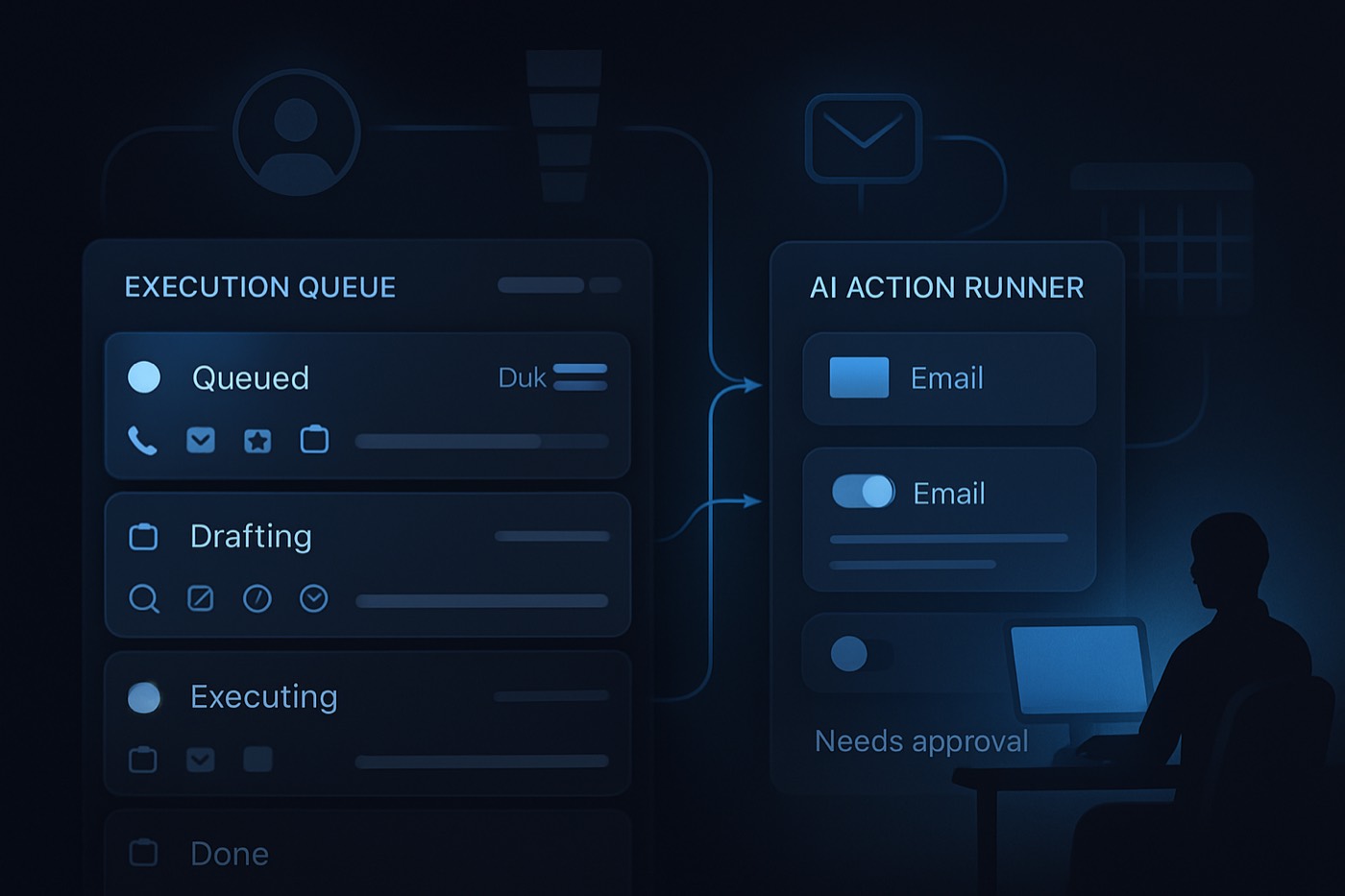
An AI CRM task list is not a to-do list. It is an execution queue: an agent drafts, runs, and escalates revenue work inside set permissions, and humans approve the few decisions that matter rather than doing every step.
Copilots were a phase.
They sat in the corner of the CRM. They waited for prompts. They suggested things. Reps ignored them, and RevOps quietly hoped nobody asked about audit trails. The chat box never matched how selling actually happens.
The market is moving where it always had to go: from chat to action. Salesforce rebranded Einstein Copilot into Agentforce and positioned it as autonomous agents that take actions, not just answer questions. (Salesforce press release, TechCrunch, Salesforce release notes)
That shift kills the copilot UI. The thing people are starting to call an "ai crm task list" is really something else: an execution queue where work gets suggested, drafted, executed, and escalated. People stop doing every step. They start approving, steering, and handling exceptions.
The copilot era died for one reason: nobody prompts their way through a deal
The copilot assumes a rep wakes up and thinks, "I wonder what I should do next. Let me ask the CRM."
Nobody sells like that. Selling is interrupts:
- A prospect replies.
- A deal slips.
- A champion goes quiet.
- Legal sends edits.
- Procurement wants a discount.
- A competitor shows up in the thread.
So copilots became shelfware. The real workflow stayed in email, Slack, and the calendar, and the CRM stayed a write-only database nobody opened on purpose.
Vendors saw the same thing and pivoted to agents. HubSpot rolled out Breeze Agents across marketing, sales, and service, pushing agents that operate inside the product instead of a standalone assistant. (HubSpot Spring 2025 Spotlight, TechTarget, HubSpot Breeze) Analysts frame the same move: CRM tools are turning into proactive systems of action, not passive systems of record. (Gartner)
The copilot was the warmup. The agent is the main event.
The real shape: an execution queue, not a chat box
An agent does not ask "what do you want to do?" It shows what it is going to do next, and why.
Picture the home screen as a queue with four lanes:
- Suggested actions, ranked.
- Drafts waiting for approval (writes, messages, updates).
- Executing now, on autopilot, with logs.
- Escalations for exceptions and edge cases.
This is the only layout that matches how an agent works. It reads signals, plans tasks, takes actions, and asks for help when a rule says stop.
The model: suggest, draft, execute, escalate
Here is the model that replaces copilot chat.
Suggest
- "VP Finance engaged twice this week. Move deal to Evaluation."
- "New stakeholder detected in thread. Create contact and map role."
- "Competitor mentioned. Send a positioning note to the champion."
Draft
- A reply in the thread's tone.
- A next-step recap.
- The CRM field updates.
- Quote language.
Execute
- Update the stage.
- Create tasks.
- Send a follow-up.
- Book a meeting.
- Enrich a record.
- Trigger the next sequence step.
Escalate
- "Discount requested below floor."
- "Legal redlines added."
- "Security questionnaire received."
- "Tone risk: the prospect sounds annoyed."
This is a task list with teeth. It does not just remind you. It moves.
What a rep actually sees day to day
Reps do not want "AI." They want fewer decisions that do not matter.
Morning is triage, not prospecting theater. The queue opens with the top deals at risk, the next best actions across pipeline, and the drafts ready for approval. Fifteen minutes of approving and clearing escalations, not logging calls.
Midday is fewer tabs, more approvals. Instead of open record, search the thread, copy notes, update stage, create a task, the rep sees "approve stage update and next step," "approve recap email," "approve meeting request." One click. Logged. Auditable.
Afternoon is exception handling. Escalations are where humans earn commission: pricing, deal strategy, multi-threading, risk, politics. Everything else runs.
The rep skill changes with it. The old skill was activity volume. The new skill is judgment: approve the right draft, reject the wrong one fast, write the few messages that matter, and spot risk before it hits the forecast.
What this does to RevOps: permissions, audit logs, gates, stop rules
An agent breaks the old RevOps playbook because writes are no longer rare. Once an agent can update records, send email, and create workflows, RevOps becomes the control layer.
ServiceNow is pushing this "governed autonomous work" angle, which is really an admission of what teams learn the hard way: autonomy without control becomes chaos. (ServiceNow) Microsoft's Dynamics 365 Copilot setup guidance ties enabling certain Copilot experiences to auditing, because you need an audit history once AI surfaces and acts on record changes. (Microsoft Learn)
Here is what changes.
1) Permissions become "who can approve what"
Old CRM permissions were edit opportunity, export contacts, create tasks. Agentic permissions are different:
- Approve stage changes the agent suggests.
- Approve outbound sends.
- Approve discount language.
- Approve enrichment writes.
- Approve new workflow creation (agents can do that now).
Skip this and you ship a bot that can rewrite your pipeline on a whim.
2) Audit logs become non-negotiable
Every action needs what changed, the previous and new value, who approved it (human or policy), which agent did it, what data it used, and why it decided to. If you cannot answer "why did this email get sent," you will eventually have a bad day.
3) Approval gates become product, not a policy doc
Gates belong in the queue, not in a PDF nobody reads:
- Auto-execute: create an internal task, enrich firmographics.
- Requires approval: send external email, change forecast category.
- Escalate: pricing exception, legal language, security review.
4) Stop rules beat "be careful"
"Be careful" is not governance. Stop rules are: stop if the prospect mentions lawsuit, complaint, GDPR, or legal; stop if a discount is requested; stop if procurement is added; stop on negative sentiment; stop on a domain mismatch or suspected forwarding.
5) Data quality shifts from cleanup to prevention
An agent amplifies garbage inputs, so RevOps starts measuring at the source: required fields completed at create time, identity resolution success, duplicate rate, source-of-truth rules, and field-level confidence.
Analysts keep warning that agent projects die without controls. Gartner has predicted that a large share of agentic AI projects will be cancelled by 2027 because cost and weak risk controls crush the business case. (TechRadar, citing Gartner) That is not anti-agent. It is "build the guardrails or burn money."
Where humans stay in the loop
If an agent can approve its own discounts, that is a fast path to margin collapse. Humans stay in four places.
Pricing and packaging. People decide discount bands, concessions, give-get structure, and multi-year strategy. The agent can draft the pricing email and prep CPQ inputs. People approve.
Legal and compliance. The agent can detect legal language, summarize redlines, route to counsel, and draft a playbook-based response. People sign off.
Tone and brand risk. An agent will draft confident nonsense at the worst possible time. Keep approval gates on competitive callouts, negative-sentiment threads, exec-level outreach, and anything that could get screenshotted.
Deal strategy. The agent can suggest the next meeting agenda, stakeholder-map gaps, champion risk, and mutual-action-plan steps. People decide the move, especially on complex deals.
The clean rule: execution gets automated, commitment stays human. Commitment means price, legal position, and strategic trade-offs.
What "ai crm task list" actually means
An ai crm task list is not a to-do list. It is a ranked execution queue generated by an agent system that:
- creates tasks automatically from signals (email replies, meetings, intent),
- drafts the work product (emails, updates, notes),
- executes actions inside defined permissions,
- escalates exceptions to a human with context and recommended options.
If your "AI task list" only suggests "follow up," that is not an agent. That is a notification.
How to build (or buy) the queue
You do not need fifty agents. You need one queue that runs.
1) Define the actions. List your top revenue actions: create, enrich, and route a lead; draft and send a first touch; handle the reply; book the meeting; update the stage; create next steps; generate a recap; identify new stakeholders; create a contact and role; flag deal risk; escalate pricing and legal exceptions; draft a quote; log activity; summarize a call; create a follow-up sequence. The action list is the only thing that matters.
2) Assign each action to a lane: suggest, draft, execute, or escalate. This is where governance becomes real.
3) Add stop rules and approval gates. Keep it blunt: external send needs approval until it is proven safe, a forecast change needs approval, and discount or legal keywords escalate.
4) Instrument the audit log. Minimum fields: action id, agent id, object type, the before/after diff, a short rationale, evidence links (emails, meetings), the approver id if any, and the policy version.
5) Make the queue the homepage. If reps still start the day in their inbox and never see the queue, you built a science project.
Where Chronic fits: outbound, run end to end
The execution queue matters because outbound is pure execution. Outbound is find leads, enrich, write, send, follow up, handle replies, book the meeting, and stop when continuing is a mistake. That is what Chronic does.
Chronic is not another copilot, and it is not a CRM with a chat box bolted on. It is an autonomous revenue operator: you set the goal, budget, offer, and approval level, and the agent runs the outbound system end to end until the meeting is booked.
- It finds leads that match your ICP with the ICP Builder.
- It enriches records with Lead Enrichment.
- It writes and personalizes sequences with the AI Email Writer.
- It prioritizes by fit and intent with AI Lead Scoring.
- It keeps the work legible in the Sales Pipeline.
Because execution without brakes is how you get blacklisted, the same stop rules and approval gates apply. It stops on negative sentiment, stops when a lead replies "not me," stops once a meeting is booked, and escalates the moment pricing, legal, or strategy enters the thread. Then it hands clean context to the closer.
If you want the framework behind the scoring, take it: outbound triage as fit, intent, and timing. It is the grown-up version of lead scoring, and it maps cleanly onto an execution queue.
A quick contrast. Clay is powerful and it is a build-your-own factory. Instantly sends email. Salesforce and HubSpot sell platforms plus the governance work you own. Chronic sells the outcome: outbound that runs to a booked meeting, then a clean handoff. It is also flat-priced with unlimited seats, because per-seat pricing in 2026 is a tax for existing (why credits beat per-seat pricing). If you are comparing across the suite: Chronic vs HubSpot, Chronic vs Salesforce, Chronic vs Apollo, Chronic vs Pipedrive, Chronic vs Attio, Chronic vs Close, Chronic vs Zoho CRM.
FAQ
What is the difference between a copilot and an agent in a CRM?
A copilot responds to prompts and suggests content. An agent plans and executes multi-step work, then logs what it did. Salesforce's move from Einstein Copilot to Agentforce is the cleanest signal that the market shifted from assistive chat to autonomous action. (Salesforce)
What is an execution queue?
It is the layout where the task list becomes a ranked queue: suggested actions, drafts waiting for approval, actions executing automatically, and escalations for humans. It replaces "ask the copilot" with "approve and steer."
What should RevOps lock down first?
Approval gates for external sends and forecast changes, field-level permissions for agent writes, audit logs that record who approved what and why, and stop rules for pricing, legal, sentiment, and compliance triggers. Microsoft's Dynamics 365 Copilot setup docs point to auditing as part of enabling Copilot experiences, a hint at the real requirement: if AI touches records, audit matters. (Microsoft Learn)
Where should humans stay in the loop?
Pricing and concessions, legal language and compliance risk, tone in sensitive threads, and deal strategy. Automate execution. Keep commitment human.
Will agentic projects fail without governance?
Many will. Gartner has warned that a large share of agentic AI projects will be cancelled by 2027 because cost and weak risk controls kill the value. The takeaway: build governance before you scale autonomy. (TechRadar, citing Gartner)
How does Chronic fit the execution-queue model?
Chronic runs outbound end to end until the meeting is booked. It treats outbound as an execution queue with clear stop rules and a clean handoff: ICP definition, enrichment, sequencing, scoring, and meeting booking. Start with the ICP Builder and AI Lead Scoring, then let it run.
Build the queue, set the stop rules, ship pipeline
Stop buying copilots because they demo well. Buy execution: a queue, clear gates, audit trails, escalations that land on the right human, and outbound that runs until the meeting is booked. That is the new default. Everything else is a chat widget stapled to a spreadsheet.