Autonomous revenue operator vs traditional CRM: a buyer's guide for teams that want meetings, not admin work
A traditional CRM stores your pipeline and your team keeps it updated. An autonomous revenue operator does the work: it finds leads, writes and sends outreach, handles replies, and books meetings under your approval, then writes results back.
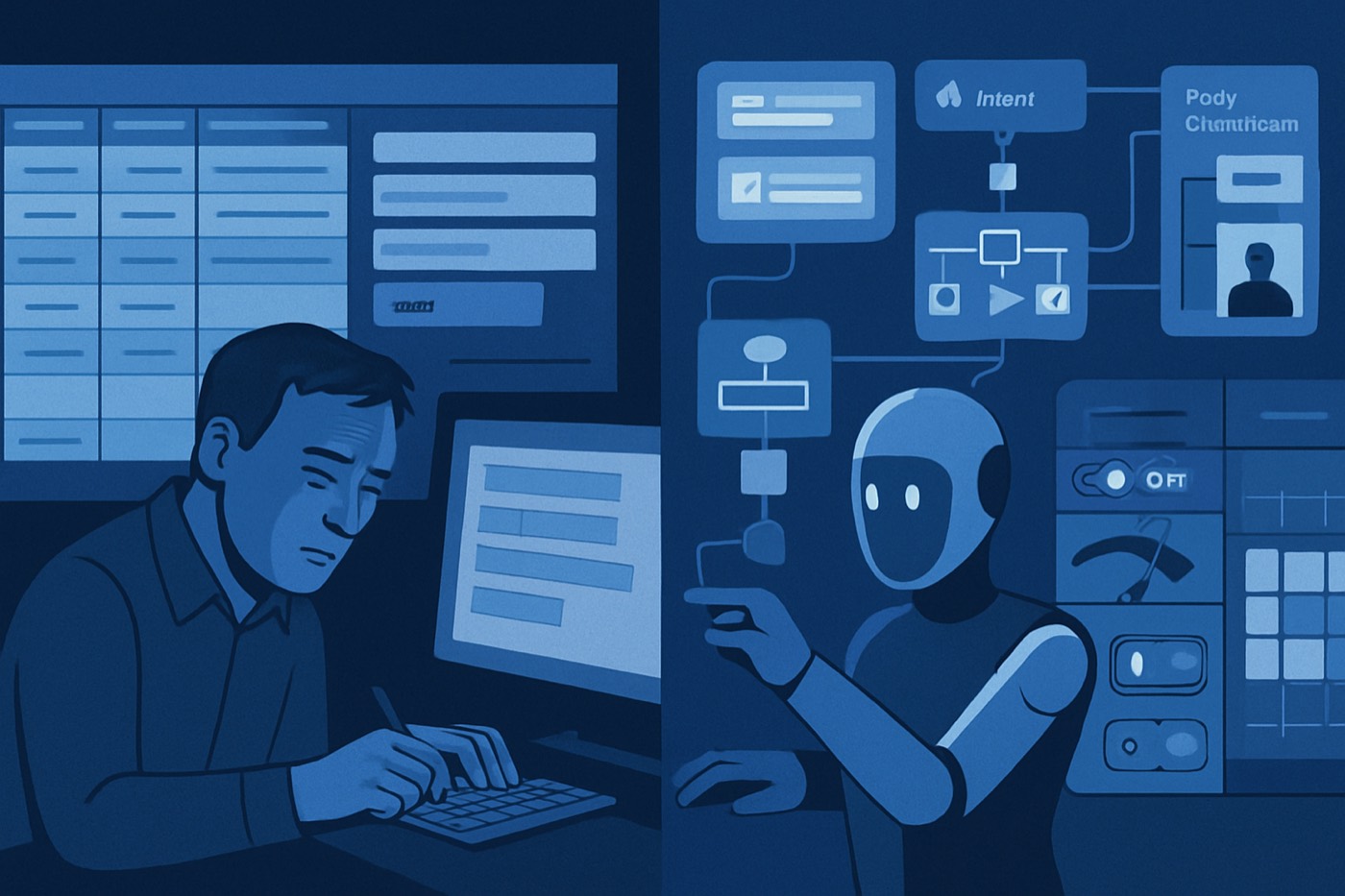
A traditional CRM stores data. Your team does the work.
An autonomous revenue operator does the work: it finds prospects, writes and sends outreach, handles replies, and books meetings, and you approve the moves that matter. It is not a CRM, and it does not try to replace one. It runs the outbound motion the CRM was never built to run, then writes the results back so your system of record stays current.
TL;DR
- Traditional CRM = system of record. It holds accounts, contacts, and deals. Reps keep it updated, which is where the admin work lives.
- An autonomous revenue operator = system of action. It finds leads, enriches them, writes and sends cold email from managed mailboxes, handles replies, and books meetings, with approvals.
- Evaluate any "AI sales" tool with an autonomy framework (Levels 0 to 4), not a feature list.
- Demand the ingredients: data, real actions, controls, and feedback loops.
- Watch for agent-washing: "AI" that still leaves twelve manual steps per send.
- Procurement checklist included: permissions, audit logs, action controls, human gates, deliverability protections, outcome reporting.
The two categories, in plain English
These are different products that solve different problems. Confusing them is how teams buy the wrong thing.
A traditional CRM is a system of record. It stores accounts, contacts, and deals, logs activity, and reports on what already happened. It does not generate pipeline on its own. The hidden requirement is that humans must keep feeding it. If reps stop logging calls and updating stages, the data decays, and leadership "fixes adoption" with more required fields and more resentment.
An autonomous revenue operator is a system of action. You give it a revenue goal, an offer, and a budget. It runs the outbound loop end to end: turning your ideal-customer profile and buying signals into a target list, enriching contacts, writing and sending cold email from warmed mailboxes, classifying and handling replies, and booking meetings. It surfaces approvals for the decisions that matter and protects your domains and reputation while it runs. Its hidden requirement is governance, because anything that can send email on your behalf can also do damage fast.
The operator and the CRM are complementary. The operator generates the meetings; the CRM holds the deals once a meeting turns into a conversation. A good operator writes its outcomes back into your CRM so the record stays fresh without anyone begging reps to update it.
If your goal is "more booked meetings, less admin," your north star is simple:
- Less manual outbound work
- More qualified meetings held
- Clear auditability when something goes wrong
Why this shift is happening now (and why "AI inside the CRM" is not the same thing)
Two forces are pushing teams past the CRM-only setup.
Buyers want less rep interaction early. Gartner reported that 61% of B2B buyers prefer a rep-free buying experience (gartner.com). Translation: prospects want to self-serve until they are ready. The outreach that does land has to be timely, relevant, and well-targeted, not blasted. That takes orchestration, not a spreadsheet and a copy-paste sequence.
Deliverability is stricter. Google and Yahoo rolled out bulk-sender requirements starting in 2024, including SPF, DKIM, and DMARC authentication, a low spam-complaint threshold, and one-click unsubscribe (xmpie.com, deliverabilitychecker.com). A system that sends junk and tanks your domain does not produce pipeline. It produces silence.
So no, "AI email writing" bolted onto a CRM is not autonomy. It is one feature. Autonomy means a system that runs the whole loop and protects you while it does.
The autonomy stack: Levels 0 to 4 (the buyer framework)
Use this to classify any tool a vendor calls "autonomous." Ignore the pricing-page poetry.
Level 0: the spreadsheet
What it does: stores rows. Human work: everything. Output: "We should do outbound." Nothing happens.
You see this in Google Sheets "pipelines," Notion databases, and a CRM used like a phonebook.
Level 1: traditional CRM with workflow sugar
What it does: stores data plus basic automations (task creation, reminders). Human work: research leads, enrich, write, send, follow up, update fields. Output: dashboards, if reps cooperate.
This is where most teams live. They call it "process." It is admin work with a nicer interface.
Level 2: assisted selling (AI suggestions)
What it does: suggests next steps, drafts emails, summarizes calls. Human work: still builds the list and runs the sequence. Output: faster reps, not autonomous pipeline.
Good for note-taking, drafting, and copilot workflows. Not built for consistent outbound volume or repeatable meeting output.
Level 3: semi-autonomous (bounded execution)
What it does: executes outbound steps within rules.
- Builds lead lists from ICP filters
- Enriches contacts
- Generates personalized messaging
- Runs multi-step sequences from managed mailboxes
- Escalates when a human decision is required
Human work: approves launches, sets the strategy, tunes the ICP, handles edge-case replies. Output: meetings booked, with oversight.
This is the minimum level that matters if your goal is meetings, not admin.
Level 4: fully autonomous (closed loop plus learning)
What it does: runs the loop and improves the loop.
- Detects which segments convert
- Adjusts targeting and messaging based on outcomes
- Paces sending based on deliverability signals
- Routes replies, books meetings, writes back to the CRM, and logs why each decision was made
Human work: governance, strategy, exception handling. Output: pipeline that runs largely on its own, with an audit trail.
Most vendors claiming Level 4 are operating at Level 2. That gap is where agent-washing lives.
The required ingredients of a real autonomous operator
Autonomy is not a chatbot in the corner of a CRM. It is an operating system for outbound. Four ingredients.
1) Data: clean inputs or confident guesses
The operator needs data that supports decisions:
- ICP attributes (industry, headcount, tech stack, geography)
- Contact data (titles, verified emails, phones)
- Buying signals (job changes, hiring, funding, tech installs, intent feeds)
- Historical outcomes (reply rate by segment, meeting rate by message)
If a tool cannot keep records fresh, autonomy collapses into "send more," and that is how domains die.
What to demand:
- Automated enrichment that happens before outreach, not after. Example: lead enrichment
- An explicit ICP-definition workflow, not tribal knowledge. Example: ICP builder
2) Actions: real execution, not "recommended next step"
Autonomy means the system actually takes the actions:
- Sources and enriches leads
- Writes and sends emails from managed, warmed mailboxes
- Sequences follow-ups
- Re-prioritizes who gets touched next
- Books meetings and updates the record
If it only drafts copy, you bought a text editor with a halo.
What to demand:
- Multi-step outbound that runs without babysitting
- Personalization tied to specific fields and triggers, not a generic "Hi {first_name}." Example: AI email writing
- Lead prioritization that combines fit and intent, not a single score that means nothing. Example: AI lead scoring
3) Controls: the guardrails that keep autonomy from becoming spam
Anything that can send messages on your behalf needs controls:
- Permissions and roles
- Approval gates
- Rate limits
- Domain and reputation protections
- Action-level audit logs
Procurement should care about this more than "how human does the email sound." If a vendor cannot explain its controls clearly, it did not build autonomy. It built risk.
For deeper governance thinking, this guide is worth skimming: agent-ready CRM requirements.
4) Feedback loops: outcome learning, not activity reporting
A real operator learns from outcomes:
- Replies by segment and message
- Meetings booked per ICP slice
- Spam complaints and unsubscribes
- Bounces and blocks
- Conversion from meeting to opportunity to revenue
Most CRMs report activity. Great. Your team stayed busy. Nobody books a meeting off a busy week.
For context on the scale of the surrounding market: Gartner sized the CRM software market at $128 billion in 2024 (gartner.com). A big market means endless options and endless ways to buy wrong, which is exactly why the agent-washing incentive is so strong.
Red flags: how to spot agent-washing in five minutes
Agent-washing means calling a product autonomous because it has an AI box somewhere. Here are the tells.
Red flag 1: "Autonomous," but you still build the list by hand
If your reps still scrape leads, export CSVs, dedupe contacts, and guess who to email, that is Level 1 with extra steps.
Red flag 2: no action controls
Ask: "What actions can the system take without a human click?" If the answer is vague, or if it is just "draft emails," you are not buying autonomy.
Red flag 3: no audit log
If the system emails the wrong persona, who can answer what data it used, what rule fired, who approved it, what it sent, and when? If the vendor cannot show you, your legal and brand risk goes up.
Red flag 4: deliverability is "your problem"
Google and Yahoo's bulk-sender requirements made authentication and unsubscribe mechanics table stakes (xmpie.com, deliverabilitychecker.com). A system that runs outbound should enforce those protections and warn you before damage happens. If the vendor shrugs at deliverability, it is selling email volume, not meetings.
Red flag 5: reporting stops at opens and clicks
Opens are noisy. Clicks are vanity. The meeting is the unit that matters. If the tool cannot attribute meetings booked, show rate, pipeline created, and cost per meeting, it is not buyer-grade.
Procurement checklist: what to demand before you sign
This is the part your CFO will love, or at least hate less.
1) Permissions model (role-based access)
Minimum requirements:
- Roles for admin, manager, rep, viewer
- Scoped permissions for importing leads, editing sequences, sending email, connecting inboxes and domains, and exporting data
- Environment separation if you run multiple brands
Procurement question: "Show me the permissions screen. Which actions can a non-admin take?"
2) Audit logs (immutable, searchable)
Minimum requirements:
- Log every outbound send
- Log every field update
- Log every rule or automation trigger
- Log every approval and override
Procurement question: "Can I export a full audit trail for a single contact and sequence run?"
3) Action controls (rate limits, throttles, blast protection)
Minimum requirements:
- Daily and hourly send caps per inbox and per domain
- Automatic pauses when bounces or complaints spike
- Guardrails on sequences, so no twelve-step harassment loops
Procurement question: "What happens if bounce rate spikes tomorrow?"
4) Human-in-the-loop gates (where humans must approve)
Minimum requirements:
- Pre-flight approval for new domains and inboxes, net-new sequences, and new ICP segments
- Optional approval tiers: approve the first 50 sends, approve any message that references sensitive data, approve any new personalization token
Procurement question: "Show me where a human can stop the agent mid-run."
5) Deliverability protections (non-negotiable in 2026)
Minimum requirements:
- Authentication readiness checks (SPF, DKIM, DMARC)
- One-click unsubscribe and suppression-list enforcement
- Reply classification (positive, neutral, objection, unsubscribe)
- Mailbox warm-up and pacing, ideally on infrastructure the vendor manages
Procurement question: "Do you enforce authentication before sending, and do you manage the mailboxes?"
If you want the unvarnished truth about inbox math, this post lays it out: SPF, DKIM, and DMARC are table stakes.
6) Outcome reporting (meetings and pipeline, not vanity)
Minimum requirements:
- Meetings booked by segment, sequence, persona, and source signal
- Cost per booked meeting
- Time to first meeting after activation
- Pipeline created and downstream close rate, where integrated
Procurement question: "Show me the dashboard that answers: what booked meetings last week, and why?"
7) Data handling and compliance basics
Minimum requirements:
- A data-retention policy
- A DPA available if you need one
- Contact-deletion workflows
- Opt-out handling
Not exciting. Still mandatory.
Where traditional CRMs still fit (and why teams keep them)
Traditional CRMs are not going away, and they should not. They still own:
- Deal management
- Forecasting and reporting
- Account ownership and territory
- Customer-lifecycle handoff
They just do not generate pipeline by themselves. An autonomous operator does that part and writes the results back, so the CRM stops rotting from neglect. This piece makes the case for a record that keeps itself current: the self-updating CRM is the only CRM that survives 2026.
Short tool map: Apollo, HubSpot, Salesforce, and Clay on the autonomy stack
Not a full teardown. Just where these tools typically land for outbound teams.
Apollo
Usually Level 2 to Level 3, depending on setup.
- Strong for prospecting and sequencing.
- Its autonomy tends to stop at execution within a system the user defines and runs.
- Teams still own list hygiene and governance carefully.
If you are evaluating Apollo, use this as a reference point: Chronic vs Apollo.
HubSpot
Usually Level 1 to Level 2 for sales-led outbound.
- An excellent system of record and marketing-automation suite.
- Its AI features assist, but outbound autonomy is not the native center of gravity.
- Great when inbound is the engine. Less so when outbound is.
Reference: Chronic vs HubSpot.
Salesforce
Usually Level 1 to Level 2, unless you bolt on an agent stack.
- The enterprise default. Powerful, expensive, implementation-heavy.
- Autonomy requires additional tools and careful governance.
Reference: Chronic vs Salesforce.
Clay
Usually Level 2, sometimes Level 3 for ops-heavy teams.
- Real flexibility for enrichment and custom workflows.
- Also a complexity magnet. Your ops person becomes the product.
- Great when you want to build custom pipes. Less so when you want meetings booked while you close.
One sentence: Clay builds the pipes. An autonomous revenue operator runs the water plant.
Buyer decision framework: pick based on your meeting motion
If you run sales-led outbound (most honest B2B teams)
You need ICP definition, automated sourcing and enrichment, sequenced outbound with personalization, prioritization by fit and intent, and booked meetings with clear reporting. That is the autonomous-operator lane, paired with a CRM to hold the deals.
If you are inbound-led with heavy lifecycle marketing
You need marketing automation, attribution, lifecycle stages, content and landing pages, and long-term database hygiene. A traditional CRM and marketing suite can be the center, and an autonomous operator can still plug in to drive outbound.
If you are enterprise with complex governance
You need strong permissions and auditability, clear agent controls, integration with your data warehouse, security tooling, and SSO, and you have more stakeholders and a longer procurement cycle. Autonomy still matters here. Governance matters more.
What "good" looks like: a minimum viable autonomous outbound loop
A practical weekly baseline:
- Define the ICP and the exclusions (who you never email).
- Pull leads that match the ICP.
- Enrich to decision-maker contacts.
- Score by fit and intent.
- Launch sequences from managed mailboxes, behind approval gates.
- Monitor deliverability and pause on anomalies.
- Route replies, book meetings, write the outcome back to the CRM.
- Review the meetings and feed what worked back into targeting and copy.
Chronic is built around that loop end to end, up to the booked meeting:
FAQ
What is an autonomous revenue operator in plain English?
A system that does the outbound sales work rather than just storing it. It finds leads, enriches contacts, writes and sends cold email from managed mailboxes, prioritizes follow-ups, handles replies, and books meetings, all under your approval, with controls, audit logs, and outcome learning. It is not a CRM; it works alongside one.
Is an "AI CRM" the same as an autonomous revenue operator?
No. AI inside a CRM is usually Level 2: summaries and suggestions that make reps faster. An autonomous revenue operator is Level 3 to Level 4: it executes the outbound actions itself, under guardrails, and improves based on outcomes. They solve different problems and are often used together.
What autonomy level should a 5 to 20 person sales team buy?
Level 3. You want bounded execution with approvals and safety rails. Level 4 is great when it is real, but most "Level 4" claims are marketing.
What are the biggest risks when you automate outbound?
Deliverability and brand damage. Google and Yahoo's bulk-sender requirements made authentication and unsubscribe mechanics mandatory (xmpie.com, deliverabilitychecker.com). A tool that cannot enforce those protections is a liability to your domain and your reputation.
How do I catch agent-washing during a demo?
Ask three questions: "What actions happen without a human click?" "Show me the audit log for one contact." "What triggers an automatic pause?" If they cannot show you, it is not autonomous.
What should the reporting look like?
Meetings booked, show rate, pipeline created, and cost per meeting, filterable by segment, persona, sequence, and signal source. Opens and clicks can sit in the corner, where they belong.
Run the demo like procurement, not like hope
Bring this script. Do not improvise.
- Classify the autonomy level (0 to 4). Make the vendor pick one.
- Force a live walk-through of list creation, enrichment, scoring, sequence launch, reply routing, and meeting booking.
- Inspect the controls: permissions, action throttles, audit logs, approval gates.
- Inspect deliverability protections: authentication checks, suppression lists, unsubscribe handling, automatic pauses.
- Demand outcome reporting: meetings booked and pipeline created, not "activities."
If the tool cannot do that, buy a traditional CRM and accept the admin work. If you want meetings, buy an autonomous revenue operator and hold it to the only metric that matters: meetings booked.