Cold email send limits in 2026: send caps, bounce caps, and auto-suppression rules for safe outbound
Cold email send limits are per-mailbox and per-domain caps, ramp schedules, bounce caps, complaint caps, and stop rules. Keep Gmail-reported spam below 0.1% (never near 0.3%), bounces under about 2%, and auto-suppress anyone who opts out.
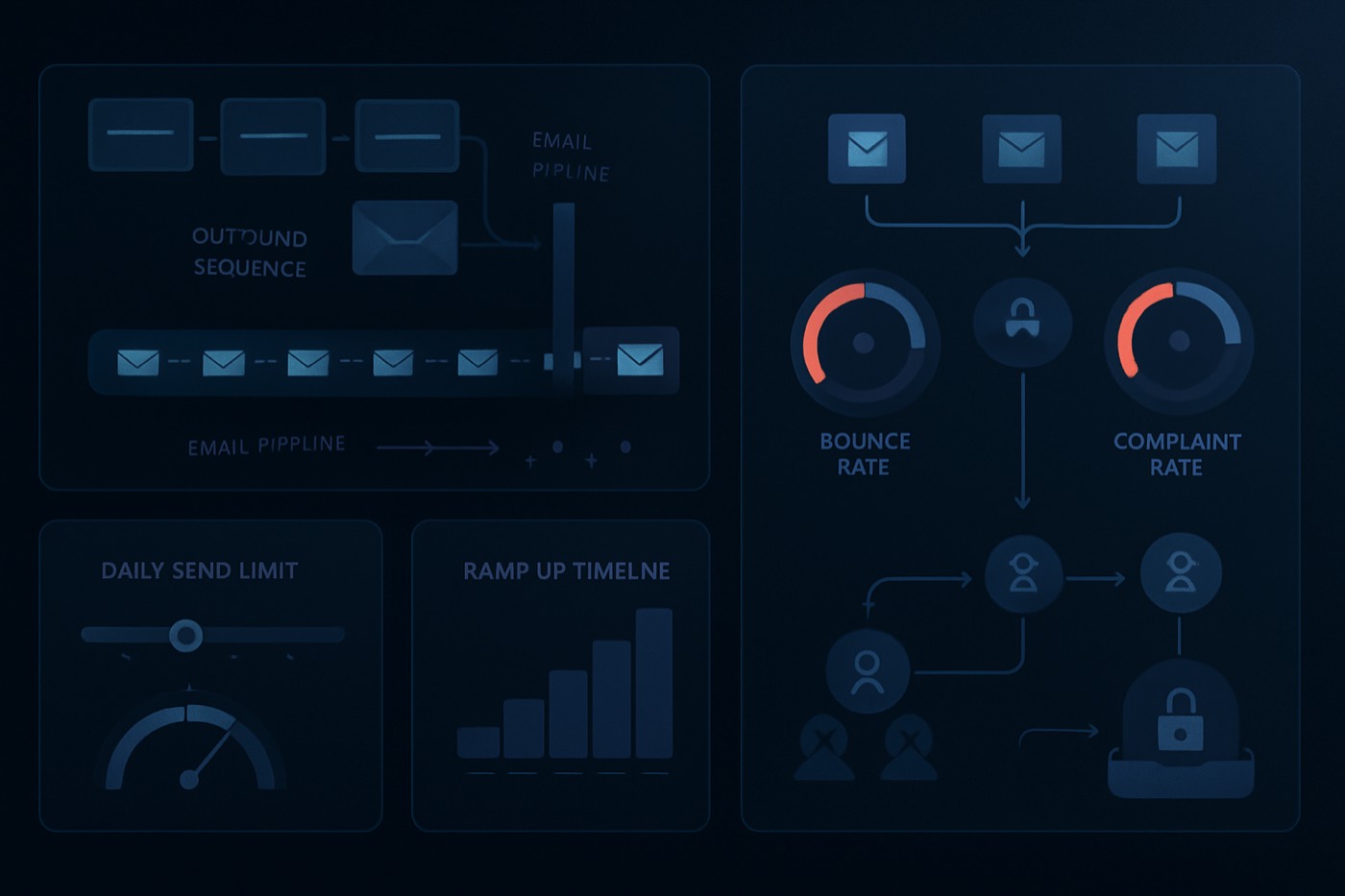
Cold email in 2026 is less a “write better copy” problem and more an operations problem. Once you scale past a few dozen messages a day, mailbox providers grade you on repeatable behavior: how consistent your volume is, how many addresses bounce, how many people mark you as spam, and how fast you stop mailing people who signal “no.” That is what send limits and stop rules manage, and why they have to run automatically rather than live in a rep’s head.
This post defines the terms, gives you safe starting numbers anchored to what the providers actually publish, and shows how an autonomous outbound operator enforces all of it without you babysitting a spreadsheet.
What “cold email send limits” really means
Send limits are caps on how many outbound emails go out in a defined window, by mailbox and by domain, hourly and daily. They are one piece of a wider set of guardrails that keep outbound safe:
- Send limits per mailbox, per domain, and per sending identity (daily and hourly).
- Ramp schedules that grow volume gradually on new mailboxes and domains.
- Bounce caps (hard and total) that trigger suppression and pause sending.
- Complaint caps that trigger a rapid shutdown when people report spam.
- Suppression lists that block sending to anyone high-risk or opted out.
- Stop rules that halt sequences on reply, bounce, complaint, or stale data.
What these guardrails are not:
- A deliverability “hack.”
- A substitute for authentication and compliance (SPF, DKIM, DMARC, list-unsubscribe where applicable).
- A reason to ignore targeting. Better fit reduces complaints and bounces upstream, before any cap has to fire.
The point is to stop outbound from being driven by whoever is sending today and make it driven by rules that hold across every mailbox, domain, and list at once.
Why send limits became an operations problem in 2026
People usually go looking for cold email send limits right after one of these moments:
- A domain’s reputation drops and replies fall off a cliff.
- One list blast triggers bounces that drag down the whole domain.
- Gmail or Yahoo starts deferring, rate-limiting, or filtering, and volume gets erratic.
- Someone realizes deliverability is shared infrastructure, not a personal workflow.
Mailbox providers care less about your intent and more about the measurable outcomes of how you send. Google recommends keeping the spam rate reported in Postmaster Tools below 0.10% and avoiding ever reaching 0.30% or higher, and it defines a “bulk sender” at roughly 5,000 messages per day to personal Gmail accounts, with requirements like authentication and one-click unsubscribe for relevant traffic (Google Email sender guidelines, Google Email sender guidelines FAQ). Yahoo mirrors a 0.3% spam-rate requirement and asks for list-unsubscribe support on marketing and subscribed messages (Yahoo Sender Hub best practices). Microsoft has published stronger requirements for high-volume senders to Outlook, emphasizing SPF, DKIM, DMARC, and clear unsubscribe experiences (Microsoft Tech Community).
None of those thresholds can be enforced by hand once more than one inbox is involved, which is why this is now an operations problem.
The terms you need to operationalize
Send limits
Send limits are caps on how many outbound emails can be sent in a window (per hour and per day). In practice you rarely set one global number. You set limits by:
- Mailbox (the sending identity)
- Sending domain (and sometimes subdomain)
- Sequence or campaign
- List source (because list quality varies)
- Recipient provider mix (Gmail, Outlook, and Yahoo behave differently)
Why it matters: volume spikes look like automation abuse. Consistent volume looks like a stable sender.
Ramp schedules
A ramp schedule is a step-by-step plan to grow sending volume on a new mailbox or domain. A realistic ramp has:
- A low starting cap
- Gradual increases
- Holds when bounce or complaint signals worsen
- A cooldown rule when negative signals spike
Why it matters: new sending identities have no reputation. You earn it by sending consistently and getting positive engagement, not by going to full volume on day one.
Bounce caps
A bounce cap is a bounce threshold that triggers automatic remediation. Separate the two kinds:
- Hard bounces (invalid address, user unknown)
- Soft bounces (temporary issues like “mailbox full” or rate limits)
Hard bounces are the fastest way to poison your list-health signals. Many deliverability guides and benchmark discussions treat bounce rates under about 2% as a common “safe” target, with higher ranges pointing to list-quality problems (Formanorden cold email benchmarks).
Why it matters: bounces are a list-quality signal, and repeated bounces can trigger filtering or rate limits.
Complaint caps
A complaint cap is the maximum rate of recipients marking you as spam before you stop.
Two reference points from the providers themselves:
- Google: keep the spam rate below 0.1% and avoid reaching 0.3% or higher (Google Email sender guidelines FAQ)
- Yahoo: keep the spam rate below 0.3% (Yahoo Sender Hub best practices)
Why it matters: a spam complaint is an explicit “people do not want this” signal, and it is one of the clearest triggers for filtering and reputation loss.
Suppression lists
A suppression list is the set of contacts or accounts you refuse to email, no matter what sequence they land in. Common categories:
- Unsubscribed (global)
- Spam complainers (global)
- Hard bounced (global)
- Do-not-contact (legal or internal)
- Competitors, partners, investors (policy)
- Role-based addresses like info@ or support@ (optional policy)
Why it matters: suppression is your memory. Without it, you keep hitting the same landmines.
Stop rules
Stop rules are the kill switches that immediately halt sending for a lead, mailbox, domain, or sequence when a condition is met. Examples:
- Stop a sequence on reply (positive or negative)
- Stop all sequences for a mailbox once its bounce cap is exceeded
- Stop all sends for a domain once its complaint cap is exceeded
- Stop new enrollments from a list source when its verification is stale
Why it matters: when you are wrong, you have to stop fast. Speed of suppression is a deliverability advantage. For the bounce and complaint cases specifically, see stop rules for cold email in 2026.
The signals a throttling system has to track
Whatever runs your outbound has to hold state at three layers: mailbox, domain, and lead. You do not configure these by hand; they are the variables the system reads before every send and recomputes after every event.
Per mailbox
Which provider it is on, its status (active, warming, paused, disabled), its daily and hourly caps, its ramp stage, its current inbox-health read, and its 7-day bounce and complaint rates. When a mailbox is paused, the system records why and when it can resume.
Per domain
The domain’s status (active, watch, at-risk, cooldown), its total daily cap across mailboxes, its SPF, DKIM, and DMARC state and alignment, the date of the last auth audit, and a spam-rate proxy from Postmaster Tools or sending data where available. Google’s guidelines and FAQ treat authentication, alignment, and spam-rate thresholds as core requirements for sending to personal Gmail accounts (Google Email sender guidelines, Google Email sender guidelines FAQ); Yahoo and Microsoft call out the same building blocks (Yahoo Sender Hub best practices, Microsoft Tech Community).
Per lead
The address and its domain, verification status and the date it was last checked, suppression status and reason, sequence enrollment state, the last time you sent to them, the list they came from, and a fit tier. Every send, bounce, complaint, and unsubscribe is logged as an event so the rates above stay accurate.
The rules that turn those signals into safe sending
Rule 1: enforce send limits per mailbox
Before a send is queued, count that mailbox’s sends in the last 24 hours and last 60 minutes. If it is at or over the cap, hold the send and re-queue it at the next safe window (or route it to another mailbox if policy allows). This needs a queue that can delay a step without losing its place.
Rule 2: enforce the ramp on new mailboxes and domains
On a fixed daily schedule, raise a warming mailbox’s cap only when its 7-day bounce rate is below threshold, there are no recent complaints, and inbox health is not at-risk. Otherwise hold or reduce, and flag it for review. Treat ramp stages like deployment stages: promote only when the metrics hold. For how domains, mailboxes, and caps fit into one outbound system, see cold email infrastructure in 2026.
Rule 3: bounce cap, at two levels
When a bounce event arrives and it is a hard bounce, suppress that lead globally and pull them from their sequence immediately. Then recompute the mailbox’s 7-day bounce rate; if it crosses the cap, pause the mailbox, pause every sequence using it, and open a list-quality incident. You stop hitting bad addresses and you stop the mailbox from piling up more negative signals.
Rule 4: complaint cap, at the domain level
When complaints spike on a domain, drop its daily cap to zero, put it in cooldown, and pause every mailbox under it. Auto-suppress the most recent list source and block new enrollments from it pending review, and record the incident with the time window, list sources, and sequences involved. Google and Yahoo both treat 0.3% as a major threshold (Google Email sender guidelines FAQ, Yahoo Sender Hub best practices), so the rule should fire well before that line, never at it.
Rule 5: auto-suppress on opt-out
On an unsubscribe, a “stop” reply, or a manual flag, set the lead to unsubscribed or do-not-contact, remove them from every active sequence, and block future enrollment. For Gmail-facing subscription traffic, Google requires processing unsubscribe requests within 48 hours (Google Email sender guidelines FAQ). Even if your cold outreach is not a newsletter, treat opt-outs as immediate and global.
Rule 6: gate on stale verification
Before a lead enters a sequence, check the verification date. If it is older than your policy window (say 30 days) or the status is unknown, hold enrollment and route the lead to a verification queue. List decay is real, job changes especially, so verification is not optional at scale.
What to watch every week
If you cannot see risk, you cannot manage it. Four views keep send limits honest:
- By mailbox or sender: sends, hard and total bounce rate, complaint signals, suppression adds, and how often throttling paused it. This is where you catch a single bad list source early.
- By domain: sends, bounce rate, complaint proxy, SPF/DKIM/DMARC alignment, and active vs paused mailboxes. This is your shared-infrastructure health view.
- By list source: bounce rate, reply rate as a quality proxy, suppression adds, and incidents triggered. The fastest way to spot which data source or enrichment step is hurting you.
- By outcome: pauses triggered by rule type, mean time to remediation, share of incidents cleared inside 48 hours, and volume recovered after cooldown. This is how you know the guardrails are actually saving you.
Safe starting numbers, then tune
Tune to your market and list quality, but here is a practical baseline.
Send limits
Set caps at both the mailbox and the domain level. Start new mailboxes low and grow them through the ramp; enforce an hourly cap to smooth out spikes; and set a domain-wide daily cap so one eager push cannot overload it. Let the caps vary by mailbox age, inbox health, list-source risk, and sequence stage (first touch vs follow-up).
Bounce caps
Keep the hard-bounce cap strict, since it points straight at invalid addresses, and track hard and total bounces separately. Benchmarks vary, but many practitioners treat bounce rates under about 2% as the safe zone and 3 to 5% as a warning-or-act band depending on list quality (Formanorden cold email benchmarks). The best cap is the one that forces remediation quickly: stop, clean the list, verify, then resume.
Complaint caps
Anchor to provider guidance: design for a complaint rate well below 0.1% where you can measure it, and treat 0.3% as a hard-stop zone for the major providers (Google Email sender guidelines FAQ, Yahoo Sender Hub best practices). When you lack clean complaint data, lean on proxy signals: sudden reply negativity, blocks, deferrals, and spam-folder placement.
How an autonomous operator enforces this for you
The hard part is not knowing the numbers above. It is running them, every day, across every mailbox and domain, without a person to forget. That is the job Chronic does.
Chronic is an autonomous revenue operator: you give it a revenue goal, and it builds and runs the whole outbound motion on managed, warmed mailboxes it owns and ramps for you. The guardrails in this post are not a config screen you maintain; they are how the operator already behaves.
- Fit comes first, so fewer complaints happen at all. The cheapest complaint to fix is the one you never generate. Chronic scores accounts for fit and routes only good-fit prospects into outreach, so complaint pressure drops before any cap has to fire.
- Verification gates enrollment. Leads are enriched and verified before they enter a sequence, so unverified lists cannot quietly poison a domain.
- Sending stays inside the caps automatically. Per-mailbox and per-domain limits, the warmup ramp, hourly smoothing, and timezone-aware scheduling all run on the operator’s own infrastructure.
- Stop rules and suppression run in real time. A hard bounce suppresses the lead; a mailbox bounce spike pauses the mailbox; a domain complaint spike puts the domain in cooldown; opt-outs become global suppressions at once.
- You approve what matters, not the plumbing. Chronic stays quiet by default and surfaces the decisions that need a human, with a pause and kill switch always in reach. It optimizes for qualified meetings while protecting your domains, mailboxes, and reputation, not for raw volume.
For the recurring view of all of this, mirror it into a weekly routine like outbound deliverability operations in 2026.
Put send limits into production this week
- Pick your first three stop rules: hard-bounce suppression, mailbox bounce-cap pause, and a domain-level complaint cooldown.
- Capture the signals that make automation possible: mailbox identity, domain, inbox health, and the last verification date.
- Ship one view that changes behavior: deliverability risk by mailbox and by list source.
- Then automate the rest: ramp schedules, auto-remediation, and suppression enforcement, until outbound safety is the default state and not a fire drill. Or hand the whole motion to an operator that runs these rules by default.
FAQ
What are cold email send limits in practical terms?
They are the maximum number of outbound emails you allow per mailbox and per domain in a time window, hourly and daily. In 2026 the goal is consistent volume that avoids spikes, paired with strict stop rules when bounce or complaint signals deteriorate.
What is a good bounce cap for cold outreach?
Many teams treat bounce rates under about 2% as a safe target and 3 to 5% as a warning-or-act band, especially for cold lists where data quality varies (Formanorden benchmarks). The best cap is the one that forces fast remediation: stop, clean the list, and verify before sending more.
What complaint rate is too high for Gmail and Yahoo?
Google’s guidance is to keep the spam rate below 0.1% and avoid reaching 0.3% or higher (Google Email sender guidelines FAQ). Yahoo also states to keep the spam rate below 0.3% (Yahoo Sender Hub best practices). Build stop rules well below 0.3% so you never operate near that line.
What should be on a suppression list for B2B outbound?
At minimum: unsubscribes, spam complainers, hard bounces, and do-not-contact records. Many teams also suppress competitors, partners, and sensitive internal domains. Keep suppression global and automatic so a lead cannot be re-enrolled by accident later.
How do stop rules differ from suppression rules?
Suppression blocks future sends to a specific contact, domain, or category. Stop rules can halt sending at several levels: lead, sequence, mailbox, or domain. A hard bounce suppresses the lead, while a mailbox-level bounce spike triggers a stop rule that pauses the mailbox and its sequences.
Do Microsoft and Outlook have bulk-sender requirements like Gmail and Yahoo?
Yes. Microsoft has published requirements for high-volume senders to Outlook, including SPF, DKIM, and DMARC and clear unsubscribe experiences for bulk mail (Microsoft Tech Community). Treat Outlook deliverability as first-class in your send policies, not an afterthought.