Copilot vs operator: 12 sales tasks that should run without you clicking
A sales copilot suggests next steps and waits for you to click. An autonomous operator runs outbound end to end, until the meeting is booked, then writes results back to your CRM. Score a tool on what it executes.
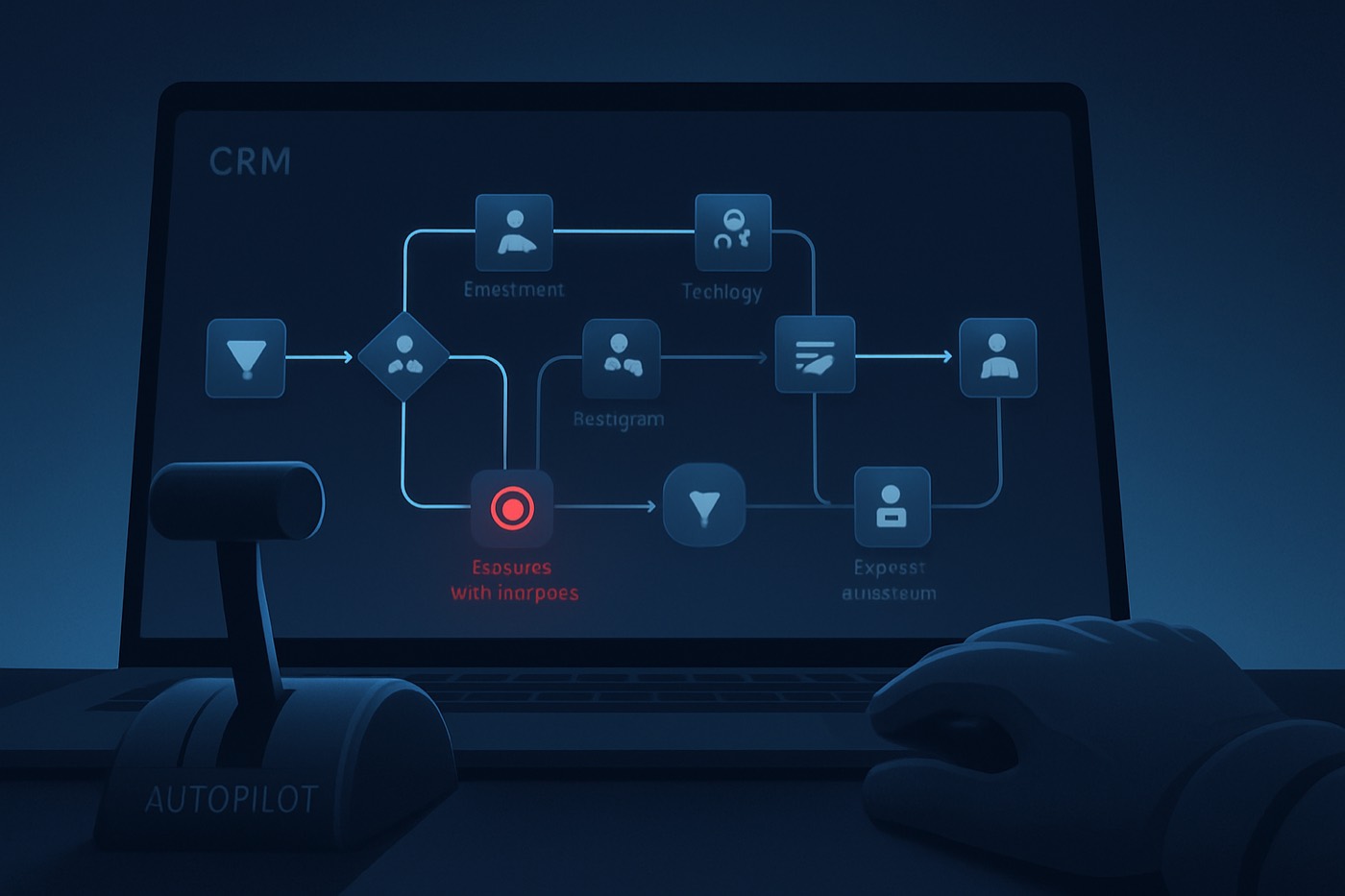
A sales copilot sells you suggestions. An autonomous operator delivers booked meetings. That is the whole difference. One throws prompts and popups at a rep. The other runs the outbound job while the rep runs calls.
The constraint was never drafting. Sellers spend most of the week on work that is not selling. Salesforce's State of Sales research found reps spend only about 28% of their time actually selling, the rest going to admin, manual data entry, and busywork around the sale. (Salesforce) A faster way to draft an email does nothing about that. A system that runs the email, the follow-up, and the booking does.
Chronic sits on the operator side of this line. It is not a CRM and not a copilot bolted onto one. You give it a revenue goal and constraints, and it runs outbound end to end: it finds prospects, enriches and scores them, writes and sends from managed, warmed mailboxes, handles replies, books meetings, and writes the results back to whatever CRM you keep. It asks for approval only on the decisions that carry risk.
This guide pins down the difference, then lists 12 outbound tasks an operator should execute without asking, each with what it needs, what "done" looks like, the guardrail it must respect, and the metric it moves.
Copilot vs operator: clear definitions
What a sales copilot is
A copilot lives inside your CRM or inbox. It:
- Suggests next steps
- Drafts emails and summaries
- Flags insights
- Waits for a human to click
It is an assistant. The rep still owns sending, sequencing, and follow-up, so the volume a single person can cover never changes.
What an autonomous operator is
An operator runs the work and reports back. For each task it:
- Detects what needs to happen
- Executes it
- Writes the result back to the CRM
- Creates the next step
- Escalates only when risk goes up
That last line is the point. The operator runs the routine. Humans handle the edge cases. The job to be done is not "help me write"; it is "bring me qualified meetings without my having to manage tooling, domains, or sequences."
Why the distinction decides your pipeline
If your outbound still depends on a rep for clean data and perfect follow-up, you have an execution gap, not a content gap. Bad data is part of why: Gartner has long estimated poor data quality costs organizations roughly $12.9M a year on average. (Gartner) A copilot drafts on top of that data. An operator is responsible for keeping it clean.
12 sales tasks an operator should run without asking
Every task below lists:
- Input needed (what the system needs to act)
- Output produced (what "done" looks like)
- Guardrail required (so it does not harm your domain or brand)
- Metric it moves (what changes in the real world)
1) Lead sourcing, by ICP, not by zip code
What the operator does: finds net-new accounts and contacts that match your ICP, on a schedule.
Input needed
- ICP rules: industry, size, geography, tech stack, job titles
- Exclusions: customers, partners, competitors, blocked lists
- Capacity rules: leads per day per mailbox, per segment
Output produced
- A ranked lead list with account context
- Fresh contacts mapped to the right account
- Segments ready for outreach
Guardrail required
- Hard ICP boundaries and do-not-contact enforcement
- Source validation, not a single unverified list
Metric it moves
- New qualified leads per week
- Cost per meeting
- Pipeline created
It starts upstream with a written ICP, not a guess. Prospecting by ICP
2) Lead enrichment, so the missing-fields problem dies
What the operator does: enriches every lead with company data, contacts, and technographics automatically.
Input needed
- Company domain or LinkedIn URL
- Minimum required fields by segment (employee count, stack, HQ)
Output produced
- Filled firmographics, technographics, and contact data
- Confidence scores on enriched fields
- Source attribution per field, so you can audit it
Guardrail required
- Confidence thresholds, so low-confidence data never overwrites a verified field
- Change logs and rollback
Metric it moves
- Reply rate (personalization stops sounding generic)
- Connect rate (bad numbers kill dials)
- Lead-to-meeting conversion
Lead enrichment that updates itself
3) Deduplication, because five John Smiths is not a pipeline
What the operator does: detects duplicates across leads, contacts, and accounts, then merges safely.
Input needed
- Matching rules: domain, email, phone, LinkedIn URL
- Merge precedence rules (which source wins per field)
Output produced
- One account record
- One contact record
- Unified activity and outreach history
Guardrail required
- No auto-merge on weak matches
- Human approval for ambiguous merges
- Never-merge flags for sensitive accounts
Metric it moves
- Duplicate rate
- Deliverability health (duplicate sends raise complaints)
- Forecast accuracy
CRM data management keeps getting harder and more expensive, which is exactly why dedupe has to be continuous. (Validity)
4) Lead routing, fast and based on reality
What the operator does: routes each lead to the right owner instantly, based on territory, segment, intent, and capacity.
Input needed
- Routing rules: region, segment, named accounts
- SLA rules: time-to-first-touch targets
- Ownership logic: round-robin with load balancing
Output produced
- Assigned owner
- Task created automatically (call, email, LinkedIn)
- SLA timer running
Guardrail required
- Capacity caps, so one rep does not get 200 leads
- Override rules for VIP accounts and inbound handoffs
Metric it moves
- Speed to lead
- Lead-to-meeting rate
- Rep productivity
5) First-touch email, personalized and compliant
What the operator does: writes and sends the first email based on account context, persona, and trigger.
Input needed
- Persona (title, function, seniority)
- A real reason to reach out (signal, pain, or trigger)
- Messaging rules by segment (what you do, what you do not claim)
Output produced
- A first-touch email tailored to the account, sent from a warmed mailbox
- Activity logged to the right record
Guardrail required
- Brand-voice constraints
- A claims policy, so it never invents a fake personal hook
- Deliverability controls: volume pacing, domain rotation
Metric it moves
- Reply rate (primary)
- Positive reply rate (the only rate that pays rent)
- Open rate (secondary, and easy to fool yourself with)
The operator writes the email and runs the sequence. AI email writer
6) Follow-ups, where most of the replies actually come from
What the operator does: runs multi-step sequences, adjusts timing, and stops when it should stop.
Input needed
- Sequence templates per segment
- Contact time windows
- Channel mix policy (email, call task, LinkedIn touch)
Output produced
- Follow-up sent
- Next step scheduled
- Sequence state updated in the CRM
Guardrail required
- Frequency caps per domain and per contact
- Stop rules: negative reply, out of office, hard bounce
- Suppression lists
Metric it moves
- Meetings booked per 100 leads
- Cost per meeting
- Unsubscribe and complaint rates (keep them low or pay for it later)
7) Reply classification, so no one plays inbox janitor
What the operator does: reads replies and tags them: positive, objection, referral, out of office, unsubscribe, not now.
Input needed
- Categories and definitions
- Escalation rules (what a human has to see)
- CRM fields to update (stage, next step, persona notes)
Output produced
- Reply labeled
- The right workflow triggered
- CRM updated with disposition and timestamps
Guardrail required
- Unsubscribe treated as a hard stop, every time
- Confidence scoring with human review for low-confidence labels
- An audit log of actions taken
Metric it moves
- Response time to positive replies
- Meeting conversion from positive replies
- Compliance risk (never get clever with opt-outs)
8) Calendar booking, with the back-and-forth removed
What the operator does: proposes slots, confirms attendees, creates the event, sends invites, and updates the CRM.
Input needed
- Owner calendar access
- Scheduling rules: meeting length, buffers, working hours
- Routing rules for who takes the meeting
Output produced
- Booked meeting
- Calendar event with agenda and conferencing link
- CRM updated: stage, meeting date, stakeholders
Guardrail required
- No double booking
- Correct time zones (obvious, still breaks constantly)
- A qualification gate, so it does not book garbage meetings
Metric it moves
- Meeting booked rate
- Show rate
- Sales cycle speed
Meetings keep growing and people actively set boundaries around them, so friction in scheduling costs you booked time. (Calendly)
9) Next-step creation, so nothing ends in "TBD"
What the operator does: after any interaction, it creates the next step automatically. Task, owner, due date, context.
Input needed
- Interaction signals (email thread, meeting held, call outcome)
- Stage rules (what next step belongs to each stage)
- SLA targets per stage
Output produced
- A concrete next-step task, assigned
- Due date and reminder
- A short "why" note attached for the human
Guardrail required
- No task spam: bundle tasks, avoid duplicates
- Escalate stalled deals to a manager view, not 14 tasks to one AE
Metric it moves
- Stage-to-stage conversion
- Deal slippage rate
- Forecast accuracy
10) No-show rescue, to salvage the meeting and the pipeline
What the operator does: detects no-shows, sends a recovery message, offers new times, and rebooks when possible.
Input needed
- Calendar attendance signal (or rep input as backup)
- A no-show workflow by segment
- Rebooking link and qualification rules
Output produced
- No-show tagged in the CRM
- Recovery email sent within minutes
- A new meeting booked or the lead moved to nurture
Guardrail required
- Tone policy: no guilt trips
- Max rescue attempts, so it never harasses
- Suppress chronic no-shows after a threshold
Metric it moves
- Show rate
- Meetings held per rep per week
- Pipeline created per month
No-show benchmarks vary widely by industry and motion, so treat any single number with care and watch your own held rate. (RevenueHero)
11) Reactivation, because a dead lead is one you already paid for
What the operator does: re-engages closed-lost and stale leads with new hooks, new timing, and new segmentation.
Input needed
- Staleness rules (for example, no activity in 90 days)
- Reactivation triggers (new funding, new exec hire, new tool adoption)
- Messaging angles by loss reason
Output produced
- Reactivation sequence launched
- Stage updated to re-engaged when they reply
- Clean attribution, reactivation versus net-new
Guardrail required
- Respect opt-outs and prior "not a fit" signals
- Cooldown windows after negative replies
- Domain reputation monitoring
Metric it moves
- Pipeline sourced from reactivation
- Win rate on recycled opportunities
- CAC payback (the lead is already a sunk cost)
12) Pipeline hygiene, the part nobody wants to do
What the operator does: keeps records accurate without nagging reps. Updates stages, closes junk, flags risk, fills missing fields.
Input needed
- Required fields per stage
- Inactivity thresholds (for example, no touch in 14 days = risk)
- Deal rules (qualification fields, next step required, stakeholder count)
Output produced
- Automatic field completion where evidence supports it
- Risk flags on deals
- Stale opportunities moved to the right state, with an audit trail
- Pipeline views that match reality
Guardrail required
- Never invent deal facts
- Only infer with evidence: emails, meetings, notes
- Full audit log and rollback
Metric it moves
- Forecast accuracy
- Stage conversion rates
- Time to close
A pipeline view that stays current
From copilot to operator: the model shift
The handoff rule most stacks fail
If task A ends in tool 1 and task B starts in tool 2, a human becomes the integration. That is why a stitched-together "best-of-breed" stack often loses to one operator running the motion end to end. The tools are not bad. The handoffs bleed.
What to demand before you trust execution
Minimum bar:
- Permissions by role: who can send, who can book, who can edit
- Audit logs for every automated action
- Guardrails that stop risky behavior on their own, before it happens
This is the operating model, not a feature list. The agent runs the routine; the controls keep your domains and customers safe while it does. More on the controls to require: the controls you need before an operator acts on your pipeline.
Where Chronic fits
Chronic runs outbound end to end, until the meeting is booked. It does the 12 tasks above, with guardrails and an audit trail, and writes the results back to the CRM you already keep. You set the goal, the budget, the offer, and the approval level; the operator does the rest.
If you are comparing it to what you run today:
FAQ
What is an autonomous revenue operator, in plain English?
It runs sales tasks automatically, from finding a lead to booking the meeting, then writes the results back to your CRM. It does not just recommend actions. It executes them, with guardrails and an audit trail, and asks you only for the decisions that carry risk.
Is letting an agent send email risky?
It is risky without guardrails. A real operator includes suppression lists, confidence thresholds, volume caps, opt-out enforcement, and change logs. If a tool cannot show what it did and why, it is not an operator. It is automation you cannot trust.
What should stay human, even with an operator running outbound?
High-stakes judgment: pricing and legal terms, strategic messaging for top-tier accounts, and anything touching sensitive claims or regulated industries. The operator handles repetitive execution; humans handle the exceptions and the relationships that matter.
How do I measure whether it is working?
Track execution and pipeline, not "AI usage": speed to lead, meetings booked per 100 leads, show rate, positive reply rate, and pipeline created per month. Track risk too: unsubscribe rate, spam complaints, and bounce rate.
Can HubSpot or Salesforce do this with enough setup?
Parts of it, after configuration, add-ons, admin overhead, and extra tools. That is a fine path if you want to build and run the system yourself. An operator is for teams that would rather delegate the whole motion and keep the result, with the work staying end to end and self-updating.
What is the fastest way to move from copilot to operator?
Pick one revenue path and let it run fully: ICP definition, lead sourcing, enrichment and dedupe, first-touch and follow-ups, reply classification and booking, then pipeline hygiene. If any step still needs a manual export or import, you are back in copilot land.
Put one revenue path on autopilot this week
- Write down your ICP. If it is not written, it is not real. Start with two segments at most.
- Set required fields by stage. No next step, no stage progression.
- Turn on enrichment and dedupe first. Garbage in, garbage forever.
- Automate first-touch and follow-ups with hard guardrails. Volume caps, opt-outs, and stop rules.
- Autobook meetings only after qualification rules are stable. Protect rep calendars.
- Make pipeline hygiene automatic. If a deal goes quiet, the operator flags it or fixes it. No nagging.
A copilot suggests. An operator runs the work. Pick the one that actually books meetings.