Outbound to meeting booked: the 2026 workflow blueprint, from ICP to enrichment to sequencing
The 2026 outbound workflow is one chain from ICP definition through enrichment, validation, sequencing, scoring, reply handling, and booked meetings. Run it as a single operator, not six stitched tools, and measure on qualified meetings booked.
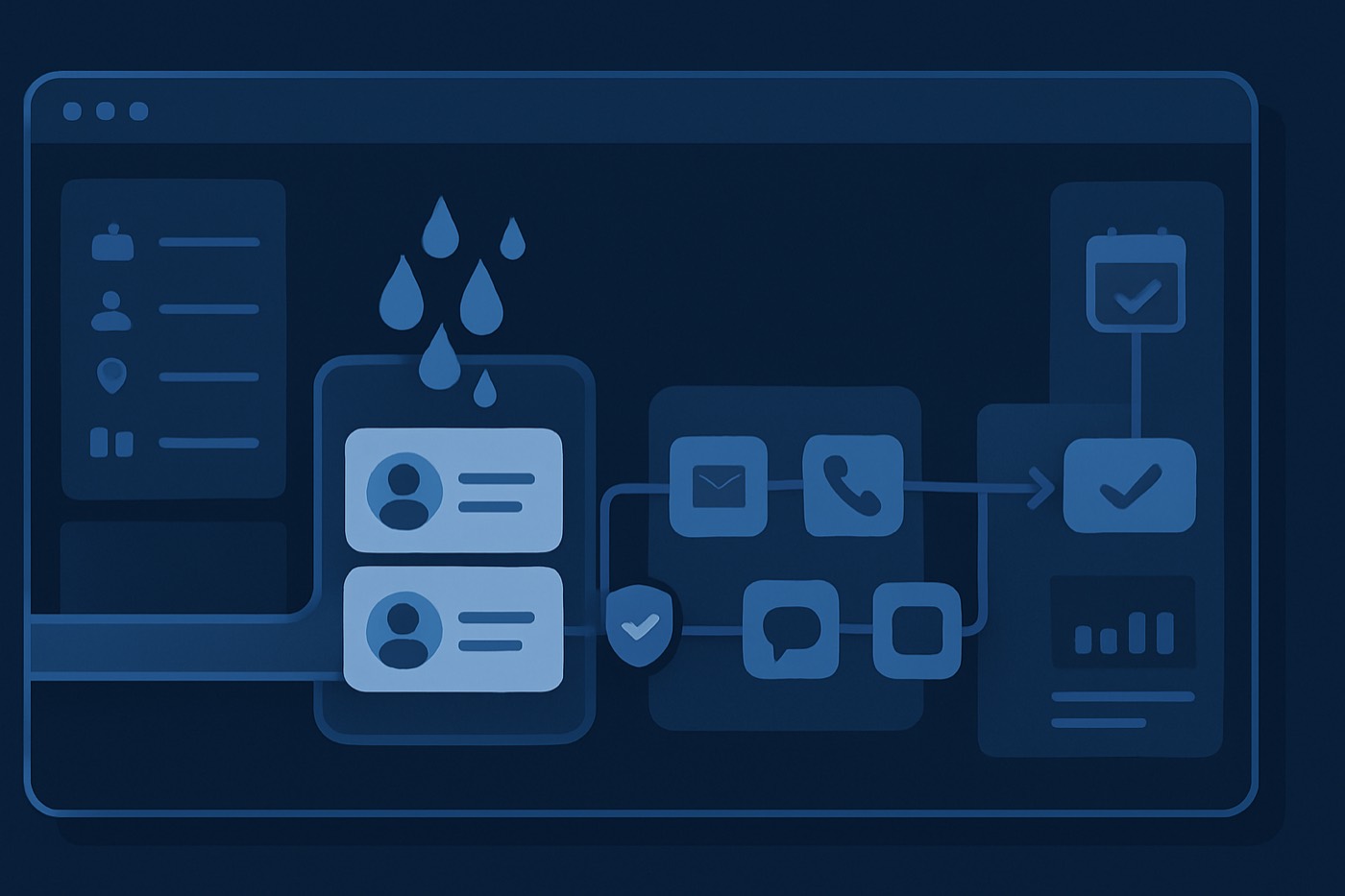
Outbound did not get harder in 2026. Teams kept stitching six tools together and acted surprised when the pipeline leaked.
The workflow is the product. If your outbound spans six tools, your pipeline has six failure points. One breaks, meetings stop, and nobody notices until the week is dead and "Q2 is a learning quarter."
Here is the blueprint, end to end: ICP, enrichment, sequencing, reply handling, all the way to the meeting booked.
The short version
- Define ICP and exclusions like you mean it. Most "bad reply rates" are bad targeting.
- Source from two pools: ICP-fit accounts and intent-triggered accounts.
- Enrich with firmographic, technographic, and role signals, then verify emails before you send.
- Segment into 3 to 6 buckets. Too many segments kills execution.
- Write 2 to 3 sequence variants. One per segment, plus a signal version.
- Score with fit and intent, then route by capacity so hot leads never sit.
- Set default stop rules, handoff rules, and qualification gates up front.
- Measure one thing: qualified meetings booked. Everything else is a supporting metric.
The "outbound to meeting booked" workflow (and why it breaks)
A modern outbound workflow is a chain:
- ICP definition
- Lead sourcing
- Enrichment (account, contact, technographics)
- Email validation
- Segmentation
- Sequencing and copy variants
- Fit and intent scoring
- Capacity-based routing
- Launch and deliverability controls
- Reply handling
- Meeting qualification
- Meeting booked
- Lifecycle recorded against the account
Most stacks split this across a lead database, an enrichment tool, a sequencer, a CRM, a deliverability tool, a calendar tool, and a spreadsheet that "temporarily" became RevOps. Every handoff between tools is a place data falls on the floor.
Meanwhile, B2B contact data decays fast. Studies commonly cite roughly 22.5% to 70% annual decay depending on the fields tracked. Translation: your "perfect list" rots while you sleep. (apollo.io)
If you want predictable meetings, you need a predictable workflow that one system owns end to end, not a collection of tabs you reconcile by hand.
Step 1: Define ICP and exclusions (your outbound workflow starts here)
Define ICP as rules, not a paragraph
An ICP that reads like a brand manifesto cannot route a lead.
Build it from explicit fields:
Firmographic
- Industry: 2 to 5 target verticals
- Company size: headcount and/or revenue band
- Geo: countries, states, time zones
- Growth stage: hiring velocity, funding stage (if relevant)
Buying committee
- Primary titles (economic buyer, champion, operator)
- Secondary titles (influencers, procurement, IT/security)
Trigger-ready signals
- Hiring for roles tied to your pain
- Tech installed (if you integrate or replace)
- Recent launch, funding, reorg, or compliance deadline
Treat this as a structured form and scoring model, not a doc, so the rules can actually drive sourcing and routing. (In Chronic you set this once with the ICP Builder, and the agent sources against it.)
Define exclusions as aggressively as inclusions
Exclusions protect deliverability and rep time.
Default exclusions:
- Competitors
- Current customers (unless this is an upsell motion)
- Recent churn (unless this is a win-back motion)
- Students, freelancers, consultants (if they are not your buyer)
- Companies below your minimum "can pay" threshold
- Domains with only role inboxes (info@, support@, admin@)
Hard rule: if you cannot describe why a segment will buy in one sentence, exclude it.
Step 2: Source leads from two pools, not one
Pool A: ICP-fit account sourcing
This is your baseline market coverage:
- Target account list by industry, size, and region
- Lookalike logic drawn from your best closed-won cohort
Pool B: intent-triggered sourcing (the 2026 advantage)
This is how you stop emailing strangers who do not care.
Common intent triggers:
- Hiring for roles tied to your product
- A tech install detected or removed
- Job posts mentioning your category
- Leadership changes in your buying department
- Website changes (a pricing page launched, integration docs added)
Why it matters: sequence performance jumps when you reach buyers who are already moving. Even basic benchmark writeups show large gaps between signal-driven outreach and generic list sends. (formanorden.com)
Rule: split the pools. Score them differently. Message them differently.
Step 3: Enrich accounts and contacts (firmographic, technographic, role signals)
Enrichment is not "add a LinkedIn URL." It is building enough context to route the lead, personalize without guessing, avoid bad sends, and pick the right channel.
Account enrichment checklist (minimum viable)
- Company legal name and domain
- Industry taxonomy (normalized, not free text)
- Headcount and band (1-10, 11-50, 51-200, and so on)
- HQ location and operating regions
- Funding stage (optional)
- Tech stack (only the few that matter)
- Hiring velocity (a simple yes/no in the last 60 days for relevant roles)
Contact enrichment checklist (minimum viable)
- First name, last name
- Title (normalized)
- Department (Sales, RevOps, IT, Finance, and so on)
- Seniority (IC, manager, director, VP, C-level)
- Work email and confidence score
- Phone (optional, but useful when email gets weird)
Data decay is real. Expect a meaningful share of contacts to go stale each year, emails most of all. That is why continuous enrichment beats a quarterly cleanup. (apollo.io)
To run this in one place instead of stitching tools, this is the job of Lead Enrichment.
Step 4: Validate emails before you send (stop donating domain reputation)
Email validation is not optional in 2026.
Default validation rules:
- Reject "unknown" or "risky" status for cold outreach at scale
- Reject catch-all domains unless you have extra verification signals
- Reject role inboxes (info@, sales@) unless your offer is explicitly for that inbox
- Reject free email domains for a B2B ICP (gmail.com, yahoo.com) unless SMB is your market
Deliverability guardrails you actually enforce
You do not need a PhD. You need discipline.
- Authenticate email (SPF, DKIM, DMARC)
- Support one-click unsubscribe for bulk sending
- Keep your spam complaint rate under the thresholds providers publish
Google's bulk sender guidelines name a 0.3% reported spam rate as a clear line in the sand. (support.google.com) The Gmail and Yahoo bulk sender requirements that rolled out in 2024 made authentication and one-click unsubscribe core requirements, not nice-to-haves. (autospf.com)
If your list hygiene is poor, your deliverability will be poor. There is no mystery to it.
This is exactly the kind of work you should not be doing by hand. An autonomous operator that owns the mailboxes can warm them, authenticate them, throttle sends, and pull risky addresses before they ever cost you reputation.
Step 5: Segment leads (keep it tight)
Segmentation is how you avoid writing one bland email that offends everyone equally.
Keep it to 3 to 6 segments, for example:
- ICP-fit, no signal (baseline)
- ICP-fit, hiring signal
- ICP-fit, tech-stack match (integration or replacement)
- Mid-market vs enterprise (different objections, different meeting ask)
Each segment gets one offer angle, one type of proof point, and one CTA style. Too many segments means no segment ships.
Step 6: Write 2 to 3 sequence variants (not 12)
Your workflow needs variants, but not a novel.
Default: 3 variants total
- Variant A (baseline ICP): simple pain to outcome, a direct meeting ask
- Variant B (signal-triggered): reference the trigger, a tighter CTA
- Variant C (proof-first): lead with a measurable result, then qualify
Cold email benchmark roundups consistently show that meetings booked is the metric that matters, and that booked-meeting rates are a small fraction of total replies. (builtforb2b.com)
So write for meetings, not for compliments.
Default sequence length and cadence (a starting point)
Sequence length: 12 to 16 days
Touches: 5 emails total
Cadence:
- Day 1 - Email 1 (core pitch)
- Day 3 - Email 2 (short follow-up, one new detail)
- Day 6 - Email 3 (proof point or case snippet)
- Day 10 - Email 4 (pattern interrupt, alternative CTA)
- Day 14 - Email 5 (breakup, polite and direct)
Why: enough touches to catch timing variance, short enough to avoid endless chasing.
If you add calls and LinkedIn, good. Just do not assume reps will keep that cadence by hand for months.
Step 7: Apply fit and intent scoring (dual scoring, or you are guessing)
Score only fit and you email the right companies at the wrong time. Score only intent and you chase noise.
Fit score (0-100)
Example weights:
- Industry match (20)
- Size band match (20)
- Role match (20)
- Tech fit (20)
- Exclusion flags (minus 100)
Intent score (0-100)
Example weights:
- Hiring trigger (30)
- Tech change trigger (30)
- Website activity trigger (20)
- Recent funding or expansion (20)
Then compute total priority = (fit x 0.6) + (intent x 0.4).
That score should drive who gets emailed first, which variant they get, and whether they get multi-channel. For a productized version of this, see AI Lead Scoring.
Step 8: Capacity-based routing (so hot leads do not rot)
Round-robin routing is lazy. Routing on capacity is sane.
Define capacity in plain numbers
Per AE, per day:
- Max new meeting requests to handle: 3
- Max active reply threads to work: 15
- Max meetings per week before quality drops: 12 (adjust per org)
Default routing rules
- Tier 1 (fit 80+ and intent 60+): route to the fastest-responding AE or a dedicated rapid-response pod
- Tier 2 (fit 70+ or intent 60+): route to the standard AE queue
- Tier 3 (fit under 70 and intent under 40): keep in nurture or do not send
This is where most teams burn revenue. They generate replies, respond 18 hours later, then brag about reply rate while the meeting dies on the vine.
Step 9: Launch with stop rules (so the system does not embarrass you)
Default stop rules (non-negotiable)
Stop the sequence when:
- The prospect replies (any reply)
- The prospect books a meeting
- The prospect clicks unsubscribe
- The email hard bounces
- A spam complaint signal triggers
- The prospect asks to be removed
Default throttle settings (a conservative starting point)
These vary by domain age and infrastructure:
- 20 to 30 new cold sends per mailbox per day
- Ramp weekly, not daily
- Stagger send times
- Avoid identical copy blocks across huge batches
The current deliverability rules punish patterned sending. Fire 500 identical emails at 9:00 AM and you have earned the spam folder.
Step 10: Handle replies with categories and an SLA
Reply handling is where most "AI SDR" tools get exposed. The goal is not to draft a polite response. The goal is a meeting booked.
Reply categories (minimum set)
- Positive - book
- Question - qualify, then book
- Objection - handle, then book
- Not now - set a follow-up date, stop the sequence
- Wrong person - ask for a referral, stop the sequence
- Unsubscribe - comply, stop the sequence
Reply SLA (default)
- Tier 1 leads: respond in under 5 minutes
- Tier 2: respond in under 1 hour
- Everyone else: same business day
That is aggressive. So is missing quota. This is the strongest argument for an operator that watches the inbox around the clock: a human team cannot hit a 5-minute SLA at 11pm, and an autonomous agent can draft, qualify, and book within guardrails you set, then hand off the moment a human is needed.
Step 11: Meeting qualification gates (protect your calendar)
Booked meetings that never close are a tax on your week.
Default qualification gates (lightweight, fast)
Before confirming a time, capture:
- Role and authority: are you the owner of X?
- Problem: are you actively working on Y this quarter?
- Timing: is this a now problem or a later one?
- Constraints: budget range or tool constraints, if relevant
If they fail the gates, route them to a shorter 10-minute triage call or a resource plus a follow-up. This prevents the classic failure: forty meetings booked, pipeline flat.
Step 12: Book the meeting and keep the record clean (no orphan data)
If your pipeline view does not reflect reality, your forecast is fiction.
What gets recorded (minimum)
On meeting booked:
- Lead/contact status set to meeting booked
- Account stage updated
- Meeting date, time, and owner
- Sequence and variant ID
- Fit score and intent score
- The trigger that caused the outreach (if any)
- Last touch timestamp
On disqualification:
- Disqualification reason (from a picklist)
- A short note
- Next action date, or a closed-lost reason
This is where stacks crumble. One tool booked the meeting, another owns the pipeline stage, a third owns the notes, a fourth owns the scoring, and RevOps builds a dashboard that lies politely.
The fix is not another CRM. It is letting the operator that did the work own the record of it. Chronic runs the whole chain and keeps a pipeline view that already knows which signal, which variant, and which score produced each meeting. If you keep a system of record, it syncs there too, so nothing lives in a tab.
Default settings cheat sheet (steal these)
Cadence defaults
- Sequence length: 12 to 16 days
- Touches: 5 emails
- Variants: 3 total (baseline, signal, proof-first)
Stop rules
- Any reply
- Meeting booked
- Unsubscribe
- Hard bounce
- Spam complaint signal
- Manual do-not-contact
Handoff rules (agent to human)
- Route to a human immediately when:
- Positive buying intent is detected
- Pricing or security questions appear
- Specific integration requirements appear
- Keep the agent on it when:
- It is a simple "send info" request
- It is a "not now" reschedule flow
- It is a wrong-person referral
Qualification gates
- Role check
- Active-initiative check
- Timing check
- One constraint check (budget or tooling)
Capacity routing defaults
- Tier 1 queue capped per AE per day
- Overflow routes to the next available AE or a rapid-response pod
- Anything past capacity gets delayed, not dropped into a black hole
The stack problem: six tools, six failure points
You can build this workflow with a lead database, an enrichment tool, an email verifier, a sequencer, a CRM, a spreadsheet for scoring, a Slack channel for hot leads, and a lot of hope.
Or you can let one operator run the chain.
Each point tool is good at its slice. A lead database is built for search. A sequencer is built to send. A CRM is built to store. None of them is built to run discovery, enrichment, scoring, sequencing, reply handling, and booking as one loop, which is why the glue between them is where pipeline leaks.
If you want to see how the tools stack up:
- Chronic vs Apollo
- Chronic vs HubSpot
- Chronic vs Salesforce
- Chronic vs Pipedrive
- Chronic vs Attio
- Chronic vs Close
The contrast is simple: tools give you steps to operate; an operator runs the steps for you.
For a deeper framework on watching the work versus getting the meeting, read AI command center vs autonomous SDR.
Metrics that matter (and the benchmarks people misread)
Track these, in this order:
- Meetings booked per 1,000 prospects
- Qualified meeting rate (against your gates)
- Show rate
- Pipeline created
- Reply rate (supporting)
- Open rate (diagnostic, not a goal)
Benchmarks vary wildly by market, list quality, and signal strength. Some roundups put cold email reply rates in the low single digits, with booked-meeting rates a smaller subset of that. (builtforb2b.com)
Your goal is not more replies. It is more meetings with people who can buy.
For a cost reality check, keep the 2026 outbound stack cost calculator handy. Most "cheap" stacks are hidden fees plus headcount.
FAQ
What is the 2026 outbound workflow, in plain English?
A repeatable system that runs from ICP definition to lead sourcing to enrichment to sequencing to reply handling to meeting booked, with scoring, routing, and a clean record baked in. No manual glue between tools.
What are good default sequence settings for B2B cold email in 2026?
Start with 5 emails over 12 to 16 days and 2 to 3 variants. Stop on any reply, unsubscribe, bounce, or meeting booked. Then iterate on your booked-meeting rate, not vanity metrics.
How do I stop my outbound from killing deliverability?
Validate emails before sending. Authenticate domains (SPF, DKIM, DMARC). Include one-click unsubscribe. Keep spam complaint rates under the thresholds providers publish. Google's bulk sender guidelines and spam rate thresholds are required reading now. (support.google.com)
Should I score leads by fit or intent?
Both. Fit without intent wastes volume. Intent without fit wastes calls. Use dual scoring, then route on total priority and rep capacity.
How do I set handoff rules between automation and AEs?
Hand off immediately on buying signals: pricing, security, timeline, "send the contract," "we use X tool." Keep automation on admin flows: referrals, reschedules, "not now," basic info requests. Set reply SLAs so hot leads do not sit.
What should be recorded after a meeting is booked?
Meeting date and time, owner, lead status, account stage, sequence and variant ID, fit score, intent score, and the trigger used. If you cannot tie meetings back to segments and variants, you cannot scale what works.
Build it once, then run it relentlessly
Do this in order:
- Lock ICP and exclusions.
- Split sourcing into ICP-fit and intent-trigger pools.
- Enrich accounts and contacts.
- Verify emails, reject risky sends.
- Segment into 3 to 6 buckets.
- Write 3 sequence variants.
- Score fit and intent.
- Route by capacity.
- Launch with stop rules and throttles.
- Categorize replies, respond fast.
- Gate meetings so calendars stay clean.
- Keep a clean record of every booking.
If your current process needs six tools, expect six silent failure points. Either you operate the chain by hand forever, or you give the goal to an operator that runs it.
That is the whole job of an autonomous revenue operator: ICP, enrichment, scoring, sequencing, booking, and a clean record, end to end, until the meeting is on the calendar.