B2B cold email spam complaints: what they are, why 0.1% matters, and how to reduce them
Keep your B2B cold email spam complaint rate under 0.1%, which Google's guidance recommends. You get there by gating sends on fit and intent, suppressing aggressively, capping frequency, and auto-stopping on negative signals, not by writing better copy.
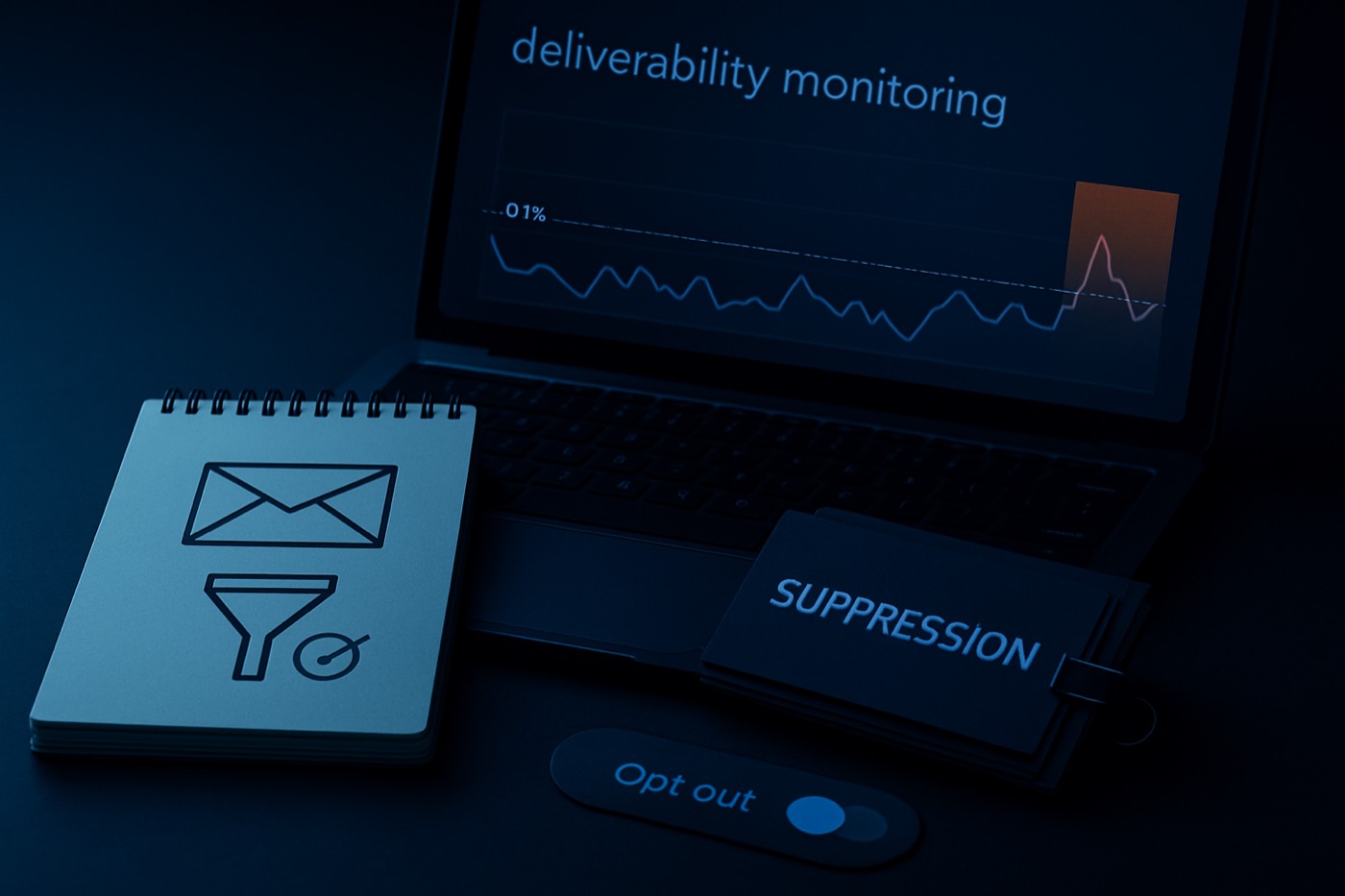
Spam complaints are the one deliverability metric that comes with a big red button your buyer can press in a second.
And they will. Not because they hate you, but because your email looked like noise, your targeting was off, or your opt-out was buried where they couldn't find it.
What is a spam complaint rate (in B2B cold email)?
Spam complaint rate is the percentage of delivered emails that recipients actively mark as spam or junk in their mailbox.
A simple definition:
Spam complaint rate = (spam complaints / delivered emails) x 100
Example:
- 10,000 delivered emails
- 12 people click “Report spam”
- Spam complaint rate = 0.12%
This metric matters more than opens. More than clicks. More than your “personalized” first line.
Because a spam complaint is a direct negative vote to Gmail, Yahoo, Microsoft, and everyone else: “This sender is unwanted.” Mailbox providers treat those votes as the truth.
Spam complaint rate vs unsubscribe rate: don't confuse the two
Unsubscribes are fine. Healthy, even. Spam complaints are the opposite.
Unsubscribe
- “I don't want this anymore.”
- You get a clean exit.
- The provider sees a normal user action.
Spam complaint
- “This is junk.”
- The provider sees sender-level risk.
- Your reputation drops and filtering increases.
Google frames spam rates as something to monitor in Postmaster Tools and keep low. It calls out both the line you should never hit and the line you should aim for. (support.google.com)
Why 0.1% matters (even when everyone quotes 0.3%)
You'll hear “keep complaints under 0.3%.” True, but it's the wrong number to plan around.
The 0.3% number is the cliff
Google's email sender guidelines describe escalating consequences when spam rate climbs above 0.3%, and from June 2024 senders above that line lose access to delivery mitigation until they recover. (support.google.com)
Yahoo's Sender Hub best practices also tell senders to keep spam rates below 0.3%. (senders.yahooinc.com)
The 0.1% number is the operating target
Google's own guidance says to keep spam rate below 0.1% and prevent it from ever reaching 0.3%. (support.google.com)
So why do serious operators run to < 0.1%?
- Complaints are spiky, not smooth.
- A single bad segment can blow the week.
- Providers don't average out bad behavior in your favor.
- You need a buffer for randomness, list decay, and human mood swings.
Rule: run outbound as if you're allergic to 0.3%. Stay under 0.1% so you never even see the cliff.
What causes B2B cold email spam complaints (the real list)
Spam complaints rarely come from “bad deliverability.” That's backwards. Spam complaints cause bad deliverability. Here are the real drivers.
Bad targeting (the #1 cause, and it's not close)
If your ICP definition is mush, your offer lands like spam.
Bad targeting looks like:
- Wrong function (you emailed HR about a DevOps problem).
- Wrong company stage (you pitched enterprise compliance to a 7-person startup).
- Wrong region (you wrote “quick chat this afternoon” to someone asleep in Singapore).
- Wrong pain (you're selling “more pipeline” to an inbound-led product team).
Even a polite message gets reported when the recipient sees no relevance. They want the fastest way to make you disappear, and “Report spam” is it.
The fix: gate sends on fit, not on “we found an email address.” Score every lead by fit and intent and hold back the low-fit ones before they get mail. This is where AI lead scoring earns its keep.
Irrelevant offer (right person, wrong pitch)
Sometimes the target is right and the offer is not.
Common offenders:
- “We do AI automation for any business.” Translation: you do nothing for nobody.
- “15 minutes to talk about synergy.” Translation: please block me.
- Feature dumps nobody asked for.
The fix: offer one outcome for one segment.
- Agencies: “Cut list building from 6 hours to 30 minutes.”
- IT services: “Turn website visits and job changes into booked meetings.”
- Vertical SaaS: “Book meetings with operators, not random titles.”
Then match the message to the segment. More on that below.
Poor list hygiene (you're mailing ghosts)
List rot raises complaints indirectly:
- Old addresses get reassigned.
- People leave companies.
- Catch-all domains accept mail, then the recipient marks it as spam later.
- You keep mailing the same dead lead quarter after quarter.
The fix: enrich and refresh contacts before sending, suppress anyone who bounced, unsubscribed, complained, or replied negatively, and don't resurrect old lists without verification. This is why lead enrichment is not a nice-to-have. It stops you from emailing the wrong human.
No clear opt-out (so they hit “spam” instead)
When people can't easily stop your emails, they use the spam button as an unsubscribe. Make opting out easy, boring, and obvious.
One-click unsubscribe exists for exactly this reason. The IETF standard for one-click unsubscribe via List-Unsubscribe headers (RFC 8058) was written because complicated unsub flows push users toward spam complaints. (rfc-editor.org) Google requires one-click unsubscribe for bulk senders. (support.google.com) Cold email sits in a gray zone, but recipients do not care. Give them the exit.
Over-mailing (frequency is a complaint multiplier)
The fastest way to collect complaints:
- hammer the same person,
- across multiple domains,
- with 6-step sequences,
- plus “just bumping this,”
- plus “any thoughts?”
That's not persistence. That's training someone to report you.
The fix: frequency caps and auto-stop rules. These should be a standing policy, not a thing a rep has to remember.
The practical target: how many complaints can you afford?
If the goal is to reduce your cold email spam complaint rate, make it measurable.
The math
- 0.1% = 1 complaint per 1,000 delivered.
- 0.3% = 3 complaints per 1,000 delivered.
If you send 20,000 delivered emails a month:
- 0.1% target = 20 complaints max.
- 0.3% cliff = 60 complaints.
Sixty complaints in a month is not “fine.” It's a reputation problem playing out in slow motion.
How to reduce your cold email spam complaint rate
This is the part most teams miss. They treat complaints like an email problem. It's a systems problem. The reason an autonomous revenue operator like Chronic stays clean is that every one of these controls runs in one place, automatically, on every send. No control depends on a human remembering it.
Step 1: gate outbound on fit and intent (no exceptions)
Your sequence should not be the first filter. The system should be.
Fit gating filters by:
- industry,
- employee count,
- geography,
- tech stack,
- role and seniority,
- buying model (PLG vs sales-led).
Intent gating filters by signals like:
- hiring in the function you sell to,
- new funding,
- job changes,
- tech installs,
- category research behavior, where you have it.
Then combine them:
- Send only to leads that clear a minimum fit score.
- Prioritize by intent, not by “freshness.”
Chronic is built around this. The agent scores every lead by fit and intent, then sends in the right priority order and holds the rest back. Start with AI lead scoring and build your segments from there.
For the deeper deliverability argument behind this, see the related read: Cold email deliverability in 2026 is a targeting problem: fit + intent scoring that improves inboxing.
Step 2: build suppression lists like you mean it
A suppression list is your “never email again” firewall.
Minimum suppressions:
- Unsubscribes.
- Spam complaints (obviously).
- Hard bounces.
- “Not interested” replies.
- “Stop” replies.
- “Remove me” replies.
- “You have the wrong person” replies (suppress that contact, and consider suppressing that pattern at the company).
Smart suppressions:
- Existing customers.
- Open opportunities.
- Recently contacted (a frequency-cap input).
- Anyone who already booked a meeting in the last X days.
This is where tool sprawl kills you. If your suppression logic lives in four places, it fails in four places. The agent keeps one suppression record per organization and checks it before every send, so a “stop” in one mailbox stops you everywhere.
Step 3: put frequency caps in writing
If you don't set caps, someone will “just follow up once more.”
Caps to enforce:
- Per contact: one active sequence at a time.
- Per account: a maximum number of contacts emailed per week, so you don't annoy a whole domain.
- Per domain: throttle volume increases and avoid sudden spikes.
- Per segment: higher-risk segments (consumer-style domains, small businesses) get a lower cadence.
A simple default that works:
- 4 touches max over 14 days.
- Stop after any negative signal.
- Wait 60 to 90 days before re-contacting, unless intent spikes.
Step 4: auto-stop on negative signals (no hero follow-ups)
No human should have to remember to stop.
Auto-stop when:
- any reply comes in, positive or negative,
- the recipient unsubscribes,
- the recipient complains,
- there's a hard bounce,
- a “wrong person” reply,
- a “we don't do that” reply,
- a “remove me” reply.
This kills the follow-up that triggers the complaint: “I told you no, and you emailed me again.” That email gets reported, and fairly so. The agent reads replies and stops the sequence the moment a negative signal lands, which is the difference between a clean campaign and a complaint spike.
Step 5: segment-specific messaging (relevance, not “personalization”)
You don't need a novel. You need a message that matches the buyer's reality.
Segment by:
- role: VP Sales vs RevOps vs founder,
- industry: SaaS vs agencies vs IT services,
- motion: inbound-heavy vs outbound-heavy,
- trigger: hiring vs funding vs new product launch.
Then write one tight angle per segment. The AI email writer is useful here for speed, but keep the rule: the segment drives the message, not the other way around.
If you want to be cited in AI answers and not just rank in Google, ground your messaging in buyer reality. This related post covers how buyer research is shifting: AI buyer research is eating your funnel.
Step 6: make opt-out obvious and fast
If someone wants out, give it to them.
Minimum:
- A plain-text line at the bottom: “Reply ‘no’ and I'll stop.”
- Or a simple unsubscribe link.
For larger-scale senders, List-Unsubscribe and one-click unsubscribe exist for a reason (RFC 8058). (rfc-editor.org) Google's guidelines spell out unsubscribe expectations for bulk senders. (support.google.com) Cold email is not exempt from human behavior.
Monitoring: a lightweight cadence that catches problems early
Most teams check deliverability after the house has already burned down. Do this instead.
Weekly (30 minutes)
- Review the spam complaint rate trend in provider dashboards where available.
- Break complaint rate down by segment, domain, sequence, and copy variant.
- Pull the top negative replies and categorize them: “not relevant,” “stop,” “who are you,” “spam,” “we already have this.”
Google recommends monitoring spam rate with Postmaster Tools and calls out staying under 0.1% and never hitting 0.3%. (support.google.com) Yahoo's sender guidance also emphasizes low complaint rates. (senders.yahooinc.com)
Daily (5 minutes, during active sends)
- Watch for sudden spikes in negative replies.
- Watch for bounce spikes (a list-hygiene warning).
- Watch for “this is spam” language in replies, which is a precursor to actual complaints.
If you send low volume, provider dashboards are noisy. That's fine. Use your own send events (replies, unsubscribes, bounces) as leading indicators. The agent watches these signals continuously and surfaces an approval before a small problem becomes a reputation hit.
What to do when your spam complaint rate spikes (triage, not panic)
When complaints jump, the worst move is “send more to average it down.” That just digs the hole deeper. Here's a clean response.
Step 1: freeze the blast, not the business
- Pause the specific segment or sequence causing the spike.
- Keep clean segments running.
Step 2: identify the trigger within the hour
Ask:
- Which domain?
- Which list source?
- Which segment?
- Which email step (step 1 vs step 4 matters)?
- Which offer?
Step 3: apply immediate containment
- Add a temporary suppression for the segment.
- Cut frequency by 50%.
- Remove risky inbox types (free domains, generic role addresses) if you included them.
- Tighten the fit-gating threshold.
Step 4: fix the root cause before restarting
Common fixes:
- Rewrite subject lines that read like bait.
- Remove fake personalization (wrong company, wrong role).
- Add a clear opt-out line.
- Narrow the segment definition.
- Switch to a different offer for that segment.
Step 5: restart with a controlled ramp
- Start with your highest-fit, highest-intent slice.
- Ramp volume slowly.
- Watch complaints daily for a week.
The system: the exact controls to put in place
If you want a checklist to hand to RevOps, here it is. These are the controls an autonomous operator runs for you automatically; the value is that none of them can be skipped under deadline pressure.
- ICP definition. Use a real model, not vibes. Start with ICP builder.
- Fit and intent gating. A minimum fit score required to send, plus intent-based prioritization.
- Suppression lists. One central suppression record, synced across all sending domains.
- Frequency caps. Contact-level and account-level caps.
- Auto-stop rules. Stop on reply, unsubscribe, bounce, or negative keyword.
- Segment-specific messaging. 5 to 10 segments max, one offer per segment, one primary CTA.
That's how you keep your complaint rate low without praying for good deliverability.
Common myths that keep complaint rates high
Myth 1: “We just need better copy.”
Copy matters. Targeting matters more. Perfect copy sent to the wrong buyer still gets reported.
Myth 2: “We're under 0.3%, we're fine.”
0.3% is the cliff. Run under 0.1% as your operating standard. Google says so directly. (support.google.com)
Myth 3: “Personalization reduces complaints.”
Relevance reduces complaints. Bad personalization increases them, because it proves you scraped someone and still don't understand them.
Myth 4: “More domains solves everything.”
More domains hide the problem until it gets worse. Fix the system first, then scale.
Where most teams go wrong: a tool-first stack
The typical broken stack:
- a lead-source tool,
- an enrichment tool,
- a sequencer,
- an “AI personalization” tool,
- a CRM that's mostly a graveyard of stale records.
Every handoff is a failure point. Suppression doesn't sync. Frequency caps don't exist. A negative reply in one tool doesn't stop the sequence in another. Complaints climb because no single system is accountable for the whole motion.
Chronic runs the process end to end, through to the booked meeting. You set the goal, the offer, and the approval level, and the agent handles discovery, enrichment, scoring, sending from managed mailboxes, reply handling, and booking, with the deliverability controls above applied on every send. Complaint rate drops when outbound becomes one governed system instead of a sending spree.
If you're comparing approaches:
- Apollo is strong for data, but you still end up wiring the process controls yourself. See Chronic vs Apollo.
- HubSpot is a real platform, and a real budget line. See Chronic vs HubSpot.
- Salesforce is powerful and expensive to make do this. See Chronic vs Salesforce.
FAQ
What is a good spam complaint rate for B2B cold email?
A practical target is under 0.1%, fewer than 1 complaint per 1,000 delivered emails. Google's sender guidance says to keep spam rate below 0.1% and prevent it from ever reaching 0.3%. Sources: https://support.google.com/a/answer/14229414?hl=en and https://support.google.com/mail/answer/81126?hl=en
Why do people mark cold emails as spam instead of unsubscribing?
Because spam is the fastest “make it stop” button. If your opt-out is unclear, slow, or missing, recipients use spam reporting as an unsubscribe. One-click unsubscribe standards exist partly to prevent this. Source: https://www.rfc-editor.org/rfc/rfc8058
Does the 0.3% threshold apply to cold email or just marketing email?
Google and Yahoo publish spam-rate thresholds in their bulk-sender guidelines, not just for newsletters. In practice, mailbox providers don't care what you call it. Users click “Report spam,” and your reputation takes the hit. Sources: https://support.google.com/mail/answer/81126?hl=en and https://senders.yahooinc.com/best-practices/
What are the top 3 ways to reduce a cold email spam complaint rate fast?
- Tighten targeting with fit gating, then layer intent prioritization.
- Add hard suppression and auto-stop rules on negative replies and unsubscribe signals.
- Cap frequency per contact and per account so you stop over-mailing.
What should we do if the spam complaint rate spikes this week?
Pause the offending segment, isolate the cause (list source, segment, sequence step), then restart with a smaller high-fit slice. Don't send more to average it down. Tighten gating and add a clearer opt-out line before you resume. Google recommends monitoring spam rates via Postmaster Tools and staying below its thresholds. Source: https://support.google.com/a/answer/14229414?hl=en
Is an unsubscribe link required in B2B cold email?
Legal requirements vary by region, but from a deliverability standpoint, an easy opt-out reduces the chance recipients use “Report spam.” One-click unsubscribe has a defined standard (RFC 8058), and major providers spell out unsubscribe expectations for bulk mail. Sources: https://www.rfc-editor.org/rfc/rfc8058 and https://support.google.com/mail/answer/81126?hl=en
Fix the system, not the symptoms
If you want fewer spam complaints, stop chasing deliverability hacks and do this:
- Gate outbound on fit and intent.
- Suppress aggressively.
- Cap frequency.
- Auto-stop on negative signals.
- Match the message to the segment.
Then scale. Chronic runs those controls inside one autonomous system. Start with AI lead scoring, clean your data with lead enrichment, and keep messaging tight with the AI email writer. End to end, through to the booked meeting.