One-Click Unsubscribe for Cold Email: What RFC 8058 Means for B2B Outbound
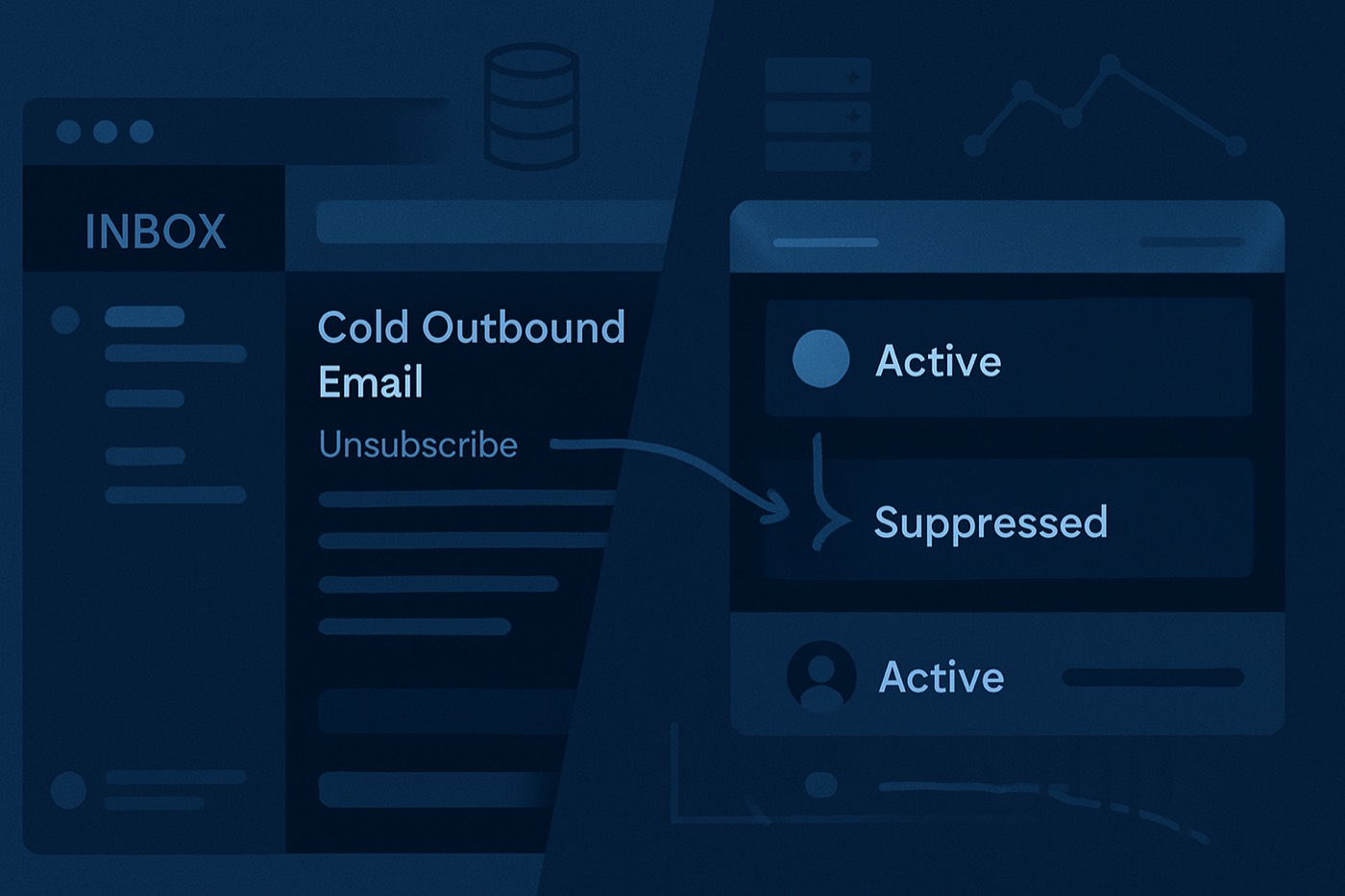
You do not have a deliverability problem. You have a “make it easy to leave” problem. One-click unsubscribe is the pressure valve that keeps annoyed recipients from rage-clicking “Report spam” and torching your domain.
TL;DR
- RFC 8058 defines one-click unsubscribe via a POST request triggered by mailbox UI (like Gmail’s “Unsubscribe”).
- Implement two headers:
List-Unsubscribe(RFC 2369) andList-Unsubscribe-Post: List-Unsubscribe=One-Click(RFC 8058). - Mailbox providers expect fast, silent unsubscribes with no login, no “confirm,” no guilt trip.
- Operators should measure what matters: spam complaints, bounces, replies. Gmail explicitly calls out keeping spam rates low (stay under 0.1%, avoid 0.3%+).
- Chronic keeps suppression clean. Sequences stop instantly. Pipeline stays alive.
Definition: RFC 8058 one click unsubscribe cold email
RFC 8058 one click unsubscribe cold email means: your cold email includes headers that tell mailbox providers there is a single action they can take to unsubscribe the recipient, and that action works via a one-step HTTP POST with no extra user interaction.
Plain English:
- The mailbox provider shows an Unsubscribe button in the UI.
- When the recipient clicks it, the mailbox provider fires a POST to your unsubscribe endpoint.
- Your system unsubscribes them immediately.
- No forms. No “are you sure?” No preference center maze.
RFC 8058 is not a marketing “best practice.” It is a spec mailbox providers can automate against.
Why RFC 8058 exists (and why cold outbound should care)
Cold email dies in two ways:
- People ignore you. Fine.
- People mark you as spam. That sticks.
One-click unsubscribe is how inbox providers reduce spam complaints for mail that looks like bulk outreach. Google’s sender guidance is blunt about spam rate thresholds, and it ties “easy unsubscribe” to staying compliant.
If a recipient wants you gone and you make it hard, they will take the faster option:
- Report spam
- Block
- This is phishing (if you really annoyed them)
That is how you “farm spam complaints.” Congrats on the harvest.
RFC 8058 vs RFC 2369: stop mixing them up
You need both.
RFC 2369: List-Unsubscribe (the pointer)
RFC 2369 defines the List-Unsubscribe header field. It can include:
- a URL, and/or
- a
mailto:address
Mailbox providers can read it and render an unsubscribe UI.
RFC 8058: List-Unsubscribe-Post (the one-click contract)
RFC 8058 adds the List-Unsubscribe-Post header with this value:
List-Unsubscribe-Post: List-Unsubscribe=One-Click
That signals: “If you POST to my unsubscribe URL, it will process immediately with no extra steps.”
If you only add List-Unsubscribe without the POST header, some clients treat it as “maybe one click, maybe not.” RFC 8058 removes the ambiguity.
How one-click unsubscribe works at a high level
Here is the flow mailbox providers expect:
Your email includes headers
List-Unsubscribe: <https://yourdomain.com/unsub?token=...>List-Unsubscribe-Post: List-Unsubscribe=One-Click
Mailbox UI shows “Unsubscribe”
- Gmail often displays it near the sender name when it recognizes the headers.
User clicks “Unsubscribe”
- The mailbox provider sends an HTTP POST to the URL from
List-Unsubscribe.
- The mailbox provider sends an HTTP POST to the URL from
Your server returns success
- Typically a 200-level response.
- No redirect chains.
- No HTML required.
- No tracking pixel circus.
You suppress the recipient
- Immediately.
- Permanently, unless they explicitly opt back in later.
RFC 8058 exists so the provider can complete the action without opening a browser and asking the recipient to do more work.
What mailbox providers expect now (not what you wish they expected)
Mailbox providers do not care that your CEO “really wants this account.”
They care about:
- Complaint rates
- User engagement signals (positive and negative)
- Authentication
- Consistent behavior
Google’s bulk sender guidance includes “make it easy to unsubscribe” and spam rate expectations. It also states that if you use one-click unsubscribe via headers, body unsubscribe links do not have to be one-click.
The take: headers matter. Providers automated this.
Practical implementation: what to add to every cold sequence
1) Add List-Unsubscribe and List-Unsubscribe-Post headers
Minimum viable set:
List-Unsubscribe: <https://yourdomain.com/unsubscribe?token=abc123>List-Unsubscribe-Post: List-Unsubscribe=One-Click
Use HTTPS. Use a unique token. Make it idempotent.
RFC 8058 defines the one-click signaling via the POST header.
Implementation guides and ESP docs agree on the two-header pattern.
2) Make the endpoint “silent success”
Rules for the unsubscribe endpoint:
- Accept POST
- Do not require cookies
- Do not require auth
- Do not show a confirmation step
- Do not up-sell a preference center as the only path
If you want a preference center, do it after you have unsubscribed them. The unsubscribe must still complete with one action.
3) Process unsubscribes fast (as in: instantly)
Mailbox providers and users expect immediate suppression. If you keep sending for hours because “sync job runs nightly,” you are manufacturing complaints.
Operational standard:
- Apply suppression in real time
- Stop active sequences immediately
- Record the source (header unsubscribe vs body link vs reply request)
4) Suppress at the right level (do not get cute)
At minimum, suppress:
- the exact recipient email
Better in B2B outbound:
- suppress the email across all sequences and all mailboxes
- optionally suppress the domain if the user requests it (common in IT and procurement)
Also suppress:
- role accounts (
info@,sales@,support@) if they complain, those addresses spike complaint rates fast.
5) Sign your headers with DKIM
Mailbox providers rely on authenticated, unmodified headers. Some ecosystems recommend ensuring the List-Unsubscribe headers are DKIM-covered so intermediaries cannot tamper with them.
When to include List-Unsubscribe headers in cold email
Use them whenever your cold outreach behaves like a list:
- multi-step sequences
- follow-ups over days
- any meaningful volume
Even if you are under “bulk sender” thresholds, one-click unsubscribe still reduces complaints. Complaints are the metric that kills you, not your intent.
Google’s published guidance explicitly frames one-click unsubscribe as part of expected sender behavior for higher-volume senders. If you plan to scale, build it now.
What to track so you stop guessing about deliverability
Open rates are a liar in 2026. Track the stuff mailbox providers actually punish.
Complaint rate (the silent assassin)
Google calls out spam rate targets and warns against hitting 0.3%+.
Operator math:
- 1 complaint per 1,000 delivered = 0.1%
- 3 complaints per 1,000 delivered = 0.3% (you are playing chicken with a truck)
One-click unsubscribe reduces the “annoyed user” path to spam.
Bounce rate (the reputation tax you pay up front)
Hard bounces scream “bad list.” Bad lists lead to filtering. Filtering tanks replies. Then you send more to compensate. Then you die.
Baseline rules:
- Verify lists
- Suppress past bounces
- Kill sources that produce garbage data
Replies (the signal you actually want)
Replies are strong positive engagement. They also create operational chaos if your system cannot:
- stop sequences on reply
- tag outcomes
- suppress when someone says “remove me”
One-click unsubscribe is not a replacement for reply handling. It is the backup exit.
If you want a clean framework for outbound signals, read Outbound Triage System: A Fit + Intent + Timing Framework That Replaces Lead Scoring. It connects activity to decisions instead of vibes. Outbound triage framework
Common operator mistakes (and the fast fixes)
Mistake 1: “We have an unsubscribe link in the footer, we are good.”
No. That link is for humans. RFC 8058 is for mailbox provider automation.
Fix:
- Add headers. Test in raw message source.
Mistake 2: Unsubscribe link goes to a login wall
That is not unsubscribe. That is a complaint generator.
Fix:
- Tokenized endpoint. One click. Done.
Mistake 3: You unsubscribe them, then keep sending from another mailbox
This is how you get domain-level blocking and angry LinkedIn posts.
Fix:
- Central suppression list across all sending identities.
Mistake 4: You keep sequences running after unsubscribe because “timing”
You just taught them spam is faster.
Fix:
- Global stop rule. Immediate.
Mistake 5: You treat unsubscribes as a failure
Unsubscribes are cheap. Spam complaints are expensive.
Fix:
- Celebrate unsubscribes. They are the “no” you needed.
RFC 8058 implementation checklist (featured-snippet friendly)
- Add
List-Unsubscribeheader with an HTTPS URL (tokenized). - Add
List-Unsubscribe-Post: List-Unsubscribe=One-Click. - Ensure the unsubscribe endpoint accepts POST and unsubscribes immediately.
- Return a simple 200 response. No redirects. No confirmation step required.
- Apply suppression across all sequences and mailboxes.
- Log unsubscribe events for auditing and troubleshooting.
- Test with real inboxes. Inspect raw headers. Click provider UI unsubscribe.
- Monitor complaint rate, bounce rate, and replies weekly.
Sources: RFC 2369 and RFC 8058 define the header semantics and one-click signaling.
How this ties back to Chronic (the part where your pipeline survives)
Cold outbound fails when tools do not agree on reality:
- your sender thinks the prospect is active
- your CRM thinks they are “in sequence”
- the prospect thinks they unsubscribed last week
Chronic runs outbound end-to-end, till the meeting is booked. That only works if suppression is ruthless.
What Chronic enforces in practice:
- Stop rules that actually stop on unsubscribe and on reply
- Clean suppression so the same contact does not get hit from five sequences
- Scoring that prioritizes prospects who are likely to respond so you send fewer “maybe” emails and avoid complaint spikes
Relevant product pages:
- Chronic AI Email Writer for personalization that stays relevant, not creepy.
- Chronic Lead Enrichment to reduce bounces with better contact data.
- Chronic AI Lead Scoring so volume goes to the right prospects first.
- Chronic Sales Pipeline to keep outcomes, suppression, and follow-up logic in one place.
If you want the bigger deliverability operating system, this pairs well with:
And if you are comparing stacks:
- Apollo sprawl vs one system: Chronic vs Apollo
- Salesforce tax vs execution: Chronic vs Salesforce
- HubSpot everything-bagel vs outbound focus: Chronic vs HubSpot
One line on competitors:
- Clay is powerful, and complex.
- Instantly sends email.
- Chronic runs the whole outbound loop and respects suppression so you can keep sending tomorrow.
FAQ
Is RFC 8058 legally required for cold email?
No. RFC 8058 is a technical standard, not a law. Inbox providers treat it like a requirement at scale because it reduces complaints. Google’s sender guidelines explicitly require easy unsubscribe behavior for bulk senders.
What headers do I need for RFC 8058 one click unsubscribe cold email?
Use both:
List-Unsubscribe(from RFC 2369)List-Unsubscribe-Post: List-Unsubscribe=One-Click(from RFC 8058)
Do I still need an unsubscribe link in the email body?
Many senders still include a simple footer link because humans look for it. Google’s FAQ says that if you meet the one-click header requirement, the body link does not have to be one-click.
How fast should I process unsubscribes?
Immediately. If someone unsubscribes and you keep sending follow-ups, you are begging for spam complaints. That is the deliverability metric that matters most.
What deliverability metrics should I watch instead of opens?
Track:
- spam complaint rate (Google calls out staying under 0.1% and avoiding 0.3%+)
- bounce rate (list quality)
- reply rate (real engagement)
Will one-click unsubscribe hurt my pipeline?
It trims dead weight. The people who click unsubscribe were not buying. The alternative is worse: they mark spam, and your future prospects never see your emails.
Ship it this week
Do these three things and stop pretending deliverability is magic:
- Implement
List-Unsubscribe+List-Unsubscribe-Postacross every cold sequence. - Make your POST endpoint unsubscribe instantly, and suppress globally.
- Watch complaints, bounces, and replies weekly. If complaints climb, fix targeting and sequencing before you scale volume.
Pipeline on autopilot only works when your outbound has brakes. Chronic ships the brakes, not just the gas.