Adaptive outreach sequences: how to build multi-signal plays (email + LinkedIn + website + intent)
Adaptive outreach sequences change the next step based on real signals (reply type, clicks, pricing-page views, intent surges, job changes) rather than a fixed cadence. Model them as a state machine where suppression and meeting-booked rules always win.
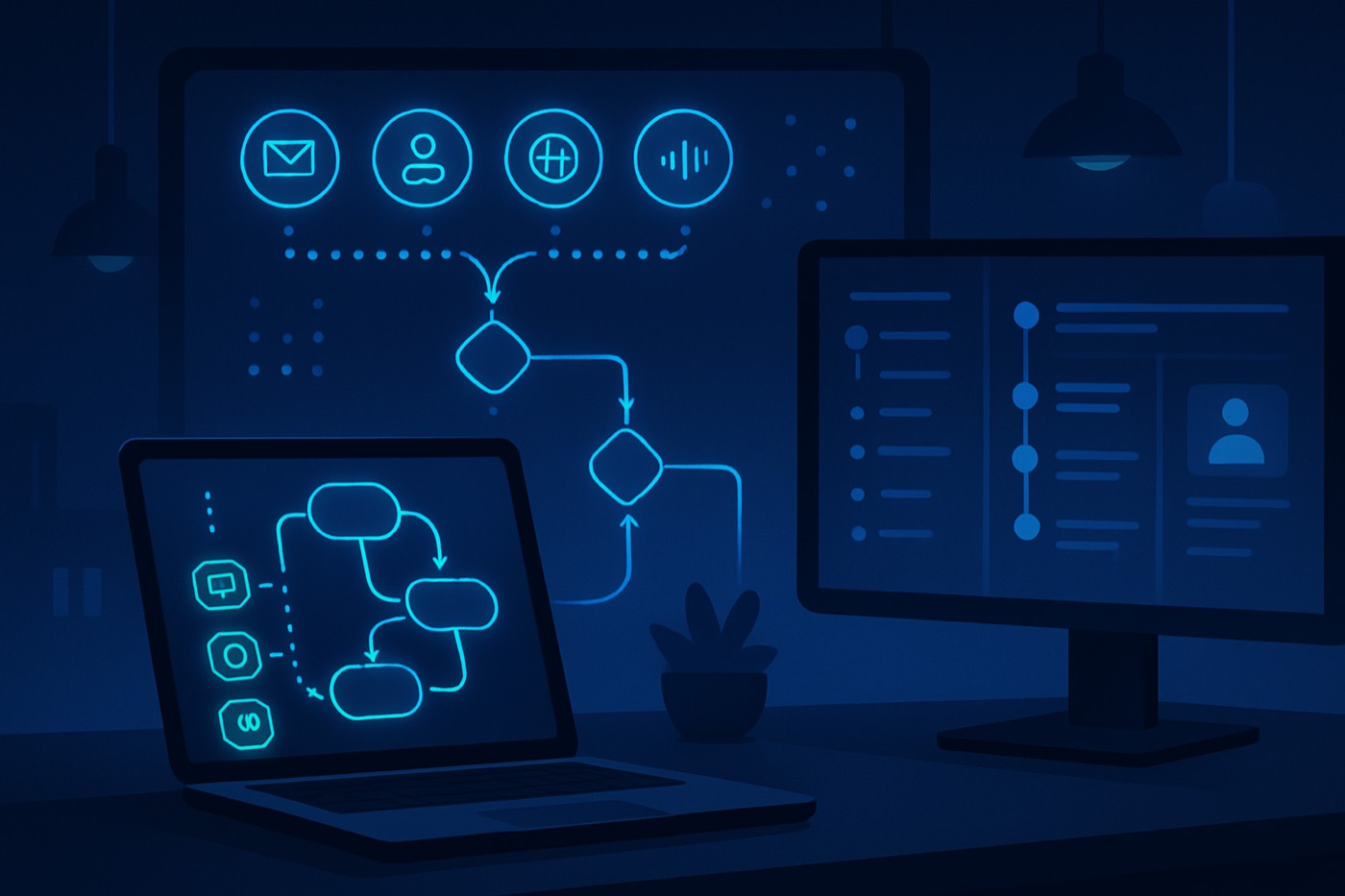
Outbound is shifting from "run the same 6 touches for everyone" to "listen, then act," because buyers do most of their research before they ever talk to a seller and only engage for a small slice of the journey. A multi-signal sequence reacts to what an account is actually doing across email, LinkedIn, website, and intent feeds instead of guessing the next touch. 6sense reports that many buyers settle on a preferred vendor before they speak to sales, and that favorite wins the deal the majority of the time. That makes early signal detection and fast-path routing a real advantage. (6sense 2024 Buyer Experience Report, 6sense 2025 Buyer Experience Report)
This guide is tool-agnostic: the same logic runs whether you wire it as workflow automations in your stack or hand it to an autonomous revenue operator like Chronic that detects the signal, decides the next step, and sends from managed mailboxes with you approving the moments that matter. Either way, the design is the same.
What "adaptive outreach sequences" means (and what it is not)
Definition: adaptive outreach sequences are multi-channel cadences that use real-time signals to choose the next best action. Instead of "Day 1 email, Day 3 follow-up, Day 5 LinkedIn," you run rules like:
- If no engagement for 5 days, switch channels (LinkedIn, call, or a new deliverability-safe email angle).
- If pricing page view, fast-path to a meeting ask and a handoff to a closer.
- If negative reply, suppress and stop all future touches.
What it is not:
- Not "personalization theater" where you add merge tokens but still run the same rigid drip.
- Not volume dressed up as strategy, where you ignore suppression, meeting-booked stops, and ownership handoffs.
- Not email-only. It is a signal fabric across channels.
Why adaptive sequences outperform fixed cadences
Fixed sequences break for two reasons:
- Signals arrive out of order. A prospect might visit pricing before they ever reply.
- Channel preference is individual. Some roles ignore cold email but respond on LinkedIn, or the reverse.
Response rates vary widely by industry and message quality. Public benchmark roundups put LinkedIn message response rates somewhere in the high single digits to low double digits. Treat those as directional baselines, not guarantees. (EngageKit benchmark recap, Closely benchmark overview)
The operational takeaway matters more than any benchmark: when a buyer is in a self-directed research phase, you need a system that can detect buying motion (website behavior, intent surge) and change the ask immediately, without waiting for a human to notice.
The signals you need (and how to store them)
You can build adaptive logic on many signals. This is the minimum viable set for real multi-signal plays. Store each one as a discrete field or event, not a note buried in a record, so a workflow or an agent can read it reliably.
1) Email signals
Signals
- Delivered, bounced, spam complaint (deliverability hygiene)
- Open (directional only, but still useful)
- Click (stronger than open)
- Reply received
Fields/events
last_email_sent_atlast_email_open_at(optional)last_email_click_atlast_reply_atreply_type(enum: positive, neutral, objection, OOO, unsubscribe, negative)email_thread_id(to group touches)do_not_email(boolean)
Best practice: do not treat "open" as high intent. Privacy features and image blocking skew it. Use opens mainly for "are we completely invisible?" checks, then pivot to clicks, replies, and web behavior.
2) Meeting booked
This is a stop condition and a routing trigger.
Signals
- Meeting booked (self-serve calendar)
- Meeting held / no-show
- Meeting rescheduled
Fields/events
meeting_booked_atmeeting_owner(opener vs closer)meeting_status(booked, held, no_show, canceled)
3) Website key page views
You need at least three tiers of pages.
Signals
- Pricing page view
- Integration or security page view
- Product page view
- Case study view
- Docs page view (implementation intent)
- Multiple visits in a short window (velocity)
Fields/events
last_web_visit_atlast_key_page_view(enum: pricing, security, integrations, case_study, docs)web_visit_count_7dpricing_views_14d(integer)visited_after_email_click(boolean)
4) Form fill (or high-intent conversion)
Treat this as a "hot" state change.
Signals
- Demo request
- Contact sales
- Webinar signup (moderate)
- Content download (low to moderate)
Fields/events
last_form_fill_atform_type(demo, contact_sales, webinar, content)
5) Intent surge (third-party or first-party)
Intent is helpful but noisy. You need guardrails.
Signals
- Account-level surge for relevant topics
- Topic match to ICP use case
- Surge velocity (sudden spike vs slow build)
Fields/events
intent_surge_atintent_topics(array)intent_score(numeric)intent_provider(6sense, Bombora, etc.)intent_confidence(low/med/high based on your rules)
6) Job change
A classic trigger for outreach timing.
Signals
- New role started (0 to 90 days)
- Promotion
- Team expansion (hiring)
Fields/events
job_change_atjob_change_type(new_role, promotion)tenure_days
7) Suppression and compliance signals (non-negotiable)
Signals
- Unsubscribe
- Negative reply
- Competitor / student / vendor mismatch
- "Not me" with referral
- Legal requests
Fields/events
suppression_reason(unsubscribed, negative_reply, wrong_person, competitor, other)suppressed_atsuppressed_until(for temporary holds like OOO)
Decision rules: the adaptive logic, ready to implement
These rules are written so they translate directly into workflow automations, a playbook engine, or an agent runner with guardrails.
Rule set A: channel switch when email is not working
Rule: if no engagement for 5 days after the first email, switch channels.
Implementation detail
- "No open" is imperfect, so combine it with at least one stronger constraint to avoid over-switching:
email_delivered = true- AND
no_reply = true - AND
last_email_sent_at <= now-5d - AND
last_email_click_at is null - THEN create a LinkedIn task
Next-action options
- LinkedIn profile view + connect
- LinkedIn message referencing a neutral, non-creepy reason
- Retargeting (if you run ads) rather than a second email
Rule set B: fast-path when pricing is visited
Rule: if pricing page view, fast-path to a meeting ask.
Implementation detail
- Trigger when:
last_key_page_view = pricing- AND
pricing_views_14d >= 1(or 2 for higher confidence) - AND
meeting_booked_at is null - AND
suppressed = false
Next actions
- Email: "Happy to sanity-check pricing. Want me to send a 2-option recommendation?"
- LinkedIn: short note offering "the 2-minute pricing map"
- Handoff to a closer: if the account is high-fit and intent is high
Rule set C: negative reply suppression
Rule: if negative reply, suppress.
Reply taxonomy
- Negative: "Not interested," "Stop," "Remove me," hostile
- Wrong person: "Not my area, talk to X"
- OOO: out of office
Implementation detail
- If negative:
- set
do_not_email = true - set
suppressed_at = now - set
suppression_reason = negative_reply - stop all sequences
- set
- If wrong person:
- set
sequence_status = paused - create task: "Find correct contact"
- enrich additional contacts
- set
- If OOO:
- set
suppressed_until = ooo_return_date + 2 days - schedule re-entry
- set
How to build adaptive outreach sequences (step-by-step)
The pattern that scales is: state machine + event ingestion + rules + actions + stop conditions + handoff.
Step 1: Define your states (state machine approach)
Keep it simple. You can add states later.
New - Not ContactedAttempting Contact - Email PrimaryAttempting Contact - LinkedIn PrimaryEngaged - Light(click, web visit, no reply)Engaged - Strong(pricing view, form fill, intent surge + fit)Meeting SetIn Pipeline (Closer Owned)Closed WonClosed LostSuppressed
Why a state machine works: it prevents contradictory automations from firing at once, and it makes reporting possible. Each account sits in exactly one state, which is also how an autonomous operator decides what to do next without stepping on itself.
Step 2: Standardize signal ingestion (events, not anecdotes)
You need a consistent way to write signals into one place:
- Email provider -> email events (sent, delivered, reply, click)
- Calendar -> meeting booked/held
- Website tracking -> key page view events
- Intent provider -> account surge events
- LinkedIn -> tasks (unless you have approved automation)
If your data model is messy, adaptive sequences become random sequences. Use a consistent event schema where each event is timestamped and attributable, so deliverability and attribution stay clean. (Related: The deliverability data model)
Step 3: Build your ICP and fit scoring first (so signals have context)
Adaptive does not mean "react to anything." It means react to the right signals for the right accounts.
- Firmographics: industry, headcount, region
- Technographics: tools they use, stack fit
- Role: who owns the problem
Define the target profile, find matches, then enrich to fill missing firmographic and technographic fields before any signal logic runs. An autonomous operator does this discovery and enrichment continuously, which is what gives later signals their context. (Discovery and enrichment)
Step 4: Score leads, but keep the score explainable
Rank and route on a fit-plus-signal score, but insist on transparency:
- What signals drove the score?
- Was it fit, intent, engagement, or recency?
This avoids the "black-box score no one trusts" problem. Chronic surfaces the reasoning behind each priority call, so when the agent pushes an account forward you can see why. (Related: How to implement real-time lead scoring)
Step 5: Write decision rules as "if this, then that" playbook logic
A reliable template:
- Trigger (event or time)
- Guards (fit threshold, not suppressed, not already in a meeting or pipeline)
- Action (send email, create task, change state, handoff)
- Stop condition (meeting booked, negative reply, disqualified)
Keep rules small and composable. Avoid giant mega-workflows.
Step 6: Decide what is automated vs task-based
Some actions should run automatically, some should create work for a human.
Automate
- Email sends (within deliverability guardrails)
- State transitions
- Suppression
- Task creation
- Routing to a closer
Task-based
- LinkedIn touches (often safer and more compliant as tasks)
- Calling
- Personalization for top accounts
- "Find correct person" research
When sends are automated, constrain the writing with:
- Allowed claims
- Allowed personalization sources
- Length limits
- A required proof point (case study, metric, relevant integration)
Chronic writes and sends from warmed, managed mailboxes inside those guardrails. The best results come from feeding it structured enrichment and intent context, not free-form prompts, and from keeping you in the loop on the sends that carry the most reputational weight.
Step 7: Configure stop conditions and suppression first
Do this before you launch any sequence.
Minimum stop conditions:
- Meeting booked
- Positive reply (handoff)
- Negative reply (suppress)
- Unsubscribe (suppress)
- Hard bounce (suppress email, enrich new contact)
Step 8: Implement handoff rules (and make them measurable)
Define when an account moves from autonomous outreach to a human closer.
Common handoff thresholds:
- Pricing view + high fit + intent surge
- Form fill (demo / contact sales)
- Positive reply requesting details
- Multiple key page views in 48 hours
Handoff actions:
- Create a closer-owned opportunity
- Assign the closer
- Post a structured summary (signal timeline)
- Create a next-step task within an SLA (example: 2 business hours)
The principle behind this is confident delegation: the agent can execute the routine work, but a human still owns the moments that decide the deal. (Related: 7 best AI sales agents for outbound prospecting (2026), AI SDR vs human SDR in 2026)
Three implementation patterns
Pattern 1: state machine + event-driven workflows (recommended)
- Every lead or account has exactly one
sequence_state. - Events update fields.
- Workflows look at
sequence_stateplus the latest events, then transition.
Pros: debuggable, scales across teams, clean reporting. Cons: requires upfront design.
Pattern 2: playbooks with tasks as the runtime
Instead of fully automated sends, the system creates the next best task.
Pros: safer for LinkedIn and calling, good for small teams. Cons: depends on rep discipline.
Pattern 3: an autonomous operator executes, guardrails enforce
- The agent proposes the next step from the signals.
- The system validates: not suppressed, not meeting booked, within frequency caps.
- The agent executes or creates a task, and surfaces an approval when the decision matters.
Pros: the highest payoff at scale, and the only pattern where the listening and the acting are the same system rather than a human relaying signals between tools. Cons: requires real policy and audit logs, which is exactly what the guardrails and timeline above provide.
Chronic is built on this third pattern: it owns discovery, deliverability, sending, reply handling, and booking end to end, and shows its reasoning so the handoffs are never cold. For how it compares to running this yourself across a stack, see Chronic vs HubSpot and Chronic vs Apollo.
Example play 1: "warm account intent surge" (multi-signal fast-path)
When to use it
- You sell into a defined ICP.
- You have intent data and can track key website pages.
- You want to move quickly without spamming.
Entry criteria (all must be true)
fit_score >= 80(ICP match)intent_score >= thresholdANDintent_surge_at within last 7 dayssuppressed = false- No active opportunity or meeting booked
Core decision rules (signal-driven)
- If a pricing page view occurs
- Transition to
Engaged - Strong - Create a closer handoff task immediately
- Send a meeting-ask email within an hour (or create a task to send it)
- Transition to
- If a security or integrations page view occurs
- Send a technical-validation email (security pack, SOC2, integration checklist)
- Create task: "Offer 15-min technical fit call"
- If no web activity for 72 hours after the surge
- Run a low-friction touch: LinkedIn connect + short message referencing category value, not intent
- If the reply is negative
- Suppress and stop
- If a meeting is booked
- Stop the sequence
- Transition to
Meeting Set - Push a pre-call context brief to the closer
Suggested touch map (adaptive, not fixed)
- Touch A (email): "Quick question on your evaluation timeline"
- Touch B (LinkedIn task): connect, no pitch
- Touch C (email based on web page):
- Pricing -> "2-option recommendation + meeting"
- Integrations -> "integration checklist"
- Security -> "security brief"
- Touch D (handoff): only on strong engagement
What to log for analysis
- Time from
intent_surge_atto first touch - Conversion rate by first key page viewed
- Meeting rate for pricing viewers vs non-pricing viewers
Example play 2: "silent but high-fit ICP" (channel switching + proof-led messaging)
When to use it
- Accounts match ICP perfectly but do not engage.
- You want persistence without deliverability damage.
Entry criteria
fit_score >= 90intent_score is low or unknownno_reply = true- Not suppressed
Core decision rules
- If no engagement for 5 days, switch channels
- After email 1, wait 5 days
- If
last_email_open_at is nullANDlast_email_click_at is nullANDno_reply - Create a LinkedIn task sequence (2 tasks across 7 days)
- If a website key page view appears at any time
- If
last_key_page_view = pricing-> fast-path meeting ask - If
last_key_page_view = case_study-> send a proof email with one relevant case study and a one-question CTA
- If
- If a job change is detected
- If
job_change_at within 30 days-> replace the generic pitch with new-role onboarding value, and shorten the gap between touches while keeping channel variety
- If
- If the reply is negative
- Suppress and stop
Suggested assets and messaging angles
For silent accounts, the goal is not more follow-ups. It is more credible reasons to respond:
- A relevant micro-case study (same industry, similar size)
- A short teardown (2-3 observations about their funnel or stack, no shaming)
- A choice-based CTA (A or B)
- A "permission to close the loop" message, only after you have earned it with value
Use enrichment to avoid generic copy. If you cannot answer "why you, why now" with data, do not send the touch. That is exactly the constraint to put on any automated writing, including Chronic's: it sends only when a structured field gives it a real reason to.
Build checklist (copy into your RevOps ticket)
Data and tracking
- Implement event logging for: email sent / click / reply; meeting booked; key page views (pricing, security, integrations, docs, case study); form fill types; intent surge; job change.
- Create suppression fields and enforce them across all automations.
- Create a single
sequence_statefield with allowed transitions.
Rules and workflows
- Build hard-stop workflows first: meeting booked -> stop all tasks and sends; unsubscribe / negative reply -> suppress.
- Build fast-path workflows: pricing page view -> meeting ask + handoff task if fit is high.
- Build channel-switch workflows: no engagement for 5 days -> LinkedIn task set.
- Build the handoff SLA workflow: strong engagement -> assign a closer, due within 2 business hours.
Execution
- Define opener vs closer responsibilities.
- Define frequency caps by channel and persona.
- QA with 20 internal test leads before production.
Common pitfalls (and how to avoid them)
Pitfall 1: treating intent surges as permission to be aggressive
Intent is a prioritization tool, not consent. Use it to time relevance, not to advertise surveillance.
Pitfall 2: no single source of truth for state
If email tools, sequencers, and your records each "own the truth," your adaptive logic will conflict. Pick one system of record. An autonomous operator that owns the whole loop sidesteps this by design.
Pitfall 3: missing suppression logic
If your system cannot reliably suppress negative replies, you do not have adaptive sequences. You have risk.
Pitfall 4: handoff without context
Every handoff should carry a timeline: what happened, when, what you sent, and what the buyer viewed.
FAQ
What is the simplest way to start with adaptive sequences for a small team?
Start with a task-driven playbook: email touch 1 (automated), then rules that create tasks (LinkedIn, call, research) based on clicks, replies, and key page views. This avoids over-automation while you learn which signals correlate with meetings. When you want that loop to run without you, an autonomous operator can take the same playbook and execute it end to end.
Which signals matter most if we can only implement a few?
Prioritize: (1) reply type classification (positive vs negative vs wrong person vs OOO), (2) meeting booked (hard stop), (3) pricing page view (strong buying motion), (4) clicks (stronger than opens). Add intent surges and job changes once the core workflow is stable.
How do we safely use "no open for 5 days, then channel switch" when open tracking is unreliable?
Treat "no open" as a soft indicator and combine it with stronger non-open signals like "no click" and "no reply." Then switch to a non-email channel (LinkedIn task or call) rather than escalating email volume.
What should happen when someone replies "not interested" vs "wrong person"?
"Not interested" should trigger suppression and a sequence stop. "Wrong person" should pause the sequence and create a task to identify and enrich the correct contact, then restart in a new thread. Do not keep emailing the wrong contact.
When should outreach hand off to a human closer?
Hand off when you have a high-fit account and a strong signal: pricing page views, a demo or contact-sales form fill, a positive reply requesting details, or an intent surge plus key page views. Include a signal timeline and a recommended next action so the closer does not start cold.
How do we keep adaptive sequences from becoming an unmaintainable mess of workflows?
Use a state machine with explicit allowed transitions and keep rules modular. Avoid branching logic that changes five fields at once without logging why. Tie each transition to an event (click, view, reply, meeting) so the system stays auditable.
Build your first adaptive sequence this week (7-day plan)
- Day 1: Define states, suppression rules, and stop conditions (meeting booked, negative reply, unsubscribe).
- Day 2: Implement key signal tracking: clicks, replies, pricing page views, meeting booked.
- Day 3: Create the three core rules: channel switch at 5 days no engagement, pricing fast-path, negative reply suppression.
- Day 4: Build the two plays above as workflows (warm intent surge, silent high-fit).
- Day 5: QA with internal test leads and verify that stop rules always win.
- Day 6: Launch to a small segment (25 to 50 accounts), watch the tasks created, and confirm no double-touches.
- Day 7: Review outcomes and tighten thresholds (fit-score cutoff, pricing view count, handoff triggers), then expand.