Pipeline data hygiene: 7 safeguards for letting an autonomous operator run outbound without wrecking your reporting
When an autonomous operator runs outbound, your reporting survives because of schema and write rules, not better prompts. Give it stable keys, gated stage writes, field provenance, per-object dedupe, two-way suppression sync, audit and rollback, and sandboxed rollouts.
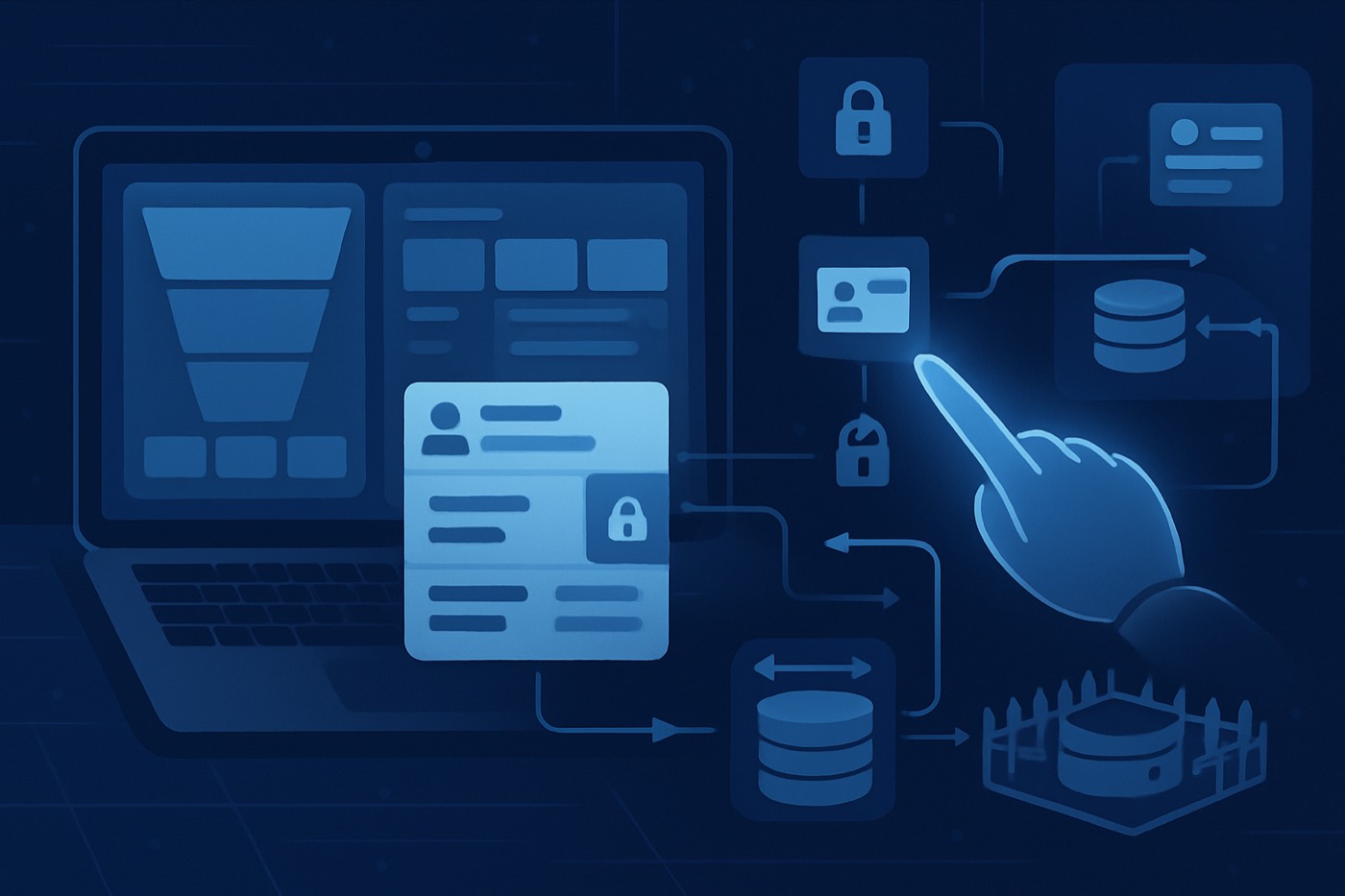
Bad pipeline data hygiene quietly kills your reporting. An autonomous operator running outbound at machine speed does the same thing faster, unless you put boundaries around what it can write.
If you hand a revenue goal to an agent that finds leads, sends email from managed mailboxes, handles replies, and books meetings, it touches your records constantly. The question is not whether it should. The question is where it is allowed to write, and what happens to your attribution, lifecycle stages, and pipeline metrics when it does.
This is a discipline, not a setting. Keep your schema, keys, permissions, and change controls tight enough and an operator can run nonstop without corrupting the numbers you report on.
The real problem: automation does not understand your reporting model
Your pipeline reporting depends on a handful of fragile assumptions:
- One company equals one Account.
- One person equals one Contact or Lead.
- Lifecycle stages only move forward.
- "Lead source" means one thing.
- "Last touch" does not get overwritten by a bot that merely brushed past the record.
An agent working at volume breaks these assumptions unless you stop it. Almost all of the damage traces back to two gaps:
- No stable identifiers, so the operator creates a duplicate instead of updating the right record.
- No write boundaries, so the operator overwrites fields your dashboards treat as truth.
You do not need less automation. You need guardrails the operator works inside. Chronic is built this way on purpose: it runs end to end, but every write path is deliberate, and it surfaces approvals for the decisions that matter rather than touching everything it can reach.
Safeguard 1: strict upsert rules and unique keys
If an operator (or any integration) cannot reliably upsert into the correct record, it defaults to "create." That is how you end up with:
- 3 Accounts for the same domain
- 5 Contacts with the same email
- Opportunities attached to the wrong Account
- Reporting nobody trusts
The rule
Every object the operator touches needs a unique key strategy. Not name matching. Not best guesses.
Practical patterns:
- Account key: normalized website domain (plus country if needed)
- Contact key: normalized email (best), otherwise email plus LinkedIn URL
- Lead key: email plus lead source system
- Sequence enrollment key (custom object): contact_id plus sequence_id
In Salesforce, duplicate prevention runs on Matching Rules plus Duplicate Rules. That is the native mechanism to detect and handle duplicates. (help.salesforce.com)
Detection is not enough. You want prevention:
- Use External ID fields and enforce uniqueness where the platform supports it.
- Make automation upsert by External ID, not "search then create."
Even with an External ID, you can still see duplicate errors inside the same batch or transaction if two writes race each other. (salesforce.stackexchange.com) So build idempotency and retry logic deliberately.
Implementation checklist
- Pick one golden key per object.
- Normalize it (lowercase, trim, strip protocol, handle punycode if you sell internationally).
- Enforce uniqueness where the platform supports it.
- Upsert only. No raw creates except through a controlled intake route.
Safeguard 2: lifecycle stage write permissions
Lifecycle stages drive:
- Funnel conversion rates
- SLA dashboards
- Sales velocity reporting
- Forecast categories, depending on your setup
If the operator can rewrite stage fields, your funnel becomes fiction.
The rule
Only one actor writes lifecycle stages. Everyone else requests a change.
Enforce it with:
- Role-based permissions (RevOps owns lifecycle config)
- Field-level security
- Validation rules that block non-approved writers
In Salesforce, you can see who changed a tracked field and when with Field History Tracking, which logs the user and timestamp. (help.salesforce.com) That is useful, but prevention beats forensics.
A simple stage policy that works
- Operator can set:
New -> Workingonly (optional) - Human rep sets:
Working -> Qualified -> Closed - System automation sets disqualification stages, but only with a required stop reason
- No backward stage movement without a RevOps-only override
If you want the operator to do inbound or reply qualification, gate it. The operator writes Qualification Suggested = True; a human or a rules engine promotes the actual lifecycle stage. You keep the automation without letting it rewrite the funnel.
Safeguard 3: field-level provenance (human vs operator vs integration)
When reporting breaks, the first question is always the same: who overwrote this field? If your CRM cannot answer that instantly, you lose hours every week chasing it.
The rule
Every write to a reporting-critical field carries provenance:
- source_type: human, operator, workflow, import, API, integration
- source_id: user id, operator id, integration name, workflow id
- source_timestamp: when the value was set
HubSpot's property history can show whether a change came from a user edit, workflow, import, API call, or integration. (portalpilot.io) Salesforce Field History Tracking logs who changed a tracked field and when. (help.salesforce.com)
That is history. Provenance stored in fields is stronger:
- You can filter on it.
- You can build dashboards on it.
- You can alert on it.
What to tag (minimum)
- Lead source
- ICP tier
- Intent tier
- Lifecycle stage
- Owner
- Sequence name
- Stop reason
- Next step / follow-up date
If the operator cannot populate provenance, it does not write the field.
Safeguard 4: dedupe policy by object
Most teams say "dedupe the CRM" as if it is one job. It is not. Each object needs its own definition of a duplicate, its own merge priority, and its own survivorship rules.
Salesforce's native duplicate management is built around Matching Rules and Duplicate Rules. (help.salesforce.com) That gives you the machinery. You still write the policy.
Policy examples that prevent damage
Accounts
- Match on website domain (primary)
- Secondary: company name plus country
- Survivorship: keep the record with the most Opportunities or most recent activity
Contacts
- Match on email (primary)
- Secondary: LinkedIn URL
- Survivorship: keep the record with the highest engagement or most recent meeting
Leads (if you still run Leads)
- Match on email plus lead source system
- Do not merge Leads across different source systems unless you can preserve attribution cleanly
Opportunities
- Do not auto-merge. Require human review. Automation should not merge revenue records.
Dedupe enforcement
- Block duplicate creation for the operator.
- Alert humans if you want to keep the experience friendly.
- Run scheduled duplicate jobs that report on:
- duplicate rate by object
- duplicate sources (imports, forms, operator, API)
Safeguard 5: suppression lists synced both ways
An operator that keeps following up will happily email someone who unsubscribed, bounced, or complained, unless it is checking a suppression list at send time. That path leads to spam complaints, domain reputation damage, and legal exposure depending on jurisdiction.
At a minimum, you need a suppression list policy consistent with CAN-SPAM's requirement for a working opt-out mechanism on commercial email. (en.wikipedia.org)
This is also where an operator like Chronic earns its keep: it sends from managed, warmed mailboxes and treats suppression as a hard send-time gate, because the whole job is qualified meetings without burning your domains or your customer relationships.
The rule
Suppression must be:
- global across all sequences and tools
- bidirectional (CRM and sending system stay in step)
- enforced at send time, not merely flagged
Practical setup
- One suppression object or table with:
- domain (optional, for B2B safety)
- reason (unsubscribe, bounce, complaint, manual)
- source system
- timestamp
- Sync rules:
- If someone unsubscribes in the email platform, CRM suppression updates within minutes.
- If the CRM flags "do not contact," email platform suppression updates within minutes.
- Operator behavior:
- The operator can add suppression.
- The operator cannot remove suppression. Ever.
Safeguard 6: audit log and rollback
If the operator misfires, you need to see exactly what changed, revert it quickly, and stop it from happening again. "We will fix it manually" is not a recovery plan.
Salesforce Field Audit Trail extends Field History Tracking and can retain field history longer by archiving changes, depending on licensing. (help.salesforce.com) Even without it, you still need a rollback plan.
The rule
For every automated write path, define:
- what gets logged
- where the logs live
- how rollback works
- who can execute rollback
Minimum viable rollback design
- A before-write snapshot of critical fields (store the old values)
- A write event record with:
- record id
- fields changed
- old value, new value
- actor (operator id)
- request id (for batch rollback)
- A rollback procedure that supports:
- rollback by request id
- rollback all operator writes in the last X minutes
- rollback specific fields only (stages, attribution fields)
If rollback takes a developer and a hope, you do not have rollback.
Safeguard 7: sandbox routes for new automations
New automations should not learn in production.
Salesforce is plain about what a sandbox is: a replica used for development, testing, and training without affecting live users or data. (salesforce.com) The "without affecting" part is the point.
The rule
Every new operator capability ships through three gates:
- Sandbox
- A limited production slice (canary)
- Full rollout
A rollout method that works
- Sandbox: validate schema writes, dedupe behavior, and permission boundaries
- Canary cohort: one segment (one region, one SDR team, or one ICP tier)
- Kill switch: one toggle disables operator writes immediately
- Shadow mode (optional): the operator produces recommended writes but does not commit them; a human reviews the deltas
If you cannot run the operator in shadow mode, you are trusting it too much.
Minimum viable schema for outbound
You want dashboards that answer basic questions:
- Where did the pipeline come from?
- Was it ICP fit or random noise?
- What sequence produced the meeting?
- Why did we stop?
Here is the minimum schema for outbound that stays stable while an operator runs.
Required fields (per Lead or Contact, depending on your model)
Lead source
- Controlled vocabulary: outbound, inbound, partner, event, product, referral
- Write policy: system sets it on creation, never overwritten
ICP tier
- Tier 1, Tier 2, Tier 3
- Based on firmographics, technographics, and your ICP rules
- If you want this set automatically, route it through a scored model, not a rep dropdown
Intent tier
- High, Medium, Low
- Must carry provenance so you know whether it came from website signals, third-party intent, or operator inference
Sequence name
- The exact sequence identifier, not "Q2 outbound"
- Write-on-enroll only
- Store both
sequence_idandsequence_nameif you can
Last touch
- The last meaningful activity: email reply, call connected, meeting booked
- Do not let "email sent" overwrite a human reply as the last touch
Stop reason
- Not interested, Wrong person, Bad timing, Competitor, No response, Unsubscribed, Bounced, Duplicate
- Required when status changes to any stopped or disqualified state
Optional but high value
- Owner at first touch (for attribution and SLA)
- First outbound date
- Meeting booked date
- Channel (email, phone, LinkedIn) if you run more than one
How to put all 7 safeguards into a working system
This is the part teams skip, and then they blame the automation.
Step 1: map your reporting-critical fields
List them. Usually 15 to 30 fields across Account, Contact or Lead, and Opportunity. If a dashboard uses it, it is reporting-critical.
Step 2: define a write owner per field
For each critical field, assign exactly one write owner: human, operator, workflow, or integration. Everyone else gets read-only or suggestion-only.
Step 3: add keys and enforce upserts
- Add External IDs or unique constraints where possible
- Normalize identifiers
- Make all automation upsert-only
Step 4: implement provenance tagging
- Add provenance fields
- Enforce no provenance, no write
Step 5: configure object-level dedupe rules
- Matching logic per object
- Block operator duplicates
- Alert humans if needed
Step 6: build suppression sync as infrastructure
- One source of truth
- Two-way sync
- No automated unsuppression
Step 7: stand up audit and rollback before expanding automation
- Log every operator write event
- Snapshot critical fields
- Rollback by request id
Step 8: route new automations through sandbox and canary
- Sandbox validation
- Canary rollout
- Kill switch on standby
Where Chronic fits: autonomous, but controlled
Most "AI inside the CRM" features fall into one of two traps. Either they write timidly, so nothing really happens, or they write aggressively, so the reporting dies.
Chronic is an autonomous revenue operator, not a CRM bolt-on. You give it a revenue goal and it runs discovery, enrichment, outreach from managed mailboxes, reply handling, and meeting booking, and it does it inside these guardrails. Pipeline on autopilot, with the write paths kept tight.
How this maps to what the operator does:
- Lead capture and enrichment stay consistent with your schema through lead enrichment.
- Outbound writes stay intentional because scoring drives priority, not random activity, through AI lead scoring and your ICP builder.
- Sequences stay attributable through controlled sequence naming and messaging in the AI email writer.
- Pipeline stays measurable because stages, stops, and touches follow rules inside your sales pipeline.
If you want a direct contrast with the tools you already know:
- HubSpot is flexible, and that flexibility is also how property sprawl and workflow collisions happen. Chronic keeps the write paths tight. (Chronic vs HubSpot)
- Salesforce is powerful, and that power is also how you end up paying for several add-ons and still running CSV dedupe. Chronic runs outbound execution end to end. (Chronic vs Salesforce)
- Apollo is a strong data and sequencing tool. Chronic goes further, owning scoring and controlled CRM outcomes through to the booked meeting. (Chronic vs Apollo)
Related reads that go deeper on the failure modes:
- Cold email data supply chain: where bad data enters and how it wrecks deliverability
- Outbound benchmarks 2026: reply rates, bounce rates, spam complaints
- Autonomous CRM guardrails: 12 questions to ask before you buy
FAQ
What is pipeline data hygiene for an autonomous operator?
It is the set of schema rules, identifiers, permissions, provenance tracking, and change controls that keep CRM records consistent while an autonomous operator creates and updates data at high volume. If your dashboards rely on a field, that field needs guardrails.
What breaks first when an operator writes to the CRM?
Two things break immediately. Duplicates, because upserts fail without stable unique keys. And attribution fields, because automation overwrites "lead source," "last touch," and lifecycle fields with whatever its last step touched.
Do I need Salesforce Shield or Field Audit Trail for this?
No. Salesforce Field History Tracking already logs who changed tracked fields and when. (help.salesforce.com) Field Audit Trail extends retention and capacity, but the core safeguards are still keys, permissions, provenance, dedupe policy, suppression sync, and rollback design. (help.salesforce.com)
How do I stop the operator from changing lifecycle stage without turning off automation?
Make lifecycle stage fields write-protected for the operator. The operator can write a "stage suggestion" field; a human or a controlled workflow promotes the actual stage. You keep the automation without letting it rewrite your funnel.
What is the minimum outbound schema I need for clean reporting?
At minimum: lead source, ICP tier, intent tier, sequence name, last touch, and stop reason. If you cannot answer "where did this meeting come from and why did we stop," your schema is missing the basics.
What is the safest way to roll out new operator automations?
Sandbox first. Salesforce describes a sandbox as a safe space for testing changes without affecting production users or data. (salesforce.com) Then a canary rollout to a small cohort, with a kill switch and rollback ready before full deployment.
Install the guardrails, then let the operator run
Do this in order:
- Define unique keys and strict upserts.
- Lock lifecycle stages behind write permissions.
- Add provenance on every reporting-critical field.
- Enforce object-specific dedupe policy.
- Sync suppression both ways and forbid auto-unsuppression.
- Log every operator write and ship a rollback button.
- Route new automations through sandbox and canary.
Then let the operator run at full speed. That is the whole point: confident delegation, with the numbers you report on left intact.