Ask your CRM vs do the work: AI search, AI summaries, and the jump to execution
AI search and summaries inside your CRM answer questions fast, but they still leave the rep to do the work. The next step is an autonomous operator that runs outbound and books meetings, not a smarter sidebar.
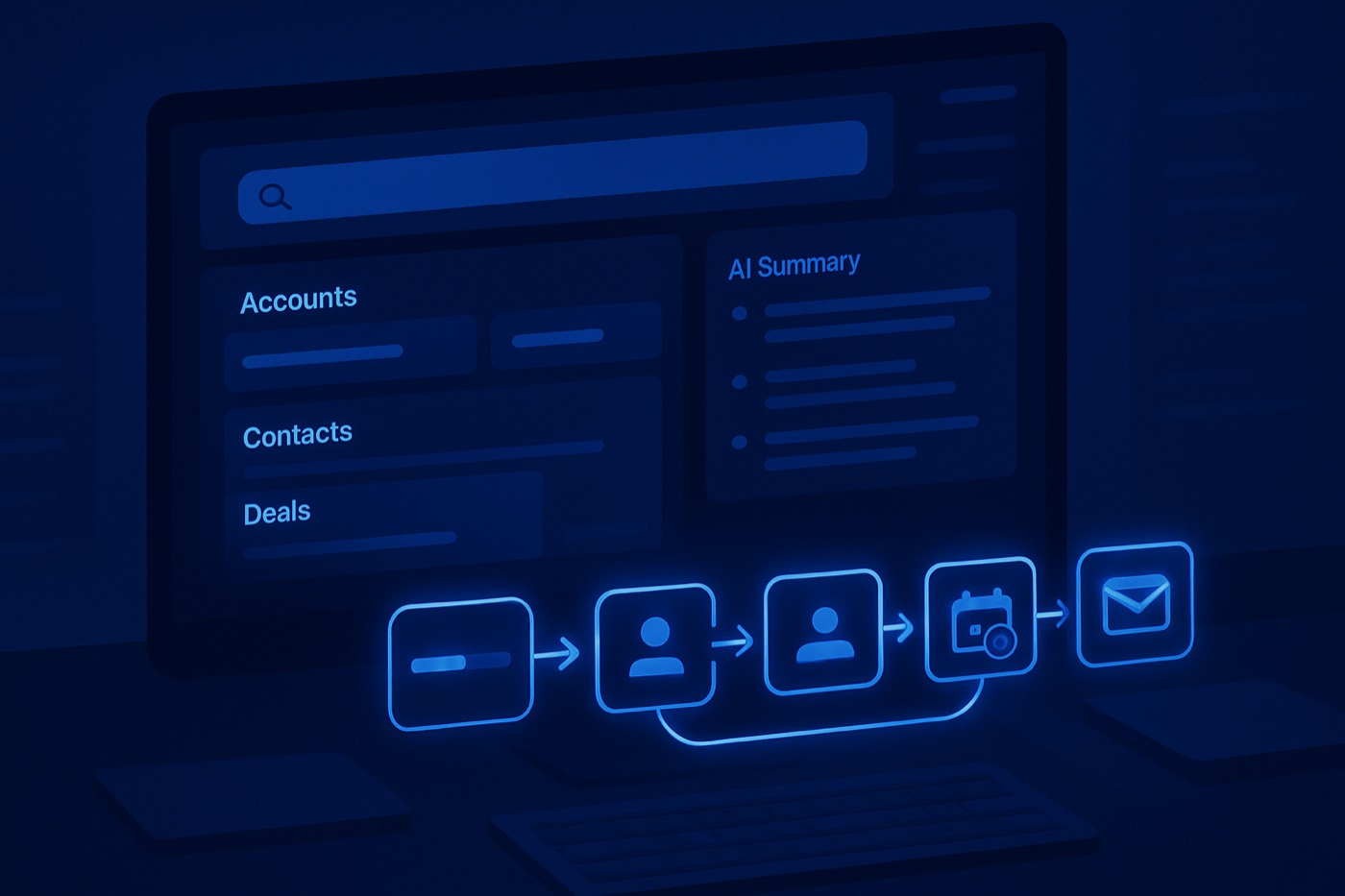
The CRM sidebar is filling up with chat boxes. Ask a question, get an answer, read a summary. It is genuinely useful, and it is also a tell: the record has more data than anyone can navigate, so vendors are bolting natural language on top of it.
That is the real shift behind Attio's "Ask Attio" narrative and every CRM stapling a chat box onto the sidebar. AI search in the CRM solves the first pain: "Where is the truth?" It does not solve the second: "Cool. Now go run the outbound and book the meeting." That second job is not a search problem. It is an execution problem, and it sits outside the CRM.
Where this post is coming from
Chronic is not a CRM, and this is not a CRM pitch. Chronic is an autonomous revenue operator: you give it a revenue goal, and it finds the right accounts, enriches them, writes and sends cold email from managed, warmed mailboxes, handles the replies, and books meetings, surfacing approvals only for the calls that matter. It runs the outbound work that AI-in-your-CRM stops short of. So when this post talks about the limits of "ask your CRM," it is mapping where the answer layer ends and where execution has to begin.
The trend: "ask your CRM" was step one. Doing the work is step two
"Ask your CRM" is the obvious evolution of search: natural language over structured records. Attio put a clear flag in the ground with Ask Attio, which can search, update, and create inside the CRM. That last part matters because it crosses the line from answering to acting. Start with the vendor's framing (attio.com) and the product reference docs (attio.com). Attio also shipped an MCP integration so AI assistants can operate Attio through tools (docs.attio.com), which is close to an admission that the future interface is "agent talks to CRM," not "human clicks CRM."
The big suites landed in the same place:
- Salesforce shipped Einstein Copilot with "Copilot Actions" for sellers, the answer-plus-do hybrid (salesforce.com).
- Microsoft positioned Copilot as summaries plus guided actions across Dynamics 365, leaning hard into "in the flow of work" (learn.microsoft.com).
So the sidebar chat is spreading. But the chat box is not the point. Search is a feature. Execution is the work that actually moves pipeline, and most of it happens before a record exists at all.
Why AI search in the CRM matters, and why it stops short
AI search inside a CRM fixes three real problems:
- Discovery: reps can't remember where anything lives.
- Recall: details get lost between calls, emails, and Slack threads.
- Speed: clicking through objects is a tax, and taxes compound.
But it has a ceiling. It stops at language. If the output is "here's what I found," a human still has to:
- find the next set of accounts worth contacting
- write the outreach that references real context
- send it from a domain and mailbox that won't land in spam
- read the reply and respond
- book the meeting
Summaries became the next wave because they compress that context. They still don't ship outcomes. The output sales leaders actually count is meetings booked, and McKinsey has been blunt that gen AI value comes from automating work activities, not making dashboards prettier. They estimate the technology could lift sales productivity by an amount equivalent to 3 to 5 percent of current global sales expenditures (mckinsey.com). That is throughput, not nicer notes.
The five questions reps actually need answered
Reps don't need "summarize this account." They need decisions. Five questions show up in real pipeline every day, and they sit at the boundary between the answer layer and the work.
1) What changed since I last touched this account?
New exec hire, new funding, new job posts, new tech install, a competitor mentioned, an inbound visit, an email reply. This is the fastest path to relevance. If AI search can't answer "what changed," it's a chatbot reading a static record.
2) Who is the real buyer, and who is blocking?
Every deal has a champion, an economic buyer, a blocker, and a silent no. The map should stay current as new signals arrive, not rot in a free-text field.
3) What is the next action that moves this deal this week?
Not "next activity." Next action that moves the stage: send the security packet, pull legal into the thread, book the technical validation call, align on success criteria, push for a mutual close plan.
4) Which accounts should get touched right now?
Reps don't need a list of 400 "hot" leads. They need a shortlist that respects fit, intent, timing, and capacity. This is where scoring earns its keep, not vibes.
5) What should I say that won't get ignored?
Personalization is not "nice to meet you." It's the specific trigger, the specific pain, the specific proof, and a clean ask. AI search can fetch the context. Something still has to write and send the message.
The execution ladder: from summarize to booked meeting
Most CRM-AI features sit at "summarize." Some reach "draft." Very few own the full ladder, because each rung gets riskier, and the higher rungs touch production systems and your sender reputation. Each rung has to be reliable before the next is safe.
1) Summarize
Meeting recap, account snapshot, deal risks, last touch and next step. This saves time but does not create pipeline by itself. Microsoft pushes this heavily across Dynamics 365, including customer summaries and guided actions (learn.microsoft.com).
2) Recommend
Next best action, suggested stakeholders, suggested content, an objection-handling angle. Recommendation without execution still leaves the human doing the work.
3) Draft
Follow-up email, a first-touch message, a call script, an internal handoff note. Drafting is where adoption spikes because it feels good. It also creates a new problem: draft sprawl, with a person still hitting send.
4) Send
Now you're touching production. Sending well means selecting the right message, personalizing the opener, respecting timing and timezone, sending from a warmed mailbox on an authenticated domain, and stopping on reply. This is where a sidebar assistant ends and real outbound infrastructure begins.
5) Handle the reply
A reply is not the finish line. Someone has to read intent, answer questions, handle the objection, and keep the thread moving without going cold.
6) Book
Booked means availability checked, a time proposed, the slot confirmed, the invite sent, and the handoff prepared. Booked is the only output finance respects.
The sidebar era is ending for one reason: selling time is finite
Everyone in sales has the same problem: too much manual work, not enough time in front of buyers. Study definitions vary, but the direction is consistent, with a minority of the week going to actual selling. So the argument is simple:
- Summaries save minutes.
- Doing the outbound work saves hours.
- Hours turn into attempts, and attempts turn into meetings.
HubSpot's reporting on AI adoption points the same way: a large share of sellers using AI-powered tools report productivity gains from automating manual tasks (hubspot.com). Treat vendor surveys as directional, not gospel, but the direction is clear.
What Attio gets right, and what the market is copying
Attio's framing is clean: stop digging, start asking. The stronger signal is that Ask Attio is built to operate inside the product with permissions and actions, not just answer from a data dump (attio.com).
But the market already moved past "ask" toward "agent runs workflows." Salesforce shipped Einstein Copilot Actions (salesforce.com), Microsoft documented Copilot as guided actions in-app (learn.microsoft.com), and everyone else is racing to brand the same arc. The differentiator left is execution quality:
- Can it act?
- Can it act safely?
- Can it act repeatedly without babysitting?
- Can it act across the whole outbound motion, end to end, until the meeting is booked?
If you're evaluating AI-in-your-CRM, vet it like an operator
Demos flatter. If you're adopting an AI search or assistant feature inside your CRM, check the parts a demo hides.
Data and context
- Does it search only CRM objects, or also emails, meetings, notes, and enrichment?
- Does it understand your custom objects and fields?
- Does it honor permissions correctly? (Attio explicitly calls this out: attio.com.)
Answer quality
- Does it cite the records it used?
- Can it say "I don't know"?
- Can it ask a follow-up when the prompt is ambiguous?
Where execution actually lives
- If it claims to send outreach, does it manage domains, mailbox warming, and authentication, or does it just hand a draft back to the rep?
- Can it run across many accounts, not one chat at a time?
- Is there an audit log, with approval gates on the risky steps?
The last group is the tell. Answering and summarizing live comfortably inside a CRM. Running outbound safely is a different discipline, and it's where the operator layer takes over.
Where Chronic lands: the work, not the interface
Most CRMs pitch "AI inside your CRM." The output is still a rep staring at a screen. Chronic's job is different: it runs the outbound itself and reports back, end to end, until the meeting is booked. It does the work reps avoid and leaders tolerate:
- find and refine the accounts worth contacting with an ICP Builder
- keep records real with Lead Enrichment
- prioritize with AI Lead Scoring
- write outreach that references real context with an AI Email Writer
- send from managed, warmed mailboxes and track every step toward a meeting
Good CRMs like HubSpot, Salesforce, and Attio still have a place; they're where the record lives. Chronic sits beside the CRM and optimizes for the one output nobody can fake: qualified meetings booked. If you're mapping the stack:
For the full motion, this blueprint lays it out step by step: Outbound to meeting booked: the 2026 workflow blueprint. For the signal side, read Signal library: 25 buyer signals you can detect without paying for intent data.
The market split: AI command center vs autonomous operator
Here's the fork buyers keep walking into:
- AI command center: better search, summaries, and suggestions inside the CRM. Humans still run the process.
- Autonomous operator: a system that finds accounts, sends outreach, handles replies, and books meetings on its own, with approvals.
Both can work. Only one compounds. If your reps are senior, deals are large and bespoke, command-center mode with tight controls may fit. If you're fighting volume, speed, and coverage, an operator wins because it manufactures qualified attempts instead of better-organized to-do lists. Chronic's take is blunt: if it doesn't execute, it's a feature, not a strategy. (Related: AI command center vs autonomous SDR.)
The risks nobody wants to talk about
Automated outbound can wreck pipeline if you ignore the basics.
Risk 1: garbage context, faster damage
If enrichment is stale, the agent personalizes the wrong thing. If targeting is loose, it contacts the wrong accounts. If your data is fiction, automation just makes the fiction move faster.
Risk 2: deliverability collapse
Automated outreach raises volume, and volume punishes sloppy domain hygiene, weak authentication, and bad list discipline. Without tight sending infrastructure, automation is a blacklist speedrun. This is exactly the part Chronic owns so the user doesn't have to: managed domains, warmed mailboxes, and sending discipline built in.
Risk 3: silent automation debt
If you can't audit the actions, you can't debug the outcomes. If you can't reproduce why a message went out, you can't fix the system. Approvals and an audit trail are not bureaucracy. They're how delegation stays safe.
What to do now
A practical path that avoids getting seduced by chat UI:
Step 1: use AI search where it reduces friction today
Account changes since last touch, meeting prep, fast retrieval of notes and context. This is where the CRM sidebar earns its keep.
Step 2: get your account reality straight
Decide the fields, objects, and stages that define an account, then enforce them with enrichment and ownership rules. Both the answer layer and any operator depend on it.
Step 3: move one rung up the ladder at a time
Don't jump from summaries to autonomous sends in a week. Sequence it: summaries, drafts, recommendations, then sending, reply handling, and booking, each behind approvals until you trust it.
Step 4: price everything against meetings booked
If a vendor charges per seat, ask what that spend produces. If they charge per credit, ask what output it buys in pipeline. Then run the only math that matters: cost per meeting booked, meeting to SQL, SQL to closed-won. Nicer notes don't close deals. Meetings do.
FAQ
What is AI search in a CRM?
AI search in a CRM is natural-language querying over CRM data, so reps can ask "what changed in this account?" and get a direct answer without digging through records. Products like Attio's Ask Attio position this as "ask, update, and create" inside the CRM (attio.com).
How is AI search different from AI summaries?
AI search retrieves an answer to a specific question. AI summaries compress a blob of context, like a deal or meeting, into a short brief. Search reduces navigation time; summaries reduce reading time. Neither guarantees the next action happens.
What makes an AI agent different from an AI assistant?
An assistant answers and drafts. An agent executes: it runs the steps in a workflow without a human doing each one. Microsoft describes Copilot as summaries plus guided actions inside Dynamics 365 (learn.microsoft.com), which is the bridge from assistant toward agent behavior.
Is Chronic a CRM?
No. Chronic is an autonomous revenue operator. It works alongside your CRM and runs the outbound the CRM doesn't: finding accounts, writing and sending cold email from managed, warmed mailboxes, handling replies, and booking meetings, with approvals on the decisions that matter.
What should buyers check when evaluating agentic sales tools?
Ignore the chat demo and inspect execution. Can it take actions with an audit trail? Does it respect permissions and approvals? If it sends outreach, does it own deliverability infrastructure, or just hand back a draft? Can it prove outcomes in meetings booked, not just time saved?
Demand outcomes, not nicer notes
AI search in your CRM is becoming table stakes, and summaries are comfort food. Execution is the meal. Once "ask your CRM" is everywhere, the thing worth paying for is a system that does the work: finds the right accounts, sends the right message safely, handles the reply, and books the meeting. Everything else is a prettier place to lose deals.