AI writeback to your CRM: what it is, what can go wrong, and the guardrails that keep pipeline clean
AI writeback is when an AI system writes into your CRM: creating records, updating fields, logging activity, triggering workflows. Without guardrails it manufactures fake pipeline. The fix is deny-by-default fields, approval queues, audit logs, and a confidence score.
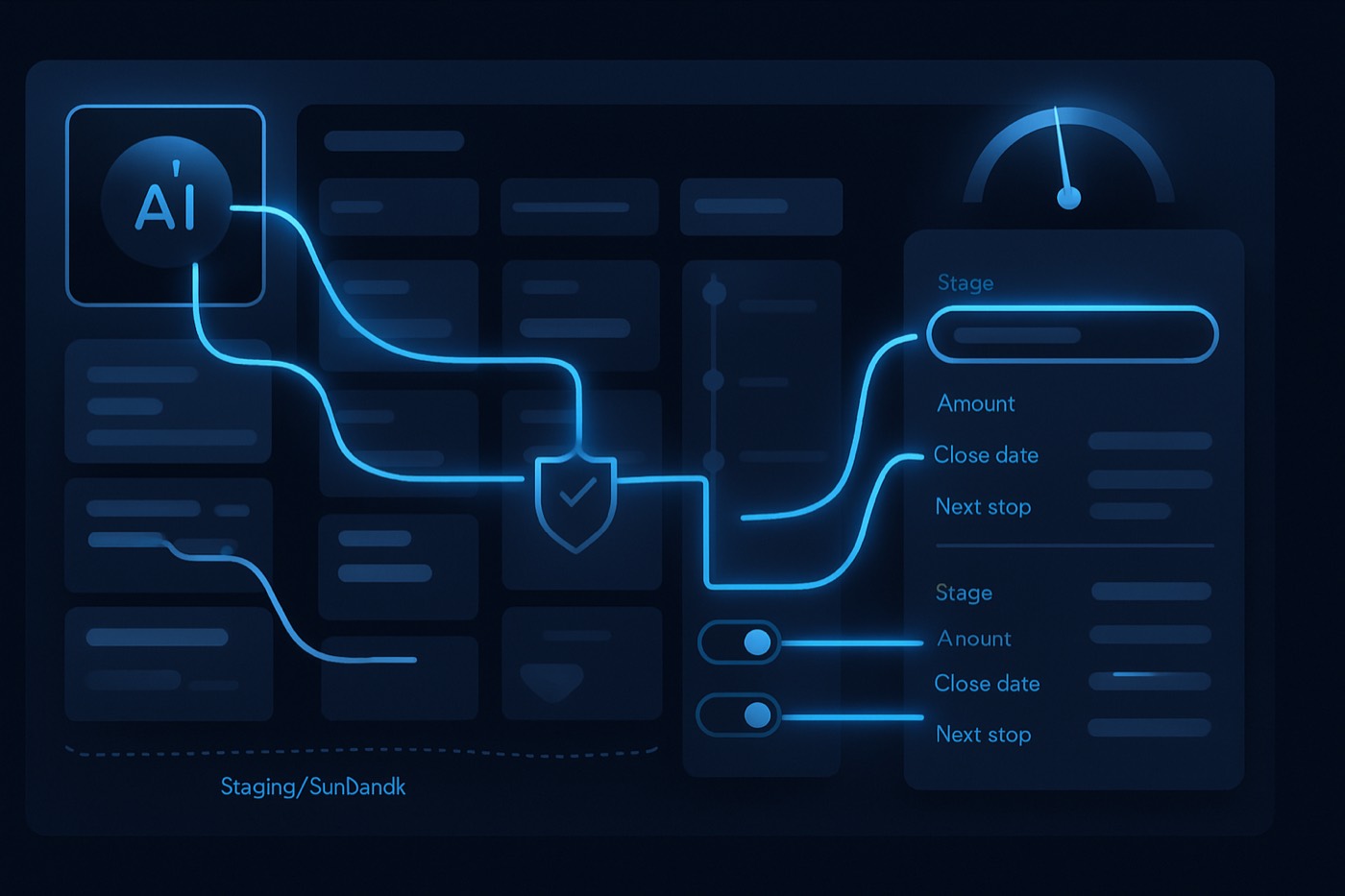
Your CRM is probably already a little bit wrong. Not because anyone lied. Records go stale, fields drift, and duplicates pile up faster than anyone cleans them.
Now add an AI system that can write back into that CRM: create records, update fields, log activity, trigger workflows. Without guardrails, you have automated the exact thing that was already eroding your forecast, only faster.
This post is about doing it the other way: what AI writeback actually is, the failure modes that quietly manufacture fake pipeline, and the small set of controls that keep your data trustworthy enough to forecast on.
AI writeback: the plain-English definition
AI writeback is when an AI system can write data into your CRM, not just produce text for a human to copy in.
Not "suggest a note." Not "draft an email." Actually write.
That means the AI can:
- Create new CRM objects (accounts, contacts, leads, deals)
- Update existing fields (job title, status, stage, owner, next step)
- Log activity (emails sent, calls, meetings, notes)
- Trigger automations (workflows, sequences, tasks, routing)
If your AI only produces text that a human then pastes into the CRM, that is not writeback. That is a fancy notepad.
Writeback is genuinely useful. It is also the point where AI starts changing your system of record, and CRM data quality is already shaky before any AI touches it. Validity's 2025 report found that 37% of CRM users reported losing revenue due to poor data quality, and 76% said less than half of their CRM data is accurate and complete. That is the starting condition.
Source: Validity, The State of CRM Data Management in 2025 (validity.com)
Why teams want writeback anyway
Manual CRM work eats selling time. Nobody wakes up excited to normalize job titles.
So teams reach for "AI copilots." The copilot drafts, summarizes, and suggests. Then a rep still has to clean up the record, update the stage, log the call, create the follow-up task, and reconcile the duplicate it just created. That is not automation. That is more tabs.
Writeback changes the shape of the work: the AI handles the busywork, a human handles the exceptions, and the pipeline keeps moving. The catch is the failure mode. Done without controls, writeback turns your pipeline into fiction that looks like data.
The four writeback types (create, update, log, trigger)
1) Create writeback
The AI creates new objects in your CRM:
- a new contact from an inbound form or a sourced lead
- a new company or account from a domain
- a new deal when intent spikes
- a new lead when a rep marks someone qualified
Where it goes wrong
- it creates a company for "acme.co" when the prospect actually works at "acme.com"
- it creates a contact with a personal email that should never enter the CRM
- it opens a deal off a single pricing-page view, and now your forecast carries weight it has not earned
2) Update writeback
The AI updates existing fields:
- title, seniority, department
- lifecycle stage
- lead status
- owner
- ICP fit score
- next step, last touch, last contacted
Where it goes wrong
- silent overwrites quietly erase your source of truth
- the AI "normalizes" a field into the wrong taxonomy
- the AI guesses a job title from an email signature and writes it as fact
3) Log writeback
The AI logs activity into the timeline:
- email sent
- email reply
- call outcome
- meeting held
- notes and summaries
- attachments and transcripts
Where it goes wrong
- it logs hallucinated notes
- it attaches the activity to the wrong contact
- it duplicates entries and inflates activity metrics and "rep productivity"
Activity spam also has a second-order cost: people stop trusting the CRM and move the real account context back into Slack. Now you have two systems of record and neither is complete.
4) Trigger writeback
The AI triggers actions based on data changes:
- enroll a contact in a sequence
- create tasks
- route to an SDR or AE
- advance a deal stage
- send a handoff notification
- update a forecast category
Where it goes wrong
- it advances a stage with no supporting evidence
- it triggers a sequence to the wrong persona
- it starts a workflow loop where new records trigger more workflows, which create more records
That last one is how an automation quietly buries your RevOps team in cleanup.
What can go wrong: the failure modes that create fake pipeline
AI writeback fails in predictable ways, and most of them do not look like errors. They look like data.
Failure mode 1: wrong company match (bad entity resolution)
The AI sees:
- "Alex, Head of IT, Acme"
- email domain:
acme-tech.com - LinkedIn: "Acme Technologies"
It matches the wrong account. Now:
- the contact attaches to the wrong parent
- the deal attaches to the wrong account
- territory routing breaks
- enrichment pulls the wrong firmographics
Bad matching also creates the classic sprawl: "Acme," "Acme Inc," "Acme (US)," "Acme - SF."
HubSpot recommends using email as the unique identifier for contacts and company domain name for companies to avoid duplicates during imports. That is basic hygiene, and AI writeback needs the same discipline before it writes anything.
Source: HubSpot import troubleshooting docs (knowledge.hubspot.com)
Failure mode 2: duplicate contacts (and duplicate everything else)
Duplicates do not just clutter views. They corrupt attribution, routing, and reporting.
HubSpot's own content cites that duplication rates between 10% and 30% are not uncommon when companies lack a data quality initiative.
Source: HubSpot blog (blog.hubspot.com)
Salesforce ecosystems see the same problem at scale. Plauti, which describes analysis across 12+ billion Salesforce records, breaks down the cost of duplicates and the ROI of clean data.
Source: Plauti guide (plauti.com)
With AI writeback, duplicate creation tends to spike, because an AI can create records faster than your dedupe rules can catch them.
Failure mode 3: hallucinated notes (the AI invents reality)
This one is the most dangerous, because it looks legitimate.
Example:
- the call recording had poor audio
- the prospect actually said "maybe Q3"
- the AI logs: "Confirmed budget approved. Next step: security review."
Now the rep believes it. The manager forecasts it. The CEO repeats it on the board call. Everyone is working off something that never happened.
The rule: if the AI logs a note, it must link to evidence.
- a call recording link
- a transcript snippet reference
- an email thread message ID
If the system cannot cite evidence, it can still summarize, but it must label the summary as unverified.
Failure mode 4: stage changes without evidence
Stages are gates, not impressions.
If the AI moves a deal from Discovery to Proposal because it saw the word "pricing," your win rate will look excellent right up until the quarter closes and reality arrives.
A stage writeback should require at least one of:
- an outbound reply with explicit buying intent
- a meeting booked and held
- a proposal-sent event
- a mutual action plan created
- a signed order form
No evidence, no stage change.
Failure mode 5: silent field overwrites (the quiet data killer)
Silent overwrites do invisible damage:
- "Industry" gets overwritten by a vendor's taxonomy
- "Employee count" changes every week from a different source
- "Lead source" gets replaced by "AI outbound" simply because AI touched the record
After that, you can no longer trust:
- segmentation
- routing
- dashboards
- cohort analysis
- lifecycle reporting
HubSpot's Data Quality tools include built-in workflows to review duplicates and data issues, which is a good indicator of how common these quiet problems are.
Source: HubSpot Data Quality Command Center docs (knowledge.hubspot.com)
The guardrails that keep pipeline clean
You do not need an enterprise governance committee. You need four controls that work like a seatbelt: always on, rarely noticed, decisive when it counts.
Guardrail 1: deny-by-default fields
Create a writeback allowlist per object. Anything not on the list is denied.
Contacts
- Allowed:
title,linkedin_url,phone,persona,last_outbound_touch - Denied:
email,owner,lifecycle_stage,do_not_contact,lead_source
Companies
- Allowed:
website,employee_range,industry,tech_stack_tags - Denied:
account_owner,tier,territory
Deals
- Allowed:
next_step,close_date_suggestion,primary_competitor - Denied:
stage,amount,forecast_category
This is the difference between AI that saves time and AI that creates cleanup work forever.
Guardrail 2: approval queues for high-impact actions
Not everything needs a human. Only the actions that can damage forecasting or compliance.
Route these to a queue:
- deal stage changes
- deal creation above a threshold (for example, projected amount over $10k)
- owner assignment
- merges (contact merge, account merge)
- updates to compliance fields (opt-out, legal basis, consent)
Keep the review loop fast: approve, reject, or approve with edits. You keep the speed and you keep control.
Guardrail 3: audit logs that answer one question
The question is: who changed what, when, and why?
Your audit log needs:
- old value
- new value
- timestamp
- actor (AI agent, integration, or user)
- evidence links (email ID, transcript URL, enrichment source)
- action type (create, update, log, trigger)
If you cannot reconstruct the chain of events, you cannot trust the CRM. That is the whole game.
Guardrail 4: a writeback confidence field, and make it visible
Add fields like:
ai_writeback_confidence(0-100)ai_writeback_evidence(links)ai_writeback_source(model or enrichment vendor)
Then define thresholds:
- 80-100: auto-write allowed for low-risk fields
- 50-79: write to "suggested" fields only, or require approval
- 0-49: no writeback, log it as a suggestion
This prevents the simplest and most common failure: the AI guessed, and the CRM treated the guess as fact.
It also gives you reporting you can act on:
- percentage of writebacks approved
- top rejected fields
- sources with low confidence
- duplicate creation rate by workflow
A practical governance model (copy this)
Step 1: classify fields by blast radius
Sort every writeable field into three buckets.
- Safe fields (auto-write)
- enrichment metadata
- tags
- non-critical firmographics
- formatting standardization
- Sensitive fields (approval required)
- owner
- lifecycle stage
- routing fields
- key segmentation fields
- unsubscribe flags
- Locked fields (never write)
- unique identifiers: email, domain, external IDs
- lead source (unless you treat it as append-only)
- revenue or amount (unless it is computed and sourced)
Step 2: define evidence requirements by action
- Create contact: requires a verified email plus a domain match score above your threshold
- Log meeting: requires a calendar event ID
- Update title: must cite LinkedIn or an email signature
- Change stage: must cite reply intent or a meeting held
Step 3: add exception handling
When the AI hits a denied action:
- write it to a "pending change" object
- notify the record owner
- keep the trail
No silent failures. Silent failures push people into shadow processes and side spreadsheets, and now your CRM is no longer the source of truth.
What "good" looks like in practice
Here is a pattern that holds up under real volume.
The two-lane model
Lane A: trusted writeback
- low-risk fields
- high confidence
- strong evidence
Lane B: review lane
- high-impact actions
- medium confidence
- weak evidence
- anything involving merges, stages, or owners
The AI still runs fast in Lane A. Humans only touch the exceptions in Lane B. Speed and trust at the same time.
Where Chronic fits: an autonomous operator with guardrails
A copilot produces a draft, and then your team does the rest. Chronic is not a copilot, and it is not a CRM you have to swap your existing one for. It is an autonomous revenue operator: you give it a revenue goal and it runs outbound end to end, until a meeting is booked.
That means it does the work that usually creates CRM chaos (sourcing, enriching, scoring, writing, sending, handling replies), with the writeback discipline above applied so the data it touches stays usable.
What that looks like in practice:
- Chronic builds lists against your real ICP rather than guesswork, with the ICP builder.
- It enriches leads and accounts with structured data through lead enrichment.
- It prioritizes on fit plus intent with AI lead scoring.
- It writes outbound that reads like a person wrote it, with the AI email writer.
- It tracks outreach and progression in a real sales pipeline.
On the writeback question specifically, Chronic's operator stance is straightforward:
- autonomous execution where it is safe
- approval queues where it is not
- a logged trail for everything
- pipeline kept clean enough to forecast on
If you are mapping this against the tools you already run:
- Salesforce is powerful and complex, with per-seat cost that adds up. The direct take: Chronic vs Salesforce.
- HubSpot has strong ops tooling, and teams still fight duplicates and workflow sprawl. The comparison: Chronic vs HubSpot.
- Apollo is strong for data and outbound, but it is not a CRM, so you still stitch tools together. The comparison: Chronic vs Apollo.
For more on how signals and timing should drive what gets written back and what gets sent, pair this with:
- GTM signals cheat sheet (2026): 40 buying signals and exactly what outreach to send for each
- What is speed-to-lead in B2B sales? (and how to hit a 5-minute SLA with AI without sounding automated)
- How to build a right-time outbound engine in your CRM (signals, queues, SLAs, and stop rules)
Implementation checklist: deploy AI writeback without trashing your CRM
Week 1: stop the bleeding
- Define the unique identifier per object (email, domain, external ID).
- Turn on duplicate detection rules in your CRM.
- Create a writeback allowlist, deny-by-default.
- Add
ai_writeback_confidenceandai_writeback_evidencefields.
Week 2: gate the high-impact actions
- Build approval queues for stage changes, merges, and owner changes.
- Require evidence links for notes and stage changes.
- Create an audit log view that RevOps can filter.
Week 3: measure and tighten
- Report on:
- duplicate rate from AI-created records
- percentage of writebacks approved versus rejected
- top overwritten fields
- confidence distribution
- Lock the fields that cause the most damage.
- Expand auto-write slowly, guided by rejection rates.
FAQ
What is AI writeback?
AI writeback is when an AI system writes data back into your CRM records: it creates objects, updates fields, logs activities, and triggers workflows. It is not just AI-generated text. It is AI changing your system of record.
What are the four types of AI writeback?
- Create: new contacts, accounts, deals.
- Update: field changes on existing records.
- Log: timeline activity like emails, calls, meetings, and notes.
- Trigger: workflows and automations kicked off by a change.
What is the biggest risk with AI writeback?
Fake pipeline. The common causes are wrong company matching, duplicates, hallucinated notes, stage changes without proof, and silent overwrites. These failures rarely look like errors. They look like data.
How do I prevent silent overwrites?
Use deny-by-default write permissions, so the AI can only update fields on an explicit allowlist. Add an audit log that shows old value, new value, timestamp, and evidence. If you cannot see the change, you cannot trust the field.
Should AI be allowed to change deal stages?
Yes, but only with guardrails. A stage change should require evidence, such as a meeting held, a proposal-sent event, or an explicit reply with buying intent. Everything else goes to an approval queue.
What is a writeback confidence field and why does it matter?
It is a score (0-100) attached to AI-driven updates, ideally with evidence links, that tells you how reliable the writeback is. It gives RevOps and sellers a fast way to separate high-confidence automation from a guess.
Put the guardrails on, then let it run
Start with deny-by-default fields. Add approval queues for stage changes, merges, and owner swaps. Ship audit logs that actually answer "who changed what, when, and why." Add a writeback confidence score so everyone can see risk at a glance.
Then let the work run autonomously. The goal was never more software in the stack. It was a pipeline you can trust the numbers on.