Run outbound from Slack: approve sequences, triage replies, and book meetings without living in tabs
Point an autonomous outbound operator at a revenue goal, then run it from four Slack channels: new leads, reply triage, deliverability alerts, and booked meetings. Slack is where the agent reports and where you approve the decisions that matter.
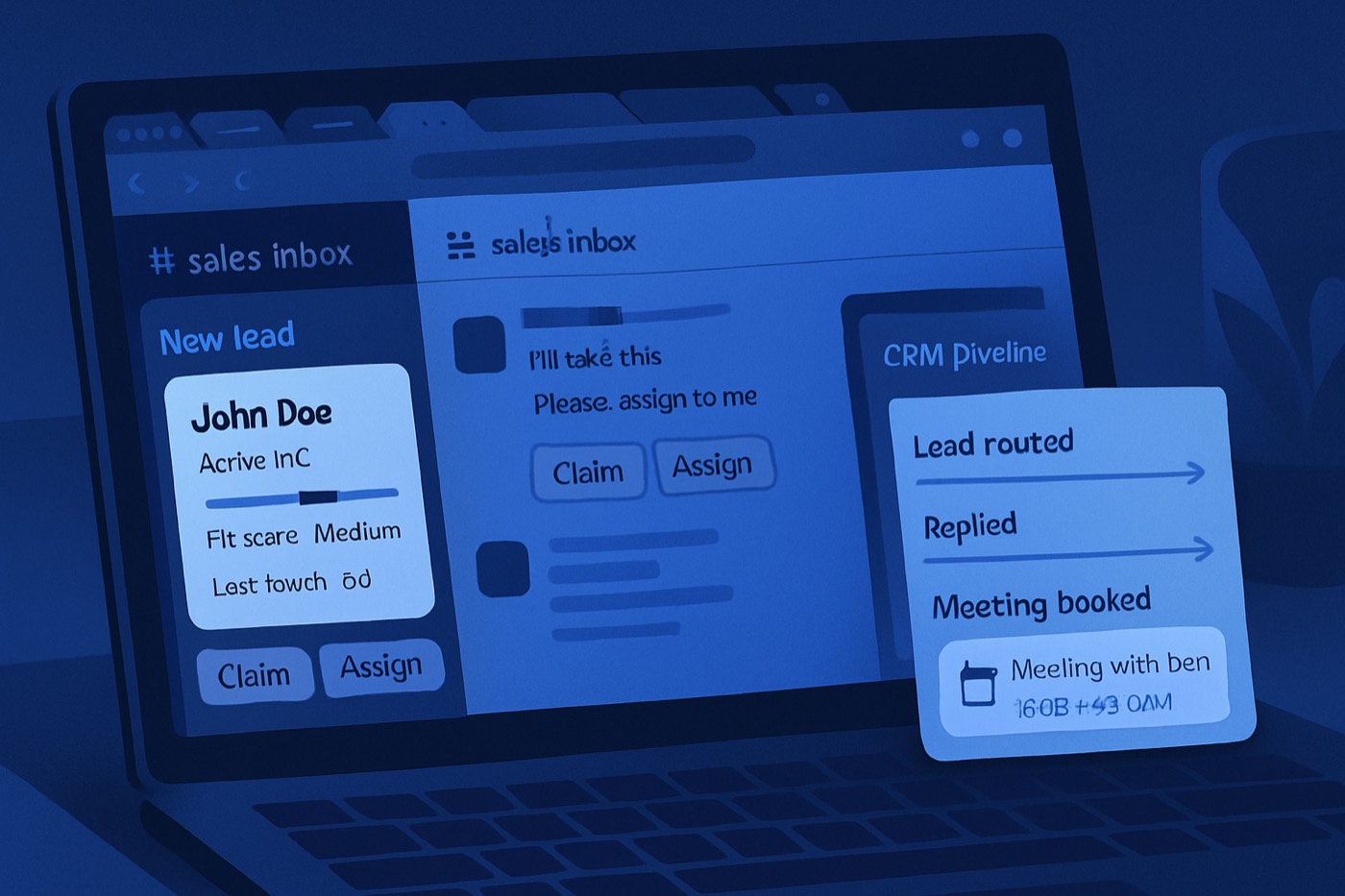
You do not need to run outbound by hand inside another CRM tab. You need an autonomous operator doing the work, reporting into one place your team already lives: Slack. New leads, reply triage, deliverability pauses, and booked meetings all surface in channels, and you approve the few decisions that actually matter.
This post is about the operating layer, not a tool you babysit. The agent finds the leads, sends from warmed mailboxes, handles replies, and books meetings. Slack is where it shows its work and asks for sign-off.
What “outbound from Slack” actually means
The goal is not to rebuild a CRM out of Slack channels and copy-paste templates. The goal is to delegate the running of outbound and keep the visibility in Slack:
- New leads the operator picked surface for a quick yes/no on fit and timing.
- Replies land in a single triage queue with a recommended action already drafted.
- Deliverability risk posts the moment it appears, with the power to pause sends.
- Booked meetings get logged with the source signal, sequence, and owner.
Slack is the surface. The operator is the worker. The CRM stays the source of truth, and outcomes write back to it without anyone free-typing notes.
This works best for:
- B2B founders and sellers who want qualified meetings without managing tooling, domains, or sequences.
- Small teams where a reply sitting unassigned for a day is a real cost.
- Agencies running several client workspaces, each with its own ICP, domains, and sequences.
Why Slack beats living in tabs
Outbound dies in the gaps:
- A reply sits unread because nobody owns the inbox.
- A burned domain keeps sending because no one was watching.
- A hot lead gets “handled” in DMs and never reaches pipeline.
- The AE thinks the SDR qualified it. The SDR thinks the AE saw the thread. Nobody books the meeting.
A Slack operating layer closes those gaps:
- Everyone sees the same queue.
- Handoffs and approvals are visible, not buried in an inbox.
- A pause happens the instant deliverability calls for it.
Deliverability is now a compliance problem, not a craft problem. Gmail wants spam-complaint rates kept under 0.1% and warns senders to never reach 0.3%. (support.google.com) Microsoft began enforcing bulk-sender requirements for Outlook properties in 2025, including one-click unsubscribe headers. (inboxeagle.com) Surfacing those signals in Slack makes them hard to ignore.
The channel architecture
Four channels. Keep it tight, name them clearly, and let the operator post into them.
1) #outbound-new-leads (intake and approval)
Purpose: the leads the operator selected surface for a quick fit check, so you approve direction without combing through lists.
Who lives here: the founder or seller, anyone who owns ICP, and the operator (posting).
Posting rules:
- One message per lead, in a standard block format.
- Threads are for decisions, not chit-chat.
Pinned items:
- ICP definitions.
- Do-not-contact rules.
- The approval format below.
2) #outbound-replies (reply triage queue)
Purpose: every reply lands here with a sentiment read and a recommended next step already drafted, so triage is a confirmation, not a writing exercise.
Who lives here: whoever owns replies, plus the operator (posting).
Posting rules:
- Each reply post includes sentiment, account, owner, and the recommended action.
- One emoji reaction per state, so the channel scans at a glance.
Reaction system:
:eyes:= needs a human decision:white_check_mark:= booked or next step set:pause_button:= pause sends (deliverability or an angry reply):no_entry_sign:= do-not-contact:seedling:= nurture
3) #outbound-deliverability-alerts (risk control)
Purpose: stop domain burn before it becomes a post-mortem.
Who lives here: the founder, whoever owns deliverability, and the operator (posting).
What posts here:
- Spam-complaint spikes.
- Bounce spikes.
- A sudden open-rate collapse.
- Blocklist warnings.
Non-negotiable: this channel has authority. If it says pause, sends pause. The 0.1% target and the “never reach 0.3%” line from Gmail are not numbers to argue with after the fact. (support.google.com)
4) #outbound-booked-meetings (wins and the closed loop)
Purpose: booked meetings get tracked and debriefed, so “outbound is working” is a fact, not a vibe.
Who lives here: everyone who touches revenue.
What posts here:
- Meeting details.
- Lead source and the trigger signal.
- Sequence name.
- Notes, risks, and the next-action owner.
How the operator runs, end to end
This is the work the agent does and where a human steps in.
Discovery and enrichment (no human needed)
The operator builds the target list against your ICP, enriches each contact, and scores fit and intent before anything sends. A lead that is just a name and a domain never reaches a mailbox. Chronic does this with its ICP definition and lead enrichment, so every contact carries title, company, industry, time zone, and one clear reason it fits.
Sequence approval (you approve direction, once)
New sequences, new domains, and major copy changes surface in #outbound-new-leads or a dedicated approvals thread. You approve the angle and the targeting; the operator owns the rest. You are signing off on direction, not editing every email.
Providers expect proper authentication and unsubscribe support for bulk mail, and Gmail spells out spam-rate expectations plainly. (support.google.com) Outlook requirements call out one-click unsubscribe headers for bulk senders. (inboxeagle.com) The operator handles authentication, warming, and headers so you are not the one tracking it.
Sending (the operator owns it)
Mail goes out from managed, warmed mailboxes on a schedule that respects each prospect’s time zone and each mailbox’s health. Volume, rotation, and pacing are the operator’s job, not a setting you tune.
Reply handling (operator drafts, human confirms)
When a reply comes in, the operator reads it, classifies it, and posts a recommended next step into #outbound-replies. For most replies a human just confirms. The few that need judgment (an angry reply, a legal flag, an ambiguous ask) are the ones that get your attention.
The approval and reporting templates
These are the messages the operator posts. They keep decisions fast and structured.
New lead, ready to approve (posts in #outbound-new-leads)
:incoming_envelope: NEW LEAD READY

Company: {{Company}} ({{Website}})
Contact: {{First}} {{Last}}, {{Title}}
LinkedIn: {{LinkedIn_URL}}

ICP fit: {{Fit_reason_in_1_sentence}}
Trigger / signal: {{Trigger}} (date: {{YYYY-MM-DD}})
Sequence: {{Sequence_name}} | Persona: {{Persona}} | Segment: {{Segment}}

Notes:
- Tech stack: {{Tech}}
- Location / TZ: {{TZ}}
- Risk: {{Risk_flag_if_any}}

Approve to send, or react :no_entry_sign: to skip.
Reply inbound (posts in #outbound-replies)
:eyes: REPLY INBOUND

Account: {{Company}} | Contact: {{Name}} ({{Title}})
Owner: @{{Owner}}
Thread: {{Email_thread_link}}

Reply snippet:
"{{First_200_chars}}"

Read: {{Interested | Objection | Not now | Referral | OOO | Unsubscribe/Angry | Wrong person}}
Recommended next step: {{Drafted_action}}
Confirm, edit, or override in-thread.
Reply triage in 60 seconds
When the operator hands a reply to a human, the decision should take under a minute, because the read and the recommendation are already there. The human is checking five things:
- Intent: are they open to a conversation?
- Identity: right person or wrong person?
- Timing: now, later, or never?
- Risk: angry, legal, or a deliverability threat?
- Next step: book, qualify, nurture, close-lost, or do-not-contact.
Then confirm or override the recommended tag and let the operator carry out the action.
Interested. Confirm the booking step. The operator sends times in the prospect’s time zone or shares the calendar link, then logs it.
Objection (price, timing, “already have X”). Acknowledge in one sentence, give one proof point, ask one question. No essays, no feature dumps.
Referral or wrong person. The operator asks for the intro, confirms who owns the function, and creates a linked record for the new contact.
Out of office. Snooze until the return date, then continue. Do not keep sending into an empty inbox.
Unsubscribe or angry. Confirm the opt-out is processed and the sequence is paused for that lead. If the tone is hostile, the operator flags #outbound-deliverability-alerts with the domain and sequence name.
Governance: who can do what
The operator does the work; humans hold a small set of controls.
Founder or seller (owner of the goal). Sets the revenue target, budget, offer, constraints, and autonomy level. Approves new sequences and targeting direction.
Deliverability owner (owner of survival). Can pause any send instantly, no debate. On a solo team this is the founder; on a larger team it is whoever watches inbox health.
The operator (owner of execution). Discovery, enrichment, scoring, sending, reply drafting, scheduling, and writing outcomes back to the CRM.
Controls in one place
- New sequence or new domain: founder approval in a Slack thread before anything sends.
- Pause sends: the deliverability owner can pause instantly.
- Resume sends: requires a reason and a remediation step completed first.
Slack supports shortcuts and workflow triggers designed to fire actions from messages, which is exactly what approvals and pauses need. (api.slack.com)
Logging outcomes back to the CRM automatically
Manual CRM updates are where pipeline goes to die, so the operator writes them. Two paths keep humans out of data entry.
Path A: message action to log an outcome
A Slack message shortcut on a reply post lets you confirm an outcome in context: pick the outcome, stage, next step, and owner, then push to the CRM. Slack message shortcuts are built for in-context actions on a message. (api.slack.com)
Fields captured (the minimum that is actually useful):
- Lead / contact ID and account ID
- Outcome (interested, not now, wrong person, do-not-contact, booked, no-show)
- Next-step date
- Notes (optional, kept short)
Path B: keyword-triggered workflows
For fast confirmations, type a keyword in-thread:
log: bookedlog: nurture 30dlog: dncpause: domain
Slack supports workflows that start when a message includes a keyword. (slack.com) It is fast, so people actually use it.
Channel playbooks
New leads
When a lead surfaces in #outbound-new-leads, the human check is quick: does the ICP fit reason hold, is the contact the right role, are there any do-not-contact flags? Approve, and the operator sends. Lead status stays on one shared set of labels (new, working, replied, qualified, meeting booked, closed-lost, do-not-contact) rather than a custom set per person.
Reply triage
Reply SLAs: hot reply within minutes, neutral within the hour, OOO same day, angry or do-not-contact immediately. “Send info” is not a classification; if a reply has a question, answer it and push toward a meeting. If a reply is vague, the operator asks one tight question.
Deliverability alerts
Alerts that matter: a rising spam-complaint rate (Gmail is explicit about thresholds), a bounce spike, a reply or open collapse across sequences. (support.google.com)
Pause protocol:
- The alert posts what paused, why, and what changed.
- The deliverability owner acknowledges in-thread.
- A pause event is recorded in the CRM or ops sheet.
- Nothing resumes until remediation is done.
Remediation checklist:
- Verify SPF, DKIM, and DMARC alignment.
- Verify unsubscribe headers for bulk mail where required. (inboxeagle.com)
- Reduce volume per inbox and tighten targeting.
- Rewrite the first-line hooks that draw complaints.
- Stop sending to risky segments (free-mail domains, scraped lists, stale data).
Booked meetings
Post format in #outbound-booked-meetings:
:calendar: MEETING BOOKED

Account: {{Company}}
Contact: {{Name}} ({{Title}})
Owner: @{{Owner}} | AE: @{{AE}}
When: {{Date}} {{Time}} {{TZ}}
Where: {{Zoom/Meet_link}}

Source:
- Sequence: {{Sequence}}
- Trigger: {{Trigger}}

Notes:
- Goal of call: {{1 sentence}}
- Risk: {{red flags}}
After the call, the owner posts the outcome (held, no-show, reschedule) and the next step, and the CRM is updated the same day.
What to set up first, if you want this live in a week
Day 1–2: channels and formats. Create the four channels, pin the ICP and do-not-contact rules, and agree on the reaction system and SLAs.
Day 3–4: connect the operator. Route new leads into #outbound-new-leads and replies into #outbound-replies. The operator drafts the reads; humans confirm.
Day 5: logging. Add the “log to CRM” message shortcut and the keyword workflows (log: booked, log: dnc, log: nurture).
Day 6–7: governance and audit. Put the sequence-approval thread and the pause workflow in Slack, and set a weekly audit cadence.
This is where Chronic fits, as the operator behind the channels:
- Sales pipeline stays the system of record.
- Lead scoring decides which leads surface in
#outbound-new-leadsfirst. - Email drafting keeps the outreach consistent without anyone editing copy by hand.
Worth pairing with:
- Outbound benchmark targets so your Slack reports track real numbers.
- Cold email infrastructure checklist so
#outbound-deliverability-alertshas teeth. - Fit and intent scoring playbook so a “hot lead” means something.
How this compares
- Apollo: strong data, but Slack-first ops still means stitching the workflows together yourself.
- HubSpot: a solid suite, but teams end up living in the CRM UI anyway. Chronic runs the outbound and reports into Slack, then writes clean outcomes back. See Chronic vs HubSpot.
- Salesforce: powerful and complex, and still needs extra tools for outbound execution. See Chronic vs Salesforce.
FAQ
What does “running outbound from Slack” mean?
An autonomous operator does the discovery, sending, reply handling, and booking, and reports into a few Slack channels where you approve the decisions that matter. Slack is the working surface; the CRM stays the source of truth.
What channels should an outbound team run in Slack?
Four: #outbound-new-leads, #outbound-replies, #outbound-deliverability-alerts, and #outbound-booked-meetings. More than that usually turns into noise.
Who should be allowed to pause outbound sends?
The deliverability owner, instantly, no debate. Gmail calls out spam-rate expectations and warns against reaching 0.3% for bulk senders, so it is not a metric to discuss later. (support.google.com)
How do outcomes get into the CRM without manual data entry?
The operator writes them, using Slack message shortcuts (a “log outcome to CRM” action on a reply) and keyword workflows like log: booked in a thread. Slack supports shortcuts and workflow triggers built for this kind of in-context action. (api.slack.com)
What does reply triage in 60 seconds involve?
Five checks (intent, identity, timing, risk, next step), then confirm or override the recommended tag the operator already drafted. The agent carries out the action.
How do we keep deliverability visible to the team?
Centralize alerts in #outbound-deliverability-alerts, post every pause with its reason, pin the remediation checklist, and route new sequences through a Slack approval so nothing slips out unreviewed.
Set it up this week
- Create the four channels and pin the ICP and do-not-contact rules.
- Connect the operator so new leads and replies post into Slack with a drafted read.
- Add the “log to CRM” shortcut and the keyword workflows.
- Put approvals and the pause control in Slack: the founder approves sequences, the deliverability owner can pause.
- Run a weekly audit: reply SLA, meeting rate, do-not-contact rate, deliverability incidents.
Then let the operator work, and watch the meetings land.