From system of record to system of action: 12 outbound workflows an agent can run (and 6 that should stay human)
A system of action does not store your pipeline, it works it: detect a signal, decide the next step, execute, and measure the outcome. Here are 12 outbound workflows an autonomous operator can run safely, and 6 that stay human.
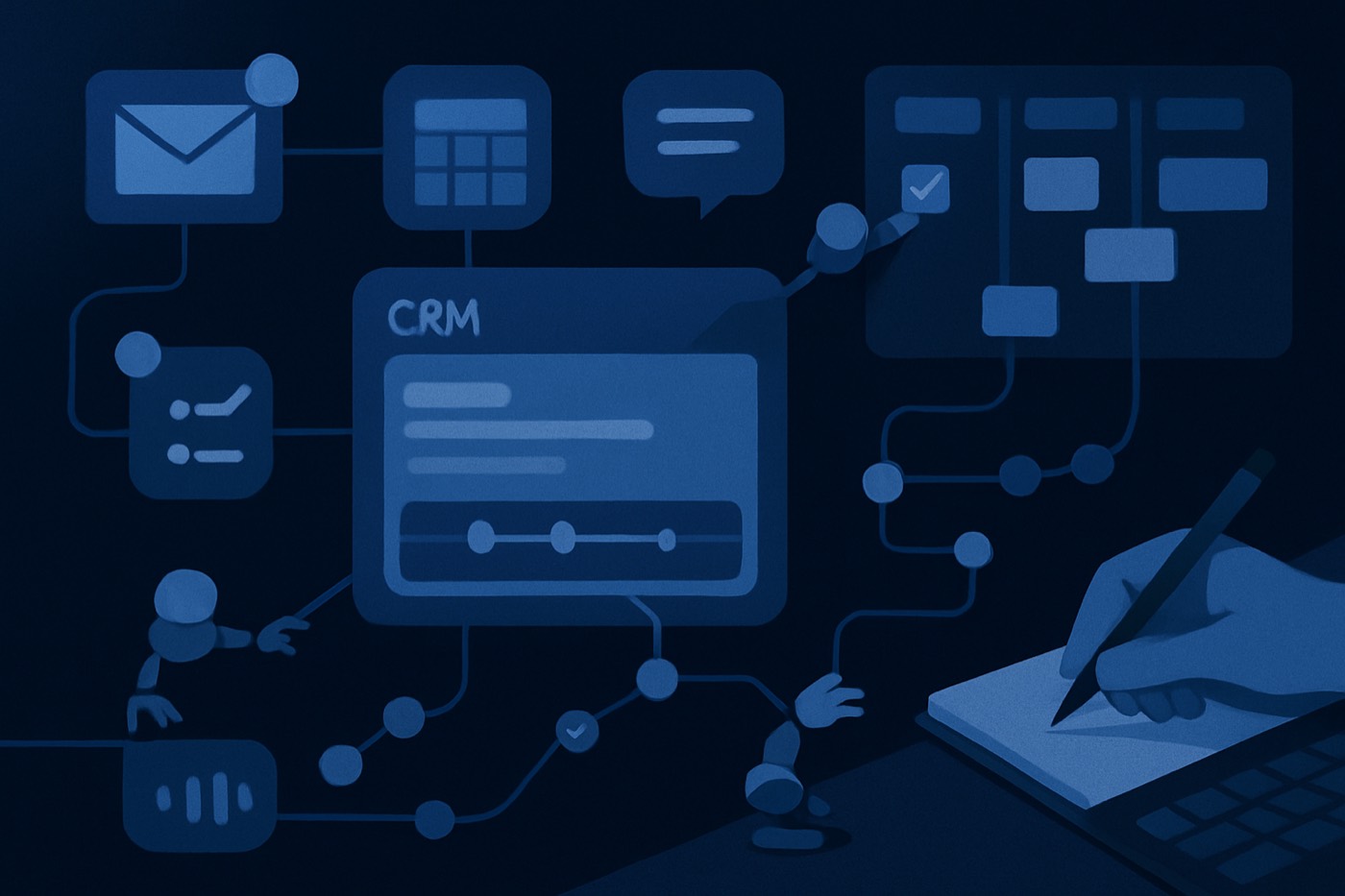
The "system of record to system of action" shift is real. The tooling is finally expected to do things, not just store what your sales team meant to do. Microsoft now frames this move explicitly as "systems of action" in Dynamics 365: software that does not summarize, it executes. (microsoft.com)
That framing matters most in outbound, where the gap between "recorded" and "acted on" is where pipeline dies. Your CRM is the record. The question is who turns that record into meetings. This post is about that layer: the workflows an autonomous operator can own end to end, the ones that have to stay human, and the guardrails and metrics that tell you which is which.
Chronic is one such operator. You give it a revenue goal and it runs discovery, enrichment, scoring, sending from managed warmed mailboxes, reply handling, and meeting booking, and surfaces approvals for the decisions that matter. It works alongside your CRM, it does not replace it. The workflows below are the unit of work, whoever you have running them.
What "system of action" actually means here
A system of record stores contacts, accounts, and deals. It is a database with a good UI.
A system of action does four things on its own:
- Detects signals (fit, intent, engagement, timing).
- Decides the next best action (sequence, channel, owner, SLA).
- Executes (enrich, route, send, book, update, suppress).
- Measures outcomes (meetings booked, show rate, stage conversion, time-to-first-touch).
The vocabulary is spreading from Microsoft to the broader enterprise platform set, all trying to graduate from record-keeping to orchestration. (microsoft.com) The hard part is not the slogan. It is deciding which actions an agent runs unattended, and which it only prepares.
12 outbound workflows an agent can run (safe and measurable)
1) Lead intake that does not rot
What it does
- Watches every source: forms, chat, webinar lists, inbound demo requests, outbound discovery, list uploads.
- Normalizes fields into one schema: industry, employee range, geo, tech stack, role, seniority, buying-committee tags.
- Rejects junk at the door, so "student, gmail, stealth startup" never reaches a rep.
Guardrails
- Hard validation rules: business email required, with an explicit exception list.
- Required fields for routing: company domain, country, role category.
- An "unknown" bucket is allowed, but it is quarantined, not routed.
Failure modes
- Over-filtering quietly kills real pipeline, usually when title rules get too clever.
- Under-filtering floods reps with trash until they stop trusting inbound.
What "done" looks like
- % of leads with a valid domain and a mapped company.
- % routed within SLA.
- Lead-to-meeting rate by source after normalization.
2) Enrichment, because B2B data decays while you sleep
Bad data is not an ops annoyance, it is a revenue leak. Industry estimates put B2B contact data decay in the low tens of percent per year, with faster churn in some segments. (thequantumleap.business)
What it does
- Enriches at intake and on a schedule: phone, LinkedIn, department, seniority, firmographics, technographics.
- Adds buying triggers: hiring, funding, tool installs, job posts, site behavior if you have it.
- Writes enrichment back to your records cleanly, with source attribution.
Guardrails
- A source-of-truth hierarchy: never overwrite a human-verified field with a guess.
- Confidence thresholds, so low-confidence values go to a review queue.
- Stored provenance: which vendor, what timestamp.
Failure modes
- Enrichment that overwrites good data with bad.
- Over-enrichment that turns your records into a junk drawer with a search bar.
What "done" looks like
- Coverage rate: % of leads with phone, role, and company size.
- Bounce and connect-rate movement after enrichment.
- Meeting conversion lift for enriched versus non-enriched cohorts.
Chronic angle: this is the work behind lead enrichment in Chronic.
3) Dedupe and entity resolution, the silent pipeline killer
Duplicates do more than mess up reporting. They cause double emails, conflicting ownership, broken attribution, and the worst one: two reps calling the same VP on the same day. Research on CRM deduplication and entity matching is explicit about the downstream damage when records do not map uniquely. (arxiv.org)
What it does
- Clusters by domain, company-name variants, HQ location, and known subsidiaries.
- Resolves contact duplicates by email, LinkedIn URL, and fuzzy name matching.
- Merges with a clear survivorship rule set.
Guardrails
- Auto-merge only at very high match confidence.
- Otherwise propose the merge and require one-click approval.
- Never merge across different domains unless a subsidiary mapping exists.
Failure modes
- False merges that fuse two different "Alex Chen" contacts.
- Merge loops, where the rules keep flipping the surviving record.
What "done" looks like
- Duplicate rate trending down week over week.
- Count of prevented double-sends.
- Count of ownership conflicts prevented.
4) Fit and intent scoring, both or neither
A single score lies. Fit without intent is "nice account, never buying." Intent without fit is "high interest, wrong customer."
What it does
- Fit score: ICP match on industry, size, geo, tech stack.
- Intent score: activity signals such as site visits, email engagement, product events, and third-party intent if you use it.
- Sets action tiers: Tier 1 gets fast routing and close follow-up, Tier 3 gets nurture.
Guardrails
- No black-box scoring with no features logged.
- Score changes must be explainable: "pricing page visited 3x plus hiring SDRs" beats "the model says hot."
Failure modes
- Scoring that chases engagement bait, the people who love content and never buy.
- Third-party intent so broad you end up spamming the whole category.
What "done" looks like
- Time-to-first-touch by tier.
- Meeting rate by tier.
- Stage-conversion velocity by tier.
Chronic angle: AI lead scoring.
5) Sequence selection, not one funeral march for everyone
What it does
- Picks a sequence from segment plus signal:
- competitor install triggers a displacement sequence
- hiring spike triggers a scale sequence
- inbound demo triggers a short confirmation sequence
- Assigns the channel mix: email-only, email plus call tasks, or LinkedIn steps if your team does that.
Guardrails
- Limit variants, because too many sequences means no learning.
- A "do not send" rule when confidence is low, routing to human review.
Failure modes
- Heavy personalization at scale that trips spam complaints.
- The wrong sequence makes the wrong promise, like pitching enterprise security to a 15-person startup.
What "done" looks like
- Reply rate by sequence.
- Positive reply rate by sequence.
- Spam-complaint rate by sequence.
For the workflow pattern behind this, see Chronic's post on multi-agent outbound: research agent, copy agent, QA agent.
6) Email writing and personalization, safe when you cap the ambition
What it does
- Drafts from structured inputs: one pain hypothesis per ICP, one proof point, one ask, one easy reply option.
- Works in personalization tiers. Most accounts should sit at light personalization unless they are genuinely high value.
Guardrails
- Never invent facts, only cite what is in the enrichment payload.
- A banned-content list: medical, legal, security guarantees, pricing promises.
- A QA pass before any Tier 1 send.
Failure modes
- Hallucinated claims, like "saw you're hiring 12 AEs" when that is a guess.
- Personalization that crosses into creepy, the fastest way to get blocked.
What "done" looks like
- Positive reply rate, not just reply rate.
- Spam-complaint rate, kept low.
- Meetings booked per 1,000 sends.
Chronic angle: AI email writer.
7) Reply classification and routing, triage that respects urgency
What it does
- Sorts replies into buckets: positive, objection, not now, unsubscribe, wrong person (refer), and compliance risk (angry or legal).
- Routes to an owner, sets SLA timers, and triggers the next step.
Guardrails
- Conservative on "positive": when uncertain, send to a human.
- Immediate suppression on "unsubscribe" and "remove me."
- An audit log with the original message, the classification, and the action taken.
Failure modes
- Misreading an angry email as an "objection" and continuing to send.
- Misreading "looping in my VP" as "not now," so pipeline dies quietly.
What "done" looks like
- Median time-to-first-response on positive replies.
- % of positives handled within SLA.
- Unsubscribe compliance rate, which should be 100%.
8) Meeting booking, faster than "what times work?"
What it does
- Detects meeting intent in a reply.
- Offers slots from the rep's calendar rules.
- Confirms agenda, attendees, and meeting type.
- Writes the meeting and notes back to your records.
Guardrails
- Books only inside approved windows: time zones and meeting-length caps.
- Requires confirmation for multi-attendee meetings.
- Routes to a human if the prospect asks something that changes qualification.
Failure modes
- Booking the wrong rep on bad territory mapping.
- Calendar ping-pong from offering times the prospect cannot make.
What "done" looks like
- Time from positive reply to booked meeting.
- Meeting-booked rate from positive replies.
- No-show rate trend.
9) No-show recovery, salvage meetings you already earned
No-shows happen. The mistake is doing nothing afterward. Benchmarks vary by channel and context, but no-shows are common enough to deserve a workflow rather than improvisation. (greetnow.com)
What it does
- Detects a no-show from calendar status, rep note, and time elapsed.
- Sends a short reschedule note with two options: pick a new time, or tell us to close the loop.
- Updates the opportunity stage and next steps.
Guardrails
- One reschedule attempt, then stop or route to a human. No harassment loops.
- If the prospect replies with frustration, escalate to a rep.
Failure modes
- Over-chasing annoys good prospects.
- Under-chasing wastes meetings you worked to get.
What "done" looks like
- No-show to rescheduled-meeting rate.
- Time-to-reschedule.
- Pipeline recovered per month.
10) Follow-up SLA enforcement, speed without hero reps
Speed matters, a lot. The widely cited "5-minute rule" shows steep drop-offs as response time grows, and modern summaries still lean on that body of research. (qualified.com)
What it does
- Starts SLA timers on inbound demo requests, positive replies, referral intros, and procurement asks.
- Pings, re-routes, or reassigns when an SLA is about to breach.
Guardrails
- Do not spam reps: escalate once, then reroute.
- SLA rules differ by channel and tier, so one rule fits nobody.
Failure modes
- False positives when CRM statuses are wrong.
- SLA gaming, where reps mark "contacted" without contacting.
What "done" looks like
- % of SLAs met by tier.
- Median time-to-first-touch for inbound.
- Meeting-rate lift for SLA-compliant leads.
11) Pipeline hygiene, the boring work that decides your forecast
What it does
- Creates tasks from calls, emails, and meetings.
- Updates stages on explicit criteria, not a guess.
- Flags the missing fields that break reporting: next step, close date, amount, primary contact.
Guardrails
- Stage changes require evidence: a meeting occurred, a proposal was sent.
- Hygiene suggestions should be one click, not a scavenger hunt.
Failure modes
- Wrong auto-updates destroy forecast trust.
- Too many tasks create task blindness.
What "done" looks like
- % of opportunities with a next step and a next meeting date.
- Forecast-variance reduction.
- Rep admin time saved, measured from activity logs.
Chronic angle: sales pipeline management in Chronic.
12) Suppression and multi-threading, protect deliverability while expanding accounts
What it does
- Suppression: stops outreach to competitors, existing customers, do-not-contact lists, and unsubscribes, and halts sequences when spam-complaint risk spikes.
- Multi-threading: finds 2 to 5 more stakeholders by function (user, champion, finance, security) and sequences them with spacing rules so you do not carpet-bomb the domain.
Guardrails
- Global suppression lists override everything, no exceptions.
- A multi-threading cap per account per week.
- "Do not contact" reasons are preserved permanently.
Failure modes
- Uncoordinated multi-threading burns the account.
- A suppression mistake silences an entire segment.
What "done" looks like
- Spam-complaint rate trending down.
- Meeting rate per account trending up.
- % of late-stage deals with 2+ engaged stakeholders trending up.
For domain safety and outbound governance, pair this with Chronic's deliverability content: the 0.3% spam-complaint playbook.
Guardrails that make these workflows safe (the non-negotiables)
A system of action needs a spine. Use these across all 12 workflows:
- Provenance logging: store where data came from, when, and with what confidence.
- Approval gates: auto-execute only when confidence is high and risk is low.
- Kill switches: one toggle pauses sending globally when complaints spike.
- Quarantine queues: low-confidence enrichments, merges, and classifications wait for review.
- Policy layer: banned claims, banned topics, restricted industries, restricted geos.
- Metrics-first design: every action maps to one measurable outcome.
This is the difference between confident delegation and reckless automation. An operator you can step back from surfaces only what needs you, and explains the decisions that matter.
6 workflows that should stay human (or require strict approval)
These are where an agent stops being a pipeline engine and starts being a liability.
1) Pricing exceptions and deal-desk concessions
Why it stays human
- Pricing is strategy, margin, and precedent.
Safe pattern
- The agent assembles context: segment, ARR, competitors, discount history, approvals needed. A human decides.
Failure modes
- Inconsistent discounts.
- Side-letter terms invented inside an email thread.
"Done" metrics
- Approval cycle time, down.
- Gross-margin leakage, not up.
2) Legal, security, and compliance claims
Why it stays human
- One wrong sentence can create contractual liability.
Safe pattern
- The agent pulls only from pre-approved snippets and security docs. Any deviation needs approval.
Failure modes
- "We're SOC 2 compliant" when you are in progress.
- Over-promising on data residency or retention.
"Done" metrics
- % of security questionnaires answered from approved sources.
- Escalations from incorrect claims, down.
3) Aggressive competitive talk, especially in writing
Why it stays human
- An agent does not understand defamation. It understands token prediction.
Safe pattern
- The agent drafts neutral differentiation bullets. A human edits anything that names a competitor.
You can still be direct. Just be accurate.
Failure modes
- Unverifiable claims about competitor pricing or outages.
- "They're lying" language. Never.
"Done" metrics
- Win-loss note quality, up.
- Comms flagged by legal or compliance, down.
4) Enterprise procurement and complex buying steps
Why it stays human
- Procurement is politics plus paperwork. An agent can support it, not run the room.
Safe pattern
- The agent tracks the checklist: vendor forms, security review, MSA, DPA, PO, invoicing, renewal terms. A human owns stakeholder management.
Failure modes
- Pushing the wrong document version.
- Committing to terms without authority.
"Done" metrics
- Procurement cycle time, down.
- Redlines per contract, down.
5) Sensitive personalization (health, layoffs, personal life, crisis events)
Why it stays human
- Even when it is public, it can be tasteless, and it is easy to get wrong.
Safe pattern
- The agent suggests possible angles and sources. A human decides if it is appropriate.
Failure modes
- "Sorry about the layoffs" to a company that had none.
- Anything that reads like surveillance.
"Done" metrics
- Negative reply rate, down.
- Blocklist additions, down.
6) Escalation handling (angry replies, threats, public complaints)
Why it stays human
- Tone matters, and an agent can de-escalate badly and quickly.
Safe pattern
- The agent detects escalation keywords and routes instantly. A human responds, with a calm draft offered as a starting point.
Failure modes
- Arguing.
- Continuing to sell.
"Done" metrics
- Time-to-human-response on escalations, down.
- Escalations that turn into churn or reputational events, down.
What to implement first (order matters)
If you want a system of action that earns trust, start in this order:
- Suppression and unsubscribe compliance (protect deliverability).
- Enrichment and dedupe (fix data integrity).
- Fit and intent scoring (prioritize).
- Reply classification and routing (speed on hot replies).
- Meeting booking and no-show recovery (turn intent into calendar).
- Hygiene and SLA enforcement (keep the machine honest).
- Sequence selection and personalization (scale output without scaling risk).
For the wider "agents do work, not suggestions" argument, this is the practical version: copilots are dead, doers took over.
FAQ
What is a system of action?
A system of action detects signals, decides the next step, executes the workflow, and measures the outcome. A system of record stores the data. A system of action turns that record into pipeline with automation you can audit. In outbound, that work is owned by an autonomous operator that runs alongside your CRM.
Are agent workflows safe for outbound sales?
Yes, when they are bounded and measurable. Start with low-risk actions: enrichment, dedupe, scoring, routing, suppression, and SLA follow-ups. Put approval gates on anything that touches pricing, legal, security claims, or sensitive personalization.
What metrics prove a workflow is working?
Use outcome metrics, not activity metrics: meetings booked per 1,000 leads, time-to-first-touch, positive reply rate, show rate, stage-conversion rate, and pipeline created per week. Then track safety metrics: spam-complaint rate, unsubscribe compliance, incorrect-merge rate, and escalation rate.
What should never be fully autonomous?
Pricing exceptions, legal and security claims, aggressive competitor statements, procurement negotiations, sensitive personalization, and escalation handling. The agent can prepare. A human decides.
How do you stop an agent from making things up?
Three controls: allow outputs only from the data you have (the enrichment payload plus CRM records), store provenance and confidence for every injected field, and force "unknown" when data is missing, then route to a human.
Build the machine, ship the guardrails
Pick 3 workflows from the safe 12 and launch them in 14 days. No big-bang CRM replatforming, no six-month transformation council.
Start with enrichment and dedupe, then fit and intent scoring, then reply routing and meeting booking. Then measure plainly: meetings booked, show rate, pipeline created, and complaints. Everything else is theater.