Lead enrichment workflow for 2026: rules, refresh cadence, and confidence scores
A lead enrichment workflow is the repeatable system that adds and verifies contact and company data, scores how much you trust each field, and blocks outreach on low-confidence records. Refresh by volatility: emails before sending, titles monthly, signals continuously.
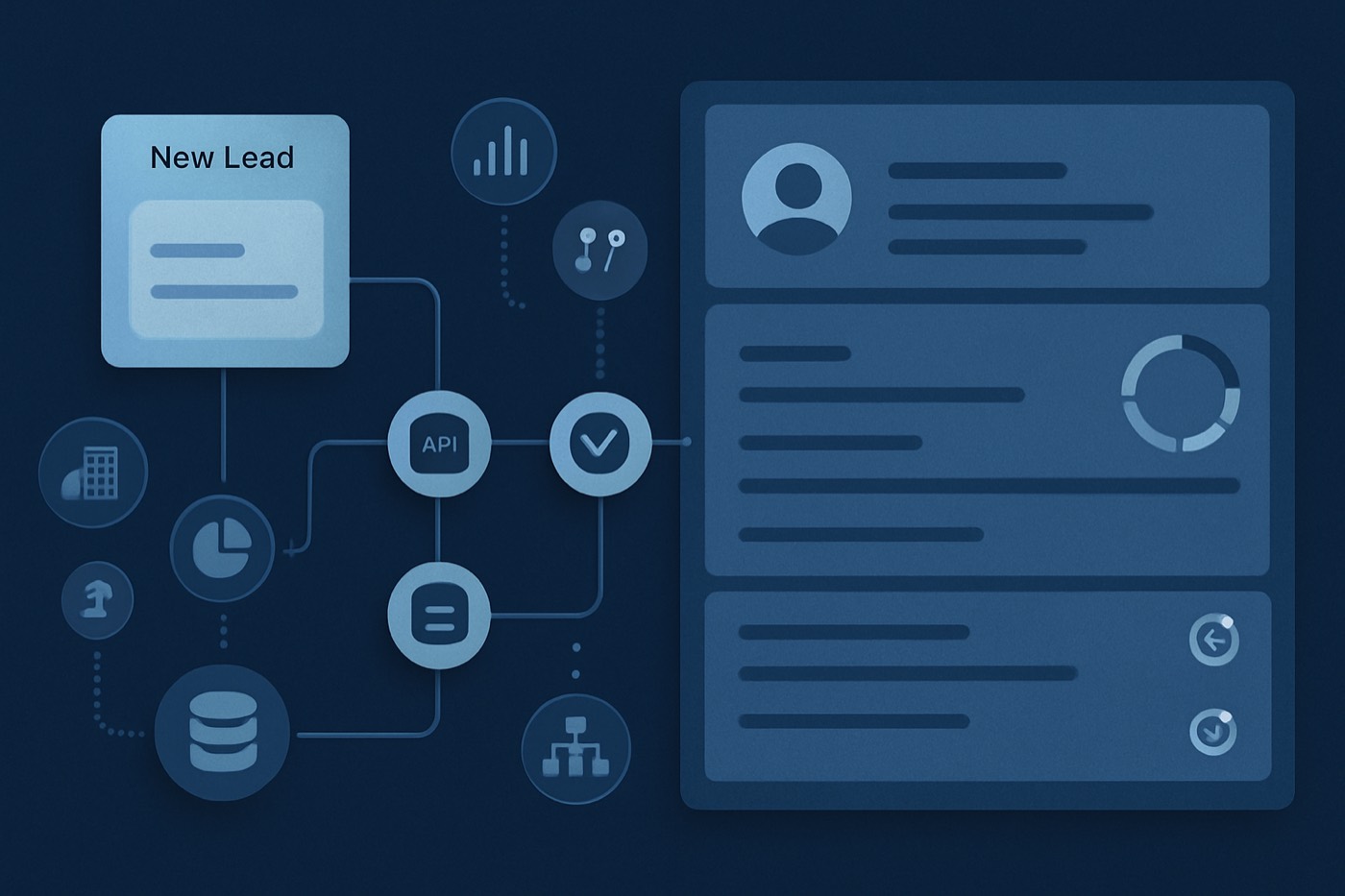
Enrichment is not a one-time data purchase. In 2026, "set it and forget it" enrichment breaks fast: titles change, emails decay, vendors disagree, and any automation reading those fields, whether a routing rule or an AI scoring model, is only as good as the data underneath it. If you want a system that can act on a record without a human checking it first, enrichment has to be a living workflow, not a backfill.
This guide lays out that workflow: when to enrich, what to enrich, how to dedupe and resolve conflicts, how to score confidence, and the refresh cadence that keeps it all from drifting. At Chronic, we build outbound for clients as an autonomous revenue operator, and enrichment is the layer that lets the agent decide who to contact and when without sending a stale email to the wrong person. The principles below apply whether a person or an agent is acting on the data.
What a lead enrichment workflow means in 2026
A lead enrichment workflow is a documented, automated process that:
- Adds missing data to leads, contacts, and accounts (firmographics, technographics, buying signals, verified emails).
- Verifies and refreshes existing data on a schedule and on triggers.
- Tracks provenance: where the data came from, when it was verified, and how confident you are.
- Controls downstream actions (routing, sequences, scoring, sending) based on data quality thresholds.
Why this matters now:
- Email lists decay quickly. ZeroBounce's 2025 Email List Decay research is widely cited as showing at least 28% annual decay in email databases. That is a quarter of your list going stale every year, whether you act on it or not. See coverage: MediaPost summary and the Newswire release.
- Bad data is expensive. Gartner cites an average cost of $12.9M per year from poor data quality (research referenced from 2020, still frequently used for planning). Source: Gartner data quality overview.
- AI makes the gap wider. Salesforce's State of Data and Analytics messaging for 2026 highlights that leaders still struggle with incomplete and out-of-date data, and 84% of data and analytics leaders say their data strategies need a complete overhaul for AI to succeed. Source: Salesforce (Nov 4, 2025).
The takeaway: enrichment is not a one-time purchase of "more fields." It is a system for keeping records trustworthy enough to act on, by a rep or by an agent running outreach on your behalf.
The enrichment operating model: when to enrich, and why timing beats volume
Most teams enrich too early (paying for records no one ever touches) or too late (reps reach out with stale titles and bounced emails). The fix is to enrich at specific moments, with specific payloads.
Enrich on create (record intake)
Goal: make the record usable for routing, segmentation, and basic scoring.
Enrich these on create:
- Company: website and domain, HQ country and region, industry, employee range, basic description.
- Person: first and last name normalization, role category (Sales, RevOps, IT, Finance), seniority band.
- Compliance and identity: data source, collection method, lawful basis tags if needed (region dependent).
Rules:
- Do not over-enrich on create. Save expensive fields (technographics depth, intent topics) for later gates.
- Require a domain-first identity for B2B whenever possible. Domain drives better dedupe and account matching.
Enrich before outreach (the enrichment gate)
Goal: prevent bounces, personalization failures, and embarrassing mismatches (wrong title, wrong company).
This is the highest-ROI enrichment moment because it ties directly to sending volume and deliverability. It is also the moment an autonomous operator cannot skip: an agent enrolling a contact has to verify the email and refresh the title before it ever hits send, or it puts the sending domain's reputation at risk.
Enrich these before outreach:
- Email verification (and SMTP risk category, catch-all status).
- Title and department refresh.
- LinkedIn URL (if used) and basic social identity matching.
- Personalization tokens that matter: product line, use case, relevant pains, recent events.
Why now: list decay and invalid emails are common, and keeping verification close to send time reduces bounce risk. ZeroBounce's report coverage is a useful reminder that list hygiene is not optional: MediaPost.
Enrich on stage change (pipeline-driven enrichment)
Goal: increase precision as deal value increases.
Suggested stage-change enrichments:
- MQL to SQL or meeting booked: technographics, team size estimates, budget proxies, hiring signals.
- Discovery to proposal: parent-child relationships, subsidiaries, contract renewal cycles, security posture indicators (where relevant).
- Negotiation: legal entity details, billing address validation, procurement signals.
This avoids paying for deep enrichment on dead deals while still upgrading data when it matters.
Enrich on triggers (events that signal data is wrong)
Use triggers that imply drift:
- Email bounce or complaint
- Hard reject on routing (missing region, missing company)
- Returned mail or invalid address (for direct mail motions)
- "No longer at company" reply
- ICP definition changes (new target industries, headcount bands)
- Re-engagement after inactivity (for example, no activity for 90 days, then a new site visit)
If you want a modern trigger-based approach, pair enrichment with a signal workflow. Related reading: Signal-based outbound in 2026: how to build a speed-to-signal workflow.
What to enrich: a field-by-field payload that stays evergreen
Below is a practical enrichment checklist organized by outcome, not by vendor category.
1) Firmographics (company fit and segmentation)
Include:
- Company name normalization
- Domain, subdomain handling, redirects (canonical domain)
- Industry (NAICS or SIC mapping if you use it)
- Employee range (store the range, not just a point estimate)
- Revenue range (if relevant to your motion)
- HQ location and operating regions
- Company type (public, private, nonprofit)
- Parent account and subsidiaries (account hierarchy)
Best practice: store ranges plus the provider's raw estimate in enrichment metadata. Ranges are more stable for scoring.
2) Technographics (stack fit and talk tracks)
Include:
- Core systems: CRM, marketing automation, data warehouse (if relevant)
- Web technologies: CMS, analytics, personalization
- Security and compliance tools (only if your ICP needs it)
Rule: treat technographics as probabilistic. Store a confidence score and a last-detected date, because websites and stacks change.
3) Buying signals (timing and relevance)
Include:
- Funding events and amounts (if your ICP responds to this)
- Hiring signals by function (sales hiring, data team hiring)
- Job posts that mention competitor tools
- Product launches, new regions, new partnerships
- Intent topics (if you have a reliable provider)
Signal hygiene: signals should decay fast. A funding round from 18 months ago is not a hot signal, it is background context.
4) Person enrichment (routing and personalization)
Include:
- Current title and title history (optional)
- Department, job function, seniority
- Location and time zone
- Role keywords relevant to your offer
Titles are high-churn fields. LinkedIn's own pace-of-change reporting underscores how quickly work evolves. Source: LinkedIn Work Change Snapshot (Oct 29, 2024).
5) Verified email and deliverability fields (never treat as static)
Include:
- Email validity status (valid, invalid, catch-all, unknown)
- Verification timestamp
- Verification method (API, bulk, SMTP handshake, provider)
- Risk flags (disposable, role-based, abuse, do-not-mail if you track it)
This is the field group most directly tied to deliverability outcomes, and the one an outbound operator has to keep fresh to protect inbox placement.
Dedupe that actually works: identity rules, merge logic, and safety rails
Duplicates are not just annoying. They split activity history, inflate pipeline, and corrupt scoring. HubSpot's data quality content references that duplicate rates of 10% to 30% are not uncommon without a data quality initiative. Source: HubSpot CRM duplicates article.
Step 1: define identity keys (what makes a record the same)
Use different keys for different objects.
Company (account) identity keys
- Canonical domain (primary)
- Company legal name plus HQ country (secondary)
- External company ID (if you have one)
Contact (lead or person) identity keys
- Work email (primary, when verified)
- LinkedIn profile URL (strong secondary)
- Name plus company domain (fallback, fuzzy match)
Step 2: standardize before you match
Do these transformations before running dedupe:
- Lowercase emails, trim whitespace
- Normalize domains (strip
www, follow redirects if possible) - Parse names (handle middle initials, suffixes)
- Normalize company names (drop Inc, LLC for match scoring)
Step 3: decide merge rules (field precedence and survivorship)
A practical, safe merge policy:
- Never overwrite a human-entered value with a low-confidence enriched value.
- Use field-level precedence rules:
- Verified email status: most recent verification wins
- Title: newest wins if the source is high-trust
- Phone: prefer direct dials over HQ lines (if you store a type)
- Preserve history fields (previous titles, previous emails) in an audit trail table if possible.
Step 4: add merge guardrails
- Require a match score threshold (for example, 0.92+) for auto-merge.
- Below threshold, create a review task for Ops.
- Always log the merged record IDs, timestamp, and rule used.
Conflicting sources: how to resolve disagreements without guessing
In 2026, conflict is normal. Provider A says 201 to 500 employees, provider B says 501 to 1,000. A LinkedIn title differs from a data vendor's. Your job is not to pick one and hope. Your job is to store the value alongside how uncertain you are about it.
Use a field-level truth model
For each enriched field, store:
value(the value your records use)source(provider name, API, manual, website)source_priority(rank)last_verified_at(date)confidence_score(0 to 100)evidence(optional: URL, page snippet hash, signal ID)raw_values(optional: the competing provider values)
Practical conflict resolution policies
Use one of these patterns:
Policy A: highest-trust source wins Example trust order:
- Customer-provided or contract docs
- First-party (your product telemetry, verified domain)
- High-trust third-party provider
- Web scrape
- AI inference
Policy B: most-recent verified wins (with a trust threshold)
- If the newest value's trust is below threshold, do not overwrite.
Policy C: range merge for numeric firmographics
- If employee count estimates disagree, store a range that covers both, but reduce confidence.
When to escalate to a human
Create Ops review tasks when:
- Revenue band changes by two or more tiers
- Employee range jumps by two or more bands
- Country or region changes (routing risk)
- Parent account changes (territory and attribution risk)
Confidence scores: how to implement them without overengineering
A confidence score is a numeric representation of how much you trust a field value. It is not magic. It is a decision tool that tells automation, and an autonomous operator, whether a record is safe to act on.
A simple field-level confidence formula
Start with:
- Source trust score (0 to 60)
- Recency score (0 to 25)
- Cross-source agreement score (0 to 15)
Example:
- Source trust: verified email API = 60, scraped website = 25, inferred = 10
- Recency: verified within 7 days = 25, 30 days = 18, 90 days = 8, 180 days = 0
- Agreement: two or more sources agree = 15, disagreement = 5, single source = 0
Total: 0 to 100.
Use confidence scores to control actions
- If email_confidence < 80, block enrollment into sequences.
- If title_confidence < 70, require re-enrichment before generating a personalized opener.
- If company_fit_confidence < 60, route to a research queue instead of a rep.
This is one of the easiest ways to make AI lead scoring more accurate, because you stop scoring on garbage inputs. (Related: Why AI lead scoring fails, and how enrichment fixes it.)
Refresh cadence by field type (rules and recommended schedule)
The point of cadence is to match refresh frequency to volatility and cost.
| Field type | Examples | Volatility | Refresh cadence (recommended) | Trigger-based refresh |
|---|---|---|---|---|
| Email validity | valid/invalid/catch-all, disposable | Very high | Before send (0 to 7 days) | Bounce, complaint, role change, sequence enrollment |
| Title and seniority | job title, level, function | High | Every 30 to 60 days | "No longer at company," LinkedIn change detected, reply indicates mismatch |
| Company size | employee range, growth rate | Medium | Quarterly | Hiring spike, funding, merger or acquisition |
| Industry and subindustry | NAICS, category | Low to medium | Semiannually | ICP changes, company pivot signals |
| Funding and financial events | latest round, date, amount | Medium to high | Monthly | New funding signal, press mention |
| Technographics | CRM, MA, data tools | Medium to high | Every 60 to 90 days | Website changes, new subdomain, stack signal |
| Location and time zone | contact region | Medium | Quarterly | Email signature change, reply indicates move |
| Phone numbers | direct dial, HQ line | Medium | Quarterly | Call failure, carrier lookup mismatch |
| Account hierarchy | parent/subsidiary | Medium | Quarterly | M&A signal, legal entity change |
| Buying signals | intent topics, job posts | Very high | Weekly or continuous | Always trigger-based (new signal events) |
Tie this back to the reality of decay: tight cadences for email are easy to justify when research suggests substantial annual decay and high invalid rates. Sources: MediaPost on ZeroBounce 2025 decay, Newswire release.
Enrichment metadata: the fields you need to store
If you only store "Company Size = 201-500" and nothing else, you cannot govern quality. Minimum metadata set:
Required metadata (per enriched field group)
enriched_source(enum: ProviderA, ProviderB, manual, web, AI)enriched_last_verified_at(date-time)enriched_confidence_score(0 to 100)enriched_method(API, webhook, batch, manual review)enriched_refresh_due_at(computed)enriched_source_record_id(optional, for traceability)
Optional but valuable
enriched_raw_payload(JSON in a data warehouse, not always in your CRM)enriched_conflict_countenriched_previous_valueplus timestamp (field history)
If you want a tighter minimum-viable-data baseline for AI, you can extend your schema from your existing foundation. Related: Minimum viable data for AI: the 20 fields you need for scoring, enrichment, and personalization.
Step by step: build your lead enrichment workflow
Step 1: define your ICP and routing dependencies
List the fields that routing and scoring depend on:
- Region
- Industry
- Employee band
- Department or function
- Email validity
If a field is required for routing, it needs a confidence threshold, a refresh rule, and a fallback path (the research queue).
Step 2: create enrichment payload tiers (so you do not overspend)
Use tiers like:
Tier 1: intake (cheap and fast)
- domain, industry, employee range, location, role category
Tier 2: outreach-ready (quality gate)
- verified email, title refresh, LinkedIn URL match, basic technographics
Tier 3: deal accelerator (stage-based)
- hierarchy, deeper technographics, funding, buying signals
Step 3: dedupe before enrichment writes
Order matters:
- Standardize
- Match
- Merge or link
- Then enrich
Otherwise you pay twice and create conflicting truths.
Step 4: implement conflict resolution and survivorship
Make it explicit:
- source priority list
- overwrite rules
- confidence-reduction rules when sources disagree
Step 5: implement refresh schedules and triggers
- Create
refresh_due_atfor each field group. - Run a daily job that identifies due records, queues enrichment, and creates tasks only when automation cannot resolve them.
Step 6: add gates before any outbound automation
No gate, no trust. At minimum:
- Block sequence enrollment if the email is not verified within the last X days.
- Block if duplicates exist (contact or account).
- Block if ICP match confidence is below threshold.
This gate is the same one an autonomous operator runs before it sends anything on your behalf. It is what makes delegation safe: the agent never acts on a record that has not cleared the bar.
Step 7: monitor with conversational reporting
Dashboards get ignored. Use plain-language prompts against your data instead. Related: Conversational reporting: 15 natural-language prompts sales teams should use instead of dashboards.
Automation blueprint: enrichment gate, confidence-drop tasks, ICP-change triggers
Below is a concrete automation design you can adapt to most CRMs, or hand to an operator that runs it for you.
Blueprint A: enrichment gate before sequences (must-have)
Trigger: a lead or contact is enrolled into an outbound sequence, or enters "Queued for outreach."
Automation:
- Check
email_verified_atwithin the last 7 days. - Check
email_confidence_score >= 80. - Check
title_verified_atwithin the last 60 days ORtitle_confidence_score >= 70. - Check
duplicate_status != suspected_duplicate. - If pass: allow enrollment and stamp
outreach_ready_at. - If fail: auto-run Tier 2 enrichment, re-check, and if it still fails, create a task ("Fix enrichment blockers") with reason codes.
Reason codes to store:
BLOCKER_EMAIL_UNVERIFIEDBLOCKER_LOW_CONFIDENCEBLOCKER_DUPLICATEBLOCKER_MISSING_DOMAIN
Blueprint B: auto-create tasks when confidence drops
Trigger: any of these changes:
- email verification returns catch-all or unknown
- a bounce event is logged
- a provider indicates a job change
- a confidence score is recalculated below threshold
Automation: if confidence drops below threshold, create a task for the SDR or Ops depending on field type, remove the record from active sequences (or pause it), and add it to the re-enrich queue.
If you run high-volume cold email, pair this with auto-pause deliverability rules. Related: Cold email deliverability checklist for 2026.
Blueprint C: re-enrichment triggers tied to ICP changes
Trigger: the ICP definition is updated (new industries, employee bands, regions, technographics must-haves).
Automation:
- Recompute ICP match for all open leads and accounts (batch).
- For any record where the old ICP match was high but the new match is unknown, or where the new ICP requires fields you do not have,
- Queue Tier 1 or Tier 2 enrichment depending on the missing fields.
- Create tasks only when enrichment cannot satisfy the requirements automatically.
This keeps your enrichment workflow resilient to strategy shifts instead of locking it to last quarter's ICP.
Common failure modes (and how to fix them)
Failure mode 1: "We enriched everything once, so we are done."
Fix: treat enrichment as a lifecycle with cadences and triggers. Email decay alone makes one-time enrichment a guaranteed drift problem. Sources: MediaPost, Newswire.
Failure mode 2: "We have more fields, but reps still do not trust the data."
Fix: add metadata and confidence scores. Trust comes from transparency about where a value came from and when it was last checked.
Failure mode 3: "Automation amplified bad data."
Fix: add enrichment gates. The broader lesson from the AI era is the same: leaders repeatedly cite data quality as the blocker for AI value. Source: Salesforce data trends for 2026.
Failure mode 4: "Duplicates made everything worse."
Fix: dedupe before enrichment writes, and enforce identity keys. Source for typical duplicate rates: HubSpot duplicates article.
FAQ
What is a lead enrichment workflow?
A lead enrichment workflow is the repeatable process and automation that adds missing firmographic, technographic, and contact data to records, verifies it on a schedule, resolves conflicts between sources, and blocks downstream actions when confidence is too low.
How often should I refresh enrichment data in 2026?
Use cadences based on volatility: verify emails before sending (0 to 7 days), refresh titles every 30 to 60 days, funding monthly, employee ranges quarterly, and buying signals weekly or continuously. Use triggers like bounces, "no longer at company" replies, and ICP changes to force re-enrichment.
How do I handle conflicting enrichment sources?
Do not guess. Store source, last-verified date, and a confidence score at the field level. Use a defined precedence policy (highest trust wins, or most-recent verified wins above a trust threshold). Escalate to a human only for high-impact conflicts like region, hierarchy, or major size changes.
What confidence thresholds should I use to gate outbound?
Start simple: block sequences if email confidence is under 80 or email verification is older than 7 days. For titles, require either verification in the last 60 days or a title confidence of 70 or higher. Adjust by segment (stricter for enterprise, more flexible for SMB).
How do I reduce duplicates before enrichment makes them worse?
Define identity keys (domain for companies, verified email or LinkedIn URL for contacts), normalize data before matching, then auto-merge only above a high match threshold. Below threshold, create an Ops review task. HubSpot references that duplicate rates of 10% to 30% are not uncommon without a data quality initiative, which is why this step matters.
What enrichment metadata should I store?
At minimum store source, last-verified date, method, confidence score, and refresh-due date for each enriched field group. Without metadata you cannot govern quality, debug conflicts, or safely automate routing and sending.
Put it into production this week (a 7-day rollout plan)
- Day 1: Document identity keys and merge rules (company and contact).
- Day 2: Add enrichment metadata fields (source, last verified, confidence, refresh due).
- Day 3: Implement Tier 1 enrichment on create, with dedupe-first ordering.
- Day 4: Implement the Tier 2 enrichment gate before sequences (block on low confidence).
- Day 5: Add confidence-drop triggers (bounce, job change, ICP change) with auto re-enrichment.
- Day 6: Create refresh cadence jobs by field type (a daily queue builder plus weekly and monthly batches).
- Day 7: Ship Ops reporting ("records blocked from outreach," "fields past due," "top conflict sources," "duplicate backlog"), then iterate thresholds.
If you do only one thing, enforce an outreach gate that requires recent email verification plus field-level confidence scores. It is the fastest way to keep records accurate, protect deliverability, and make every downstream action, human or automated, behave the way it should.
That last point is the whole reason enrichment matters in 2026. The better your data quality and gates, the more of this work you can safely hand off. An autonomous revenue operator like Chronic runs exactly this loop, enriching on create, verifying before send, refreshing on a cadence, and gating low-confidence records, so the outbound that reaches a prospect is built on data someone, or something, actually checked.