Cold email reply handling: 12 rules that turn 'interested' into booked meetings
Cold email replies die from slow, inconsistent handling, not bad copy. Classify every reply into six buckets, hit a 5-minute SLA on 'interested' and 'forward to X', lead with two proposed times, and codify when to stop.
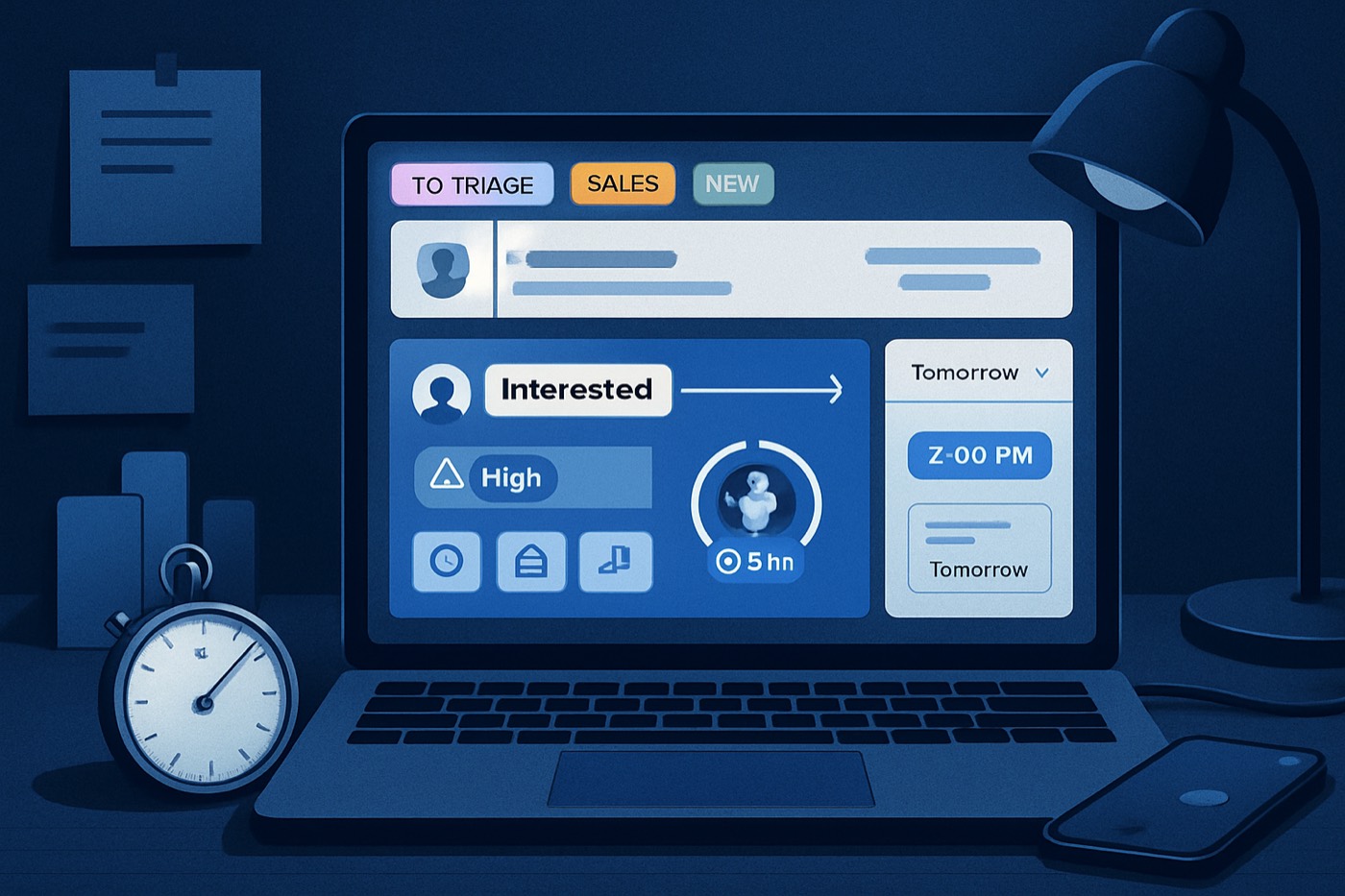
Replies do not die because your copy is weak. They die because nobody owns the inbox.
Most outbound teams run sending like a machine. Then a prospect replies "interested," it lands in a shared inbox, gets misrouted, waits overnight, and turns into "not now." Congratulations. You built a lead gen engine that hands deals to faster competitors.
Speed matters because intent decays fast. Research summarized by InsideSales.com found that contacting a lead within 5 minutes makes you far more likely to connect and qualify than waiting even 30 minutes. The often-cited figures are roughly 100x higher odds of contacting the lead and 21x higher odds of qualifying it. Here is one write-up of that research in CMSWire. It is old, and it still describes most teams today: CMSWire on the InsideSales.com Lead Response Management findings. Harvard Business Review covered the same window in "The Short Life of Online Sales Leads": HBR: The Short Life of Online Sales Leads.
Now the punchline: outbound reply handling is the same problem as inbound speed-to-lead, except your team pretends it is different.
What cold email reply handling actually means (and why teams blow it)
Cold email reply handling is the operational process that turns replies into outcomes.
Not "reply once." Not "be polite." The job is:
- Classify the reply.
- Route it to the right owner.
- Respond inside an SLA.
- Move the thread toward a calendar invite.
- Stop when it is dead.
Teams blow it because they treat replies like a human task list. Humans are inconsistent. They go to lunch. They circle back tomorrow. They lose the context of the original thread. Buyers do not wait for any of that.
And buyers barely give you time to begin with. Gartner has reported that B2B customers spend only about 17% of their buying journey meeting with potential suppliers. If you are late to the reply, you miss your slice of that 17%. Gartner: customers spend 17% of time meeting suppliers
The 12 reply-handling rules (built to book the meeting fast)
Rule 1: Put every reply into one of 6 buckets. No "other."
If your team argues about what a reply "means," you have already lost time.
Use these buckets:
- Hot: interested, sounds urgent, asks for a call, asks about timing.
- Warm: "send info," "maybe," light questions.
- Objection: price, competitor, already solved, not a fit.
- Redirect: forward to X, wrong person, "email my colleague."
- Negative: not interested, stop, unsubscribe threat.
- Out-of-office / auto: OOO, vacation, autoresponder.
Operational requirement:
- Bucket assignment happens automatically on receipt.
- Each bucket has a playbook and an SLA.
This is where pipeline on autopilot actually starts. Not when you hit send.
Rule 2: Write SLAs like you mean it (and measure them)
Reply SLAs that work:
- Hot: respond in 5 minutes.
- Redirect: respond in 5 minutes (this is often the fastest path to a meeting).
- Warm: respond in 30 minutes.
- Objection: respond in 2 hours.
- Negative: respond same day (or immediately if it is an unsubscribe threat).
- OOO: tag it and schedule the next touch for their return date.
Why 5 minutes? Because speed-to-lead research repeatedly shows steep drop-offs once you are past the first few minutes. HBR described how short the window is, and the InsideSales.com data cited by CMSWire quantifies the cost of waiting. HBR and CMSWire.
Metrics to track weekly:
- Median time-to-first-reply by bucket.
- % of Hot replies touched under 5 minutes.
- Meeting rate by bucket.
If you do not track it, your SLA is fan fiction.
Rule 3: The first reply's job is to secure a time, not to educate
Prospect: "Interested." Weak teams: send a 9-paragraph manifesto. Good teams: book the time.
Mini-template: "Interested" (book now) Subject: Re: quick question
Love it. Fastest path: 15 minutes and I'll show you exactly how this works for companies like [ICP].
Two times that work on your end:
- [Option A]
- [Option B]
Or grab any slot here: [calendar link]
If they already showed interest, you do not nurture. You close for the meeting.
Rule 4: Ask one question. One.
Multi-question emails feel like homework. Homework gets ignored.
Examples of one-question qualifiers:
- "Are you the person who owns outbound pipeline?"
- "Is your team booking meetings via cold email today, or mostly inbound?"
- "What does your outbound run on right now?"
Pick one based on your ICP. Then stop typing.
Rule 5: Route by account value, not by territory politics
When a reply comes in, route it using two scores:
- Fit: how well the account matches your ICP.
- Intent: what the reply signals, plus behavior (opens, clicks, website visits, pricing-page hits, and so on).
A Hot, high-fit reply should never wait behind a territory rule. It should go to whoever can book it fastest.
This is exactly why scoring should live in the same system that handles reply ops, so routing happens on signal instead of guesswork: signal scoring feeding the outbound pipeline.
If you want the scoring method instead of vibes, read the fit + intent scoring playbook.
Rule 6: "Send info" is not a request. It is a stall. Treat it that way.
"Send info" usually means: "I don't know yet if I care."
Do not dump a deck. Give a two-line answer and force a binary next step.
Mini-template: "Send info" Subject: Re: info
Yep. In one line: we [result] for [ICP] by running outbound end to end until the meeting is booked.
Worth a 10-minute look, or should I send a 3-bullet summary and close the loop?
If they say "summary," send three bullets, then ask for a time again.
Rule 7: Price questions get a range plus a filter. Not a negotiation.
Prospect: "How much is it?" They are really asking "is this even in the realm of possible?" Answer that. Then qualify.
Mini-template: "Price?" Subject: Re: pricing
Depends on volume and scope. Typical range is $X to $Y.
Quick one: are you trying to book meetings for one offer, or multiple (agency / multi-client)?
Then route:
- One offer: book a fast demo.
- Multi-client: book and bring proof.
If your product has a simple price, say it. If you hide it, prospects assume enterprise nonsense.
Chronic's positioning is deliberately plain: one flat plan that runs outbound end to end, not a per-seat meter. When you contrast that with tools that charge per seat and still need extra software bolted on, it lands. If you want the comparison: how AI sales tool pricing works in 2026 and why per-seat pricing punishes outbound teams.
Rule 8: "Not now" needs a scheduled next step or it is dead
"Not now" without a date is a polite no.
Mini-template: "Not now" (date it) Subject: Re: timing
All good. When does "now" become real: next week, next month, or next quarter?
Give me the window and I'll follow up once with something relevant. If not, I'll close this out.
This works because it creates a clean exit, and prospects respect a clean exit.
Rule 9: "Who are you?" means your thread lost context. Re-anchor in 2 lines.
This happens when they forward internally or your follow-up lands at the wrong moment. Do not get defensive.
Mini-template: "Who are you?" Subject: Re: context
Totally fair. I'm [Name] at [Company]. I reached out because we work with [ICP] to [specific result].
Still the right person for outbound pipeline, or should I talk to someone else?
Rule 10: "Forward to X" is gold. Treat it like a handoff, not a new cold email.
Prospect: "Email my colleague Sarah." Most teams start over with Sarah like a stranger. That throws away the warmest signal you just got.
Do this instead:
- Thank the referrer.
- CC them.
- Use the referrer's words.
- Ask for time.
Mini-template: "Forward to X" Subject: Re: loop in Sarah
Perfect, thanks. I'll loop Sarah in here.
Hi Sarah, [Referrer] suggested I reach out. We're seeing [result] for [ICP] by [one-line mechanism].
Open to a quick 15 minutes this week? If yes, pick:
- [Option A]
- [Option B]
This one change lifts meetings because the social proof is already baked in. No copy gymnastics required.
Rule 11: Unsubscribe threats get immediate compliance and a calm reset
Prospect: "Stop emailing me." Do not argue. Do not try "just one more question." That is how you earn spam complaints.
If you run outbound, you should also understand complaint thresholds and why even tiny numbers matter: why a small B2B cold email spam-complaint rate is a big problem.
Mini-template: "Unsubscribe threat" Subject: Re: understood
Got it. I've removed you from my list.
If you'd like me to suppress your whole domain for future outreach too, say the word and I'll do that.
Short. Clean. Professional.
Rule 12: Know when to stop (and write it down)
Inbox purgatory burns out reps. It also corrupts reporting. Set hard stop rules.
Stop rules that work:
- 2 unanswered booking asks after a positive reply.
- 3 total replies where they never answer the one question you asked.
- Any explicit "not interested."
- Any legal or compliance warning.
Then:
- Mark the outcome.
- Tag the reason.
- Suppress or recycle based on that reason.
If you cannot answer "why did we lose this?" at scale, your pipeline reporting is just vibes.
Reply triage in practice: the 5-minute workflow (copy this)
Here is the operational loop you want.
- Reply arrives
- Auto-label the bucket (Hot, Warm, Objection, Redirect, Negative, OOO).
- Score it
- Fit score plus intent score.
- Route it
- Hot and high-fit goes to the fastest closer, not the most territorial.
- Respond
- Use the right template.
- Ask one question or propose two times.
- Book
- Calendar link as the fallback, not the only CTA.
- Log the outcome
- Meeting booked, disqualified, nurture date, or suppressed.
If you want the infrastructure side, and why follow-ups can wreck deliverability when done wrong: why deliverability collapses after follow-ups.
Mini-template library (common cold email replies)
Keep these in a snippet tool. Better yet, have the system draft each one with the right context every time.
1) "Interested"
Love it. 15 minutes to see if this is real for you.
Two times:
- [A]
- [B]
Or grab a slot: [link]
2) "Send info"
Happy to. One quick question first: is the goal more meetings, or less SDR headcount?
(Then send the right 3 bullets.)
3) "What's the price?"
Typical range is $X to $Y depending on volume.
Are you running outbound for one product or multiple (agency / multi-client)?
4) "Not now"
When should I follow up, next month or next quarter?
Give me a date and I'll follow up once. If not, I'll close this out.
5) "Who are you?"
I'm [Name] at [Company]. Reached out because we [result] for [ICP].
Are you the owner of outbound pipeline?
6) "Forward to X"
Perfect, thanks. Looping [X] in here.
Hi [X], [Referrer] suggested I reach out. Open to 15 minutes this week? [A]/[B]
7) "Remove me / unsubscribe"
Understood. Removed.
Want me to suppress your whole domain too?
Why a sending-only tool loses deals in the inbox
Sending-only tools optimize for volume. They do not run reply ops.
What breaks with "just a sender":
- Replies land in Gmail, then Slack, then "who owns this?"
- No consistent bucketing. No SLA. No routing.
- No fit and intent scoring tied to actual behavior.
- No pipeline updates. No closed-loop reporting.
- No follow-up while the rep is asleep.
This is the gap an autonomous revenue operator is built to close. Chronic is an AI sales agent that runs outbound end to end and books the meeting, with you approving the decisions that matter:
- Builds your ICP: ICP builder
- Enriches contacts: lead enrichment
- Writes and sends the email from managed, warmed mailboxes: AI email writer
- Scores replies and prioritizes the hot ones: signal scoring
- Tracks the whole thread in one place: outbound pipeline
The difference is who does the reply work. A sending tool stops at "sent." The operator keeps going: it classifies the reply, hits the SLA, proposes times, handles the back-and-forth, and books, then surfaces an approval when a human should weigh in.
Most rivals are good at one piece:
- Apollo finds contacts. Chronic vs Apollo
- HubSpot tracks the pipeline, then your team still does the reply work by hand. Chronic vs HubSpot
- Salesforce charges an enterprise tax for the privilege of building this workflow yourself. Chronic vs Salesforce
Chronic runs the whole job, reply ops included. That is the point.
FAQ
What is cold email reply handling?
Cold email reply handling is the process of classifying, routing, and responding to cold email replies to drive a concrete outcome, usually a booked meeting. It includes SLAs, templates, qualification rules, and stop rules.
What SLA should we set for "interested" replies?
Set 5 minutes for "interested" and "forward to X." Speed-to-lead research shows large drop-offs within minutes. HBR described how fast leads decay, and the InsideSales.com findings cited by CMSWire quantify the value of fast contact. HBR and CMSWire.
Should we always drop a calendar link in the first reply?
Use it as a fallback. Lead with two proposed times, since that reduces friction and feels human, and keep the calendar link for prospects who prefer to schedule themselves.
How do we handle "send info" without wasting time?
Answer in one line, then force a binary next step: either book 10 to 15 minutes, or send a 3-bullet summary and close the loop. Long decks create zero momentum.
When do we stop following up on a positive reply?
Stop after 2 unanswered booking asks, or after 3 total replies where they ignore the single question you asked. Write the rule down. Otherwise your team lives in inbox limbo and your reporting rots.
Why not just use a sending tool like Instantly and handle replies by hand?
Sending volume is not the bottleneck once replies start arriving. The bottleneck is triage, SLA, routing, and consistent execution. A sending-only tool cannot run reply ops; an autonomous revenue operator does it for you, end to end, until the meeting is booked.
Build your 5-minute reply engine this week
Do this in order. No debates.
- Create the 6 reply buckets.
- Set the SLA table (Hot and Redirect at 5 minutes).
- Write one template per bucket. Keep them brutally short.
- Add one-question qualifiers for Warm and Objection replies.
- Define stop rules and enforce them.
- Track median time-to-first-reply and meeting rate by bucket every Friday.
Then decide whether to keep duct-taping sending tools together, or hand reply ops to an operator that runs it for you and stops losing deals to your own inbox.